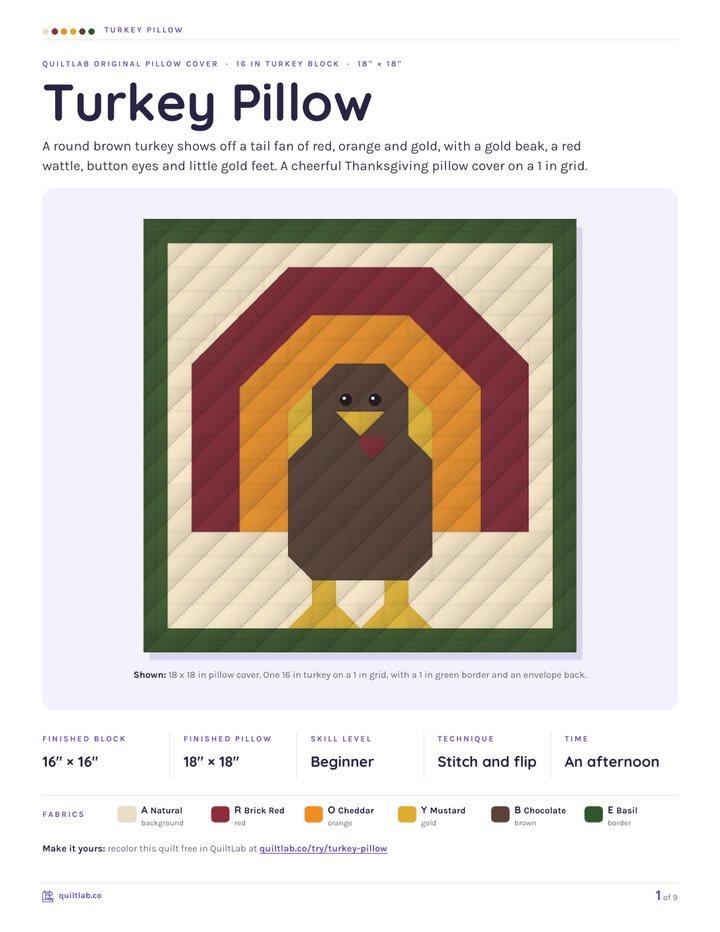
Turkey Pillow
Quilt patternBeginner · 18″ × 18″ pillow
Comparing the two most popular quilting ruler brands head-to-head. We evaluate grip, marking clarity, durability, and value to help you choose the right ruler system for your cutting station.
| Feature | Creative Grids 6.5x24.5 | Omnigrid 6x24 |
|---|---|---|
| Price | $25 - $35 | $18 - $25 |
| Non-slip grip | Full-surface patented grip | Dot pattern |
| Marking type | Laser-etched | Printed |
| Marking durability | Permanent | Can fade over time |
| Visibility on dark fabric | Good | Excellent (dual-color) |
| Thickness | Thicker, rigid | Standard, slight flex |
| Size | 6.5" x 24.5" | 6" x 24" |
| Angle markings | 30, 45, 60 degrees | 30, 45, 60 degrees |
Our Pick
The Creative Grids ruler is the better investment for quilters who cut regularly. The non-slip grip alone justifies the price premium — ruler slippage causes more wasted fabric and frustration than almost any other cutting issue. Laser-etched markings that never fade mean this ruler will outlast several Omnigrids. That said, the Omnigrid is an excellent budget choice, especially for quilters building their first toolkit. Its dual-color markings are actually more visible on dark fabrics than Creative Grids. If budget is a concern, start with the Omnigrid and upgrade to Creative Grids when you are ready to invest in your cutting setup.
Some of these links are affiliate links: QuiltLab may earn a commission if you buy through them, at no extra cost to you.
Printable PDF patterns with cutting charts and diagrams, free to download.
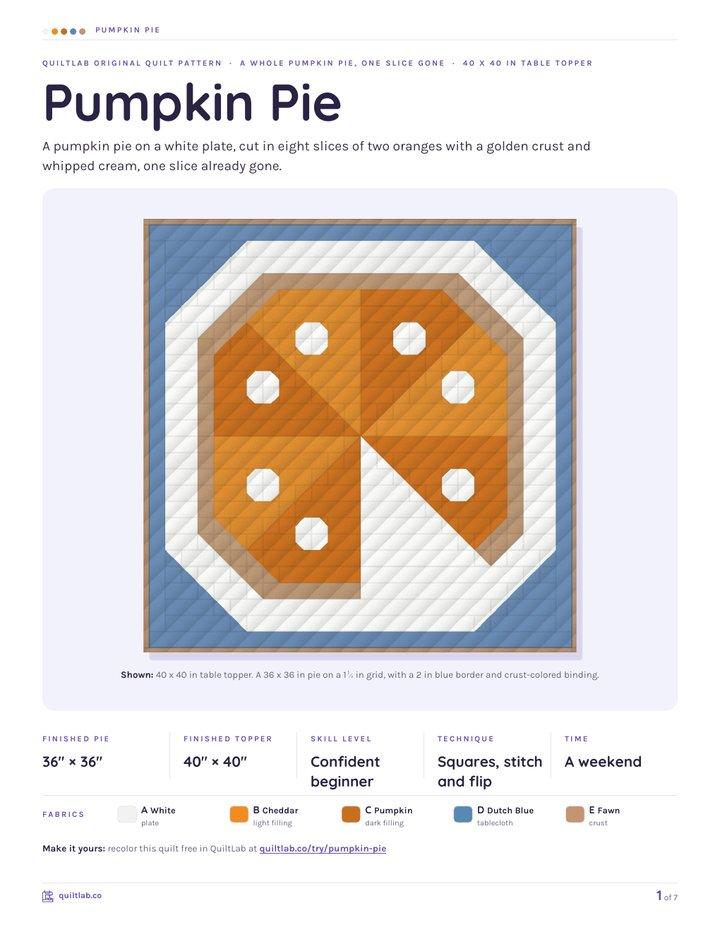
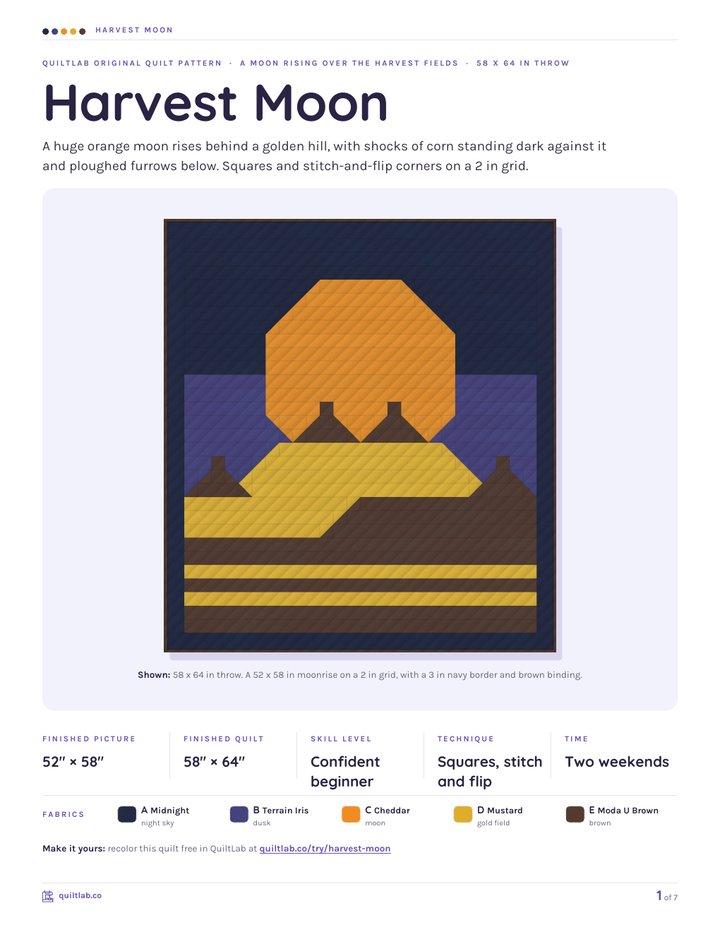
Lay out blocks and try colors in QuiltLab's grid editor before you cut.
Free forever, no card needed.
QuiltLab updates, tips and quilting inspiration. Unsubscribe anytime.
Comments