
Fabrics and libraries
Fabric Editor: Prepare Fabric Images
Crop and size fabric images, save fabrics, reuse them in your designs and learn the keyboard shortcuts.
Updated Nov 11, 2026•5 min read•beginner
swatch-editorsaving
User guide
Find your way around the editors, learn how to save and reuse your work, and look up the next step for your design.
Choose a guide for the work you want to make, or search for a specific task below.
8 guides
Fabrics and libraries
Crop and size fabric images, save fabrics, reuse them in your designs and learn the keyboard shortcuts.
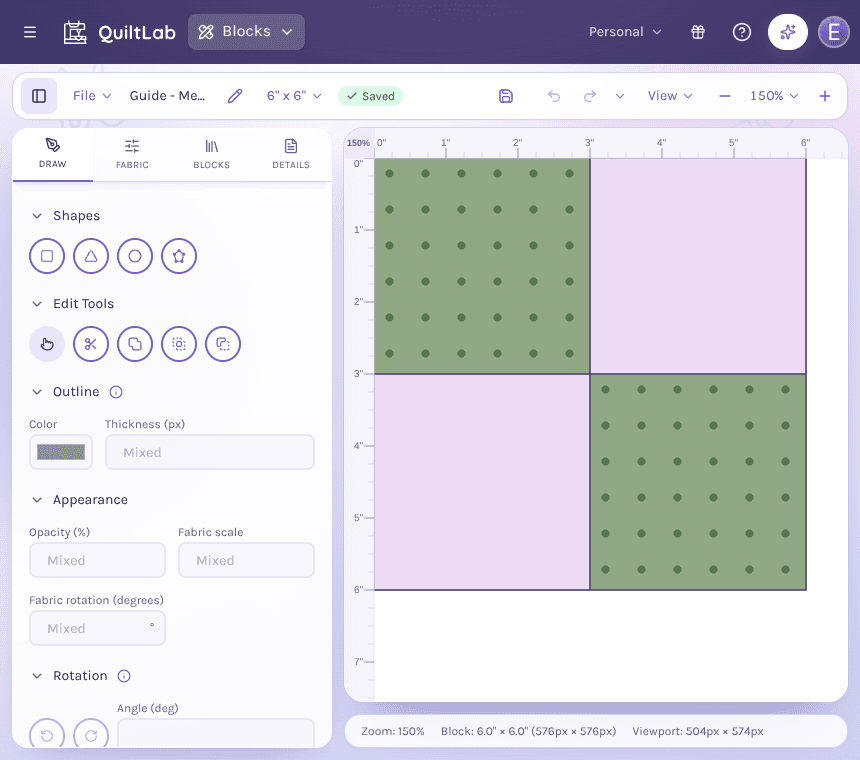
Block design
Draw pieces, assign fabrics, save blocks for your quilt layouts and learn the keyboard shortcuts.

Quilt design
Build a block layout, draw freeform pieces or turn a photo into a mosaic, with every keyboard shortcut.
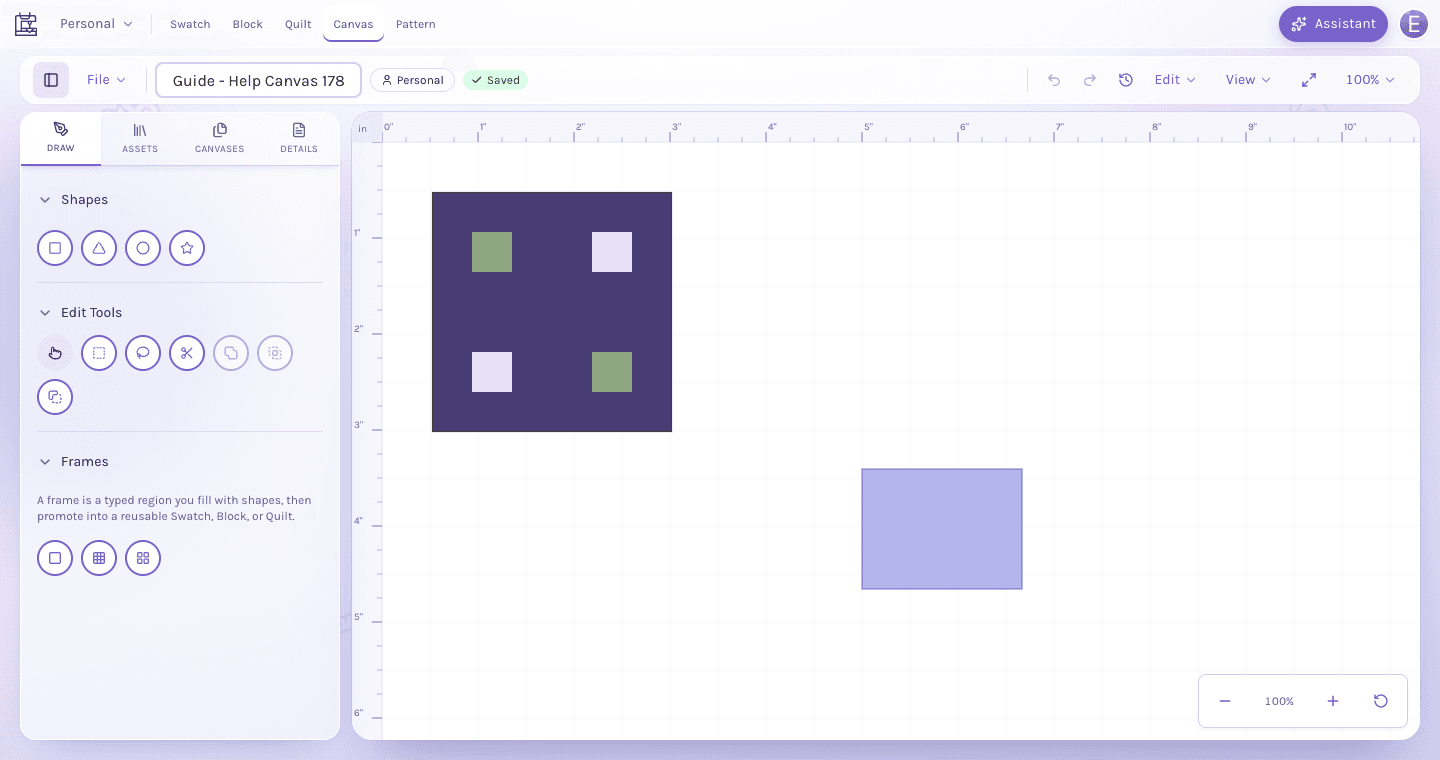
Canvas
Combine images, text, shapes and library assets on a personal or project canvas.
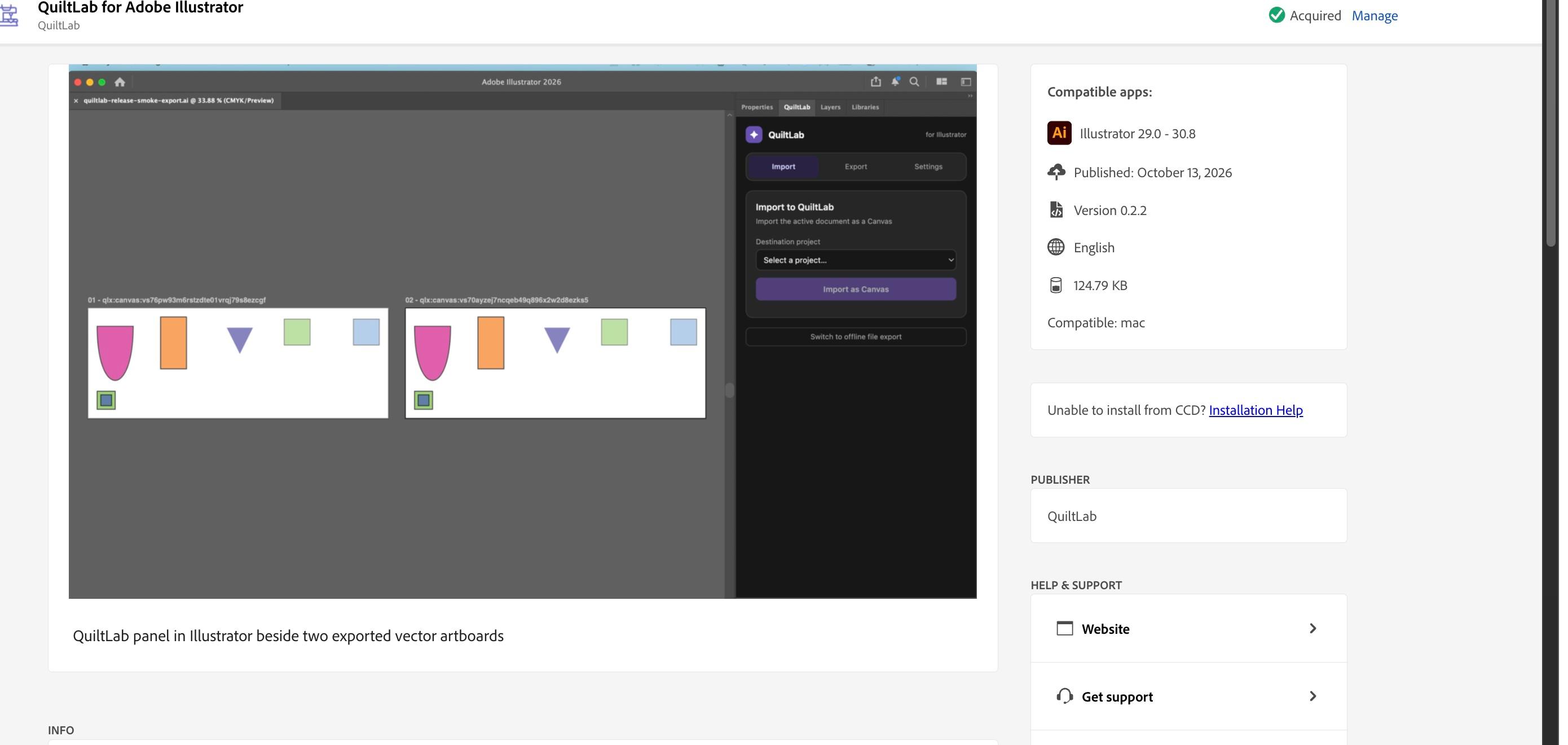
Canvas
Install the free Mac plugin from Adobe Marketplace, connect your QuiltLab account, and import or export supported vector artwork.

Pattern writing
Arrange pages, instructions and diagrams, then check and download a PDF.

Sewing diagrams
Draw diagram pieces, add lines and labels, and reuse diagrams in patterns.

Saving and recovery
Understand save feedback, private drafts, sharing and library ownership.