See your next quilt in your fabrics.

Try colors, blocks and sizes, then keep editing this exact quilt.

Harbor Sawtooth Star · Throw 60″ × 72″ · 30 blocks of 12″
Colors
Browse free patterns

No account needed to try this quilt or the editor. Saving it to your library takes a free account.

Block
Size
Harbor Sawtooth Star, 60 by 72 inches

Free forever, no card needed

What would you like to make?

Pick a starting point. Each one opens something you can change right away, without an account.

Preparing quilt preview...

A simple first quilt

Beginner patterns built from squares and strips, with the finished size on every card.
  1. Choose a beginner pattern
  2. Check its finished size and skill level
  3. Open it in QuiltLab to make it yours (free account)
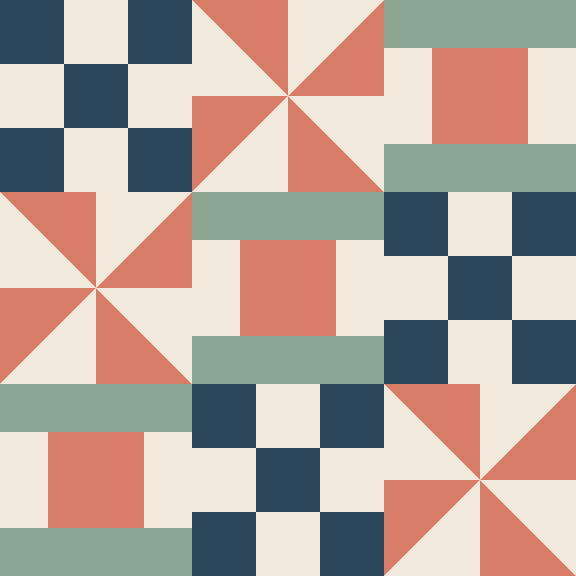
A star quilt

Opens Ohio Star and Snowball blocks in the grid editor, ready to recolor, resize and swap.
  1. Change the number of rows and columns
  2. Choose other blocks from the library

A photo quilt

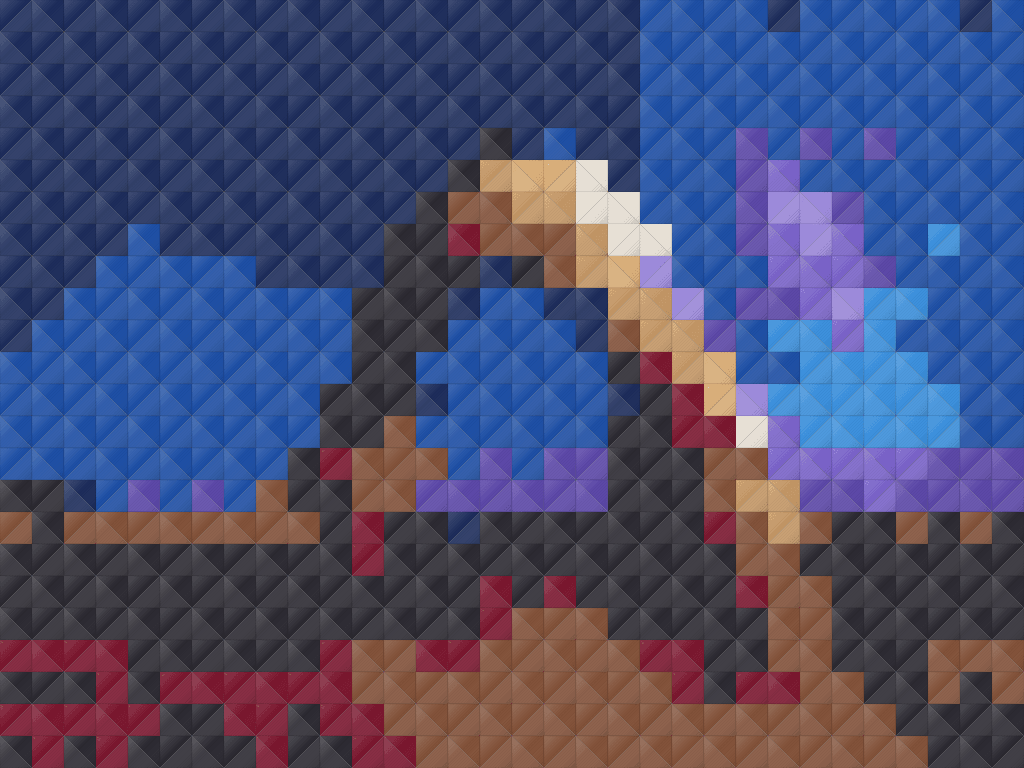
Turns a picture into fabric patches. It starts with a sample photo so you can see how it works.

A quilt with my fabrics

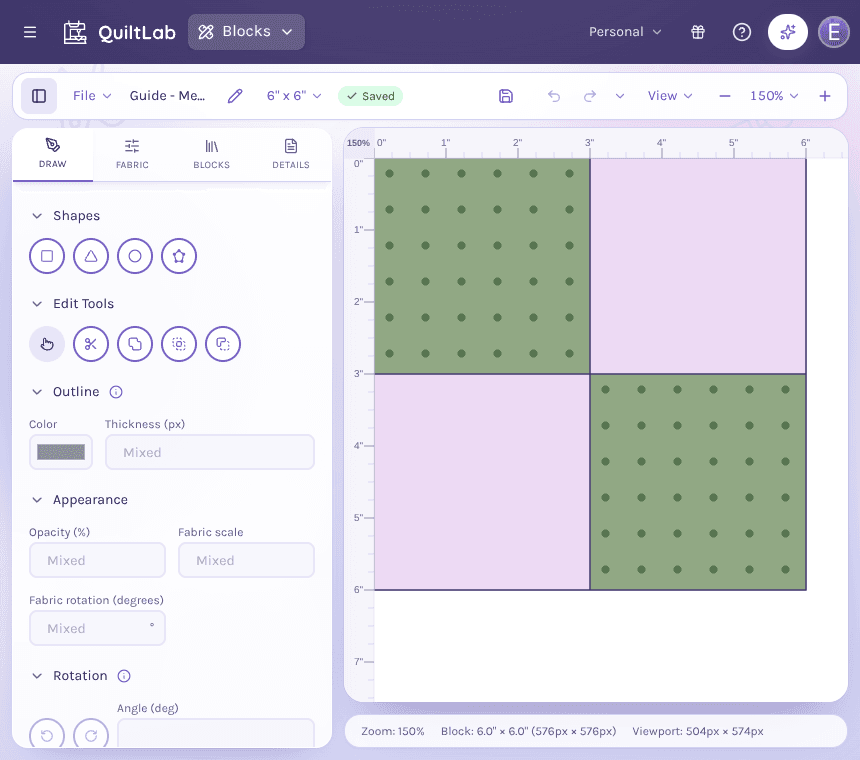
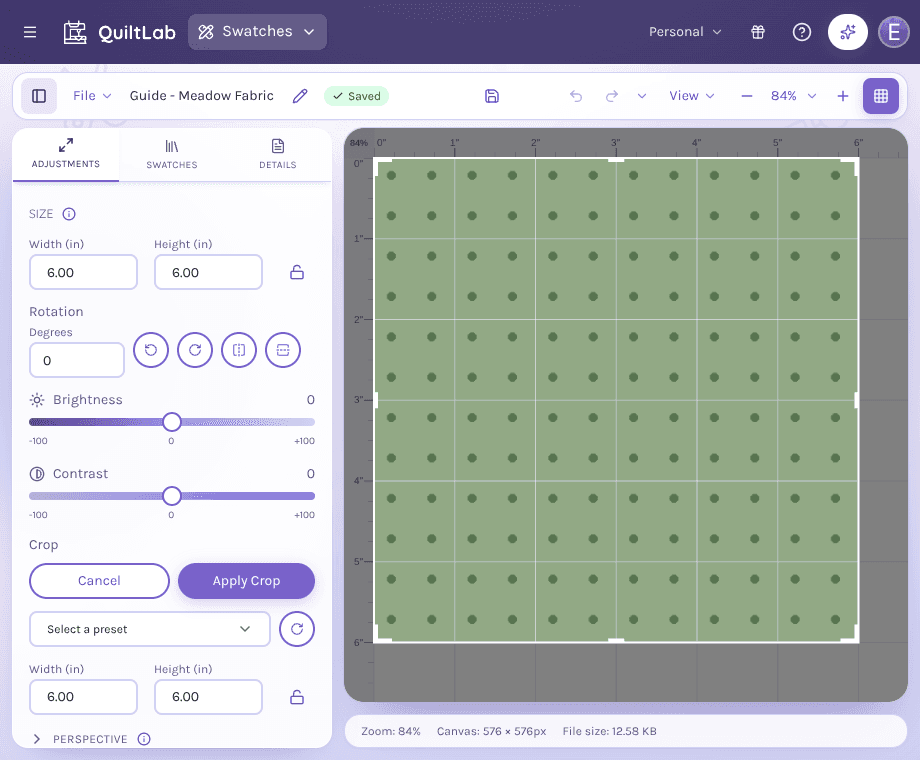
Photograph a fabric you own, crop it and set its printed size in inches, so prints show at their real scale in your quilt.
  1. Try a sample fabric first, no upload needed
  2. Uploading your own fabric photos takes a free account

See it work

Short recordings of QuiltLab itself, at normal speed. Captions are on, and the words are below each one too.

Change a quilt's colorsColors, block and size, then the editor · 16 s
Read the transcript

Start from a real quilt: a 60 × 72 in Sawtooth Star. Choose colors. Each palette redraws the quilt instantly. Try another block: Nine Patch, then Log Cabin. Pick a size. Baby is 36 × 48 inches, 12 blocks of 12 inches. Edit this quilt opens the same quilt in the editor, with no account.

Try the sample quilt
Use a fabric at its real sizeA sample fabric, sized in inches · 17 s
Read the transcript

Open the Fabric Editor and try a sample fabric. No upload needed. The rulers and status bar show its printed size in inches. Set the size you measured on the real fabric, here 4 inches wide. Prints now show at their real scale wherever you use this fabric. Saving it, or uploading photos of your own fabrics, takes a free account.

Open the Fabric Editor
Start a pattern pageA fabric and cutting page, then PDF export · 19 s
Read the transcript

In Pattern Builder, add a page from a template. Fabric & Cutting adds a fabric requirements table and a cutting chart. Fill in the yardage and cuts for your quilt. File, Export PDF prints pages at actual size. Exporting the PDF takes a free account.

Open Pattern Builder

Made with QuiltLab

Counted from QuiltLab accounts and updated daily.

fabrics added
400+
quilters signed up
200+

Free forever, no card needed

Try everything on this page without an account. A free account keeps your work, and a paid plan adds room and credits.

Try it now

No account

  • The sample quilt and every editor, in your browser
  • Stock blocks, catalog fabrics and a sample fabric
  • Free answers from the AI Designer
  • Your work stays in this browser until you save it

Keep it with a free account

$0, no card

  • Save 25 quilt designs, 100 fabrics and 60 blocks
  • Upload photos of your own fabrics
  • Export images and 10 PDFs a month
  • 3 quilt patterns a month
  • 1 premium pattern a month, then $6 each
  • A 250-credit AI trial for 14 days from your first AI message (about 3 designs)

Grow with a paid plan

Maker or Pro

  • Room for 100 quilts and 1,000 fabrics on Maker, unlimited on Pro
  • 15 quilt patterns a month on Maker. Extra quilt patterns 50% off
  • 5 premium patterns a month on Maker, 10 on Pro
  • 30 quilt patterns a month on Pro Monthly. Extra quilt patterns 62% off
  • Unlimited patterns with Pro Annual
  • Unlimited PDF exports and EQ8 imports
  • 1,000 or more credits a month

Questions

What do I need to use QuiltLab?
A web browser. The editors are made for a computer; on a phone they open a preview, and you can send yourself a link to keep going on your computer. The sample quilt and the AI Designer work on a phone too.
Can I design with fabric I already own?
Yes. Photograph a fabric, crop it and set its printed size in the Fabric Editor, then use it in any quilt. You can try a sample fabric first; uploading your own photos takes a free account.
Do I need an account?
Not to try. Your design stays in this browser as a draft. To save it to your library and open it on another device, create a free account; we bring you back to the same quilt.
What can I take away?
With a free account you can export quilt images, SVG files, mockups and block guide PDFs (10 PDFs a month on Free). Our free patterns say how each one was made and checked; none has been test-sewn by us.
Do I have to use AI?
No. Every editor works without it. The AI Designer is there when you want ideas or quick changes; it uses credits. A new Free account gets a 250-credit trial for 14 days from its first AI message, and every plan can add credit packs.
Who can see my designs?
Only you, unless you choose to share or publish one. Read the privacy policy for the details.
Where do I get help?
The Help Center has step-by-step guides, and every editor has a Help menu. To reach a person, email support@quiltlab.co. The AI Designer is an assistant, not a person.

Keep going with Harbor Sawtooth Star

Throw, 60″ × 72″. Open it in the editor to change blocks, fabrics and borders. No account needed until you save.

Find your way into QuiltLab

Start with the work you want to make, or bring the tools and designs you already use.