


QuiltLab Update: What the Editors Can Do Today (and a Correction)
This QuiltLab update corrects an earlier announcement of "Advanced Pattern Recognition." That version described block auto-complete, color suggestions and recognition of traced vintage blocks as released features. They were not released as announced. The post should not have presented them as available, and we are sorry for the confusion.
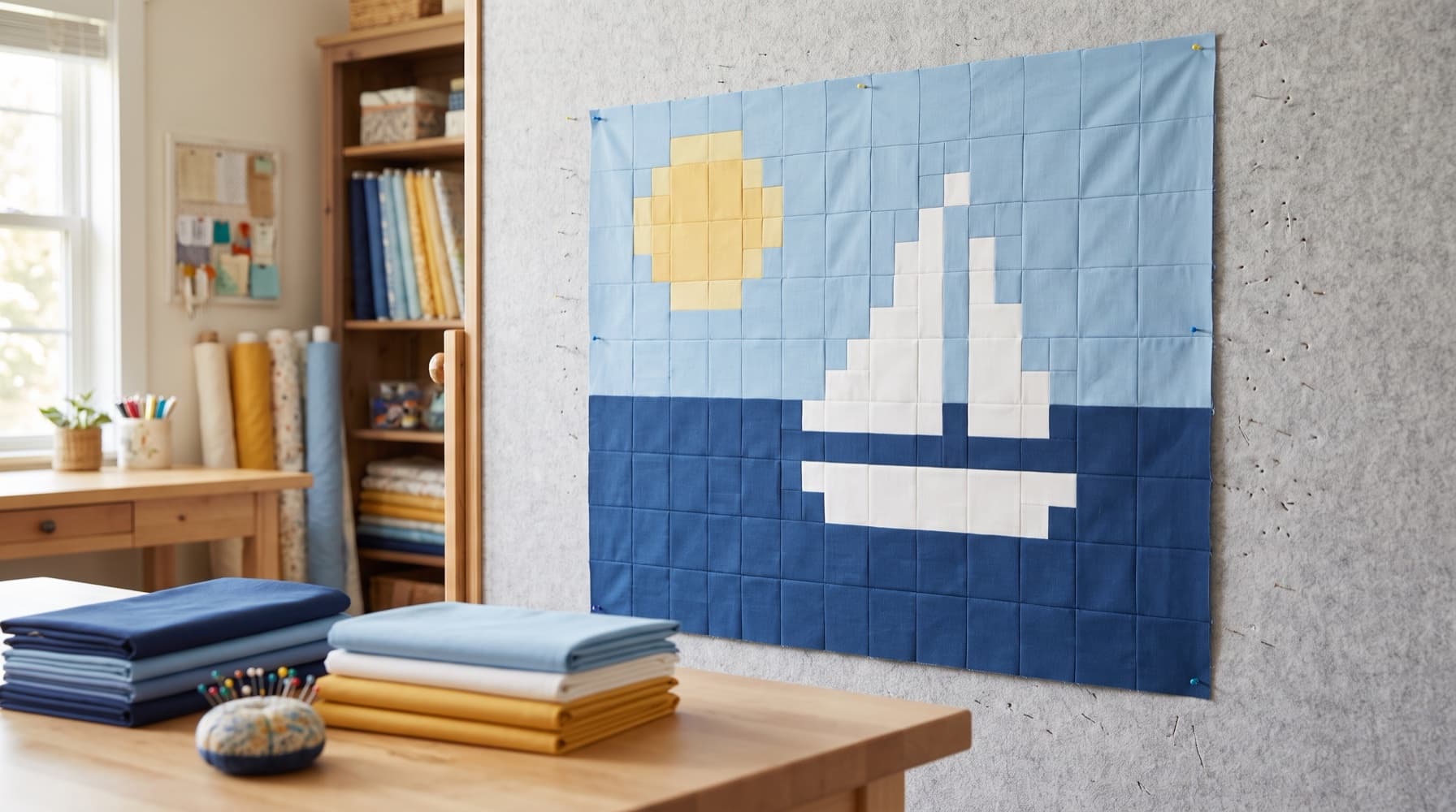
The capabilities below were reviewed on October 13, 2026. This remains a correction and a guide to checking what you can rely on. For a broader introduction, read Getting Started with QuiltLab. The cover is an AI-generated illustration; it is not a photograph of a quilt we made or output from the product.
Separate a design preview from a construction promise
Drawing a block, choosing a fabric and exporting a page are different operations. An attractive preview does not establish cutting quantities, sufficient yardage or a tested sewing sequence. Start with the task you need to complete, then inspect that task's result.
| Your task | Current tool or workflow | What to check separately |
|---|---|---|
| Prepare a fabric photograph | Swatch Editor | Measured image dimensions and completed save |
| Draw reusable pieces | Block Editor | Geometry, fabric assignment and physical cutting requirements |
| Arrange a quilt | Quilt Editor | Finished layout dimensions, borders and saved destination |
| Interpret a photograph | Photo Mosaic | Chosen mode, generated result and the relevant guide |
| Write sewing instructions | Pattern Builder and Diagram Editor | Your calculations, instructions and downloaded PDF |
| Work with other people | Projects | Asset type, member permissions and which version is shared |
The QuiltLab Assistant is described in its own current article. Its conversational design workflow should not be read as confirmation that the older pattern-recognition announcement was accurate. Likewise, the API and MCP overview documents current integration routes separately from this correction.
Photo Mosaic interprets an image in a chosen mode
In the Quilt Editor, use File > New Quilt… and choose Photo Mosaic. The settings offer Squares, Triangles and Applique. Squares and triangles make different patch arrangements; Applique traces color regions into shapes and requires paid access. These are image-to-design workflows, not recognition of a vintage block's original construction instructions.
For pieced mosaics, the controls include Patch width (in), Patch height (in), Block width (in), Block height (in), Columns and Rows. Maximum colors controls the palette limit, from 4 to 64. Adjusting settings is only preparation: inspect the generated result before relying on it.
The pieced modes offer Preview & export block guide after a result exists; Applique uses Preview & export applique guide. Do not treat a triangle count as a number of square cuts or an appliqué region as a pieced square. Follow the output for the mode you chose, check the downloaded file and plan physical construction accordingly. See Creating Your First Photo Quilt for the focused mosaic workflow.
Account limits and access rules still apply to uploads, tracing and PDF operations. Check current pricing and the message shown in your account before depending on an export or paid operation. A visible setting or preview is not proof that a download has completed.
Fabric scale and motif placement need measured inputs
Use File > Upload Image… in the Swatch Editor, then check the photograph's real-world dimensions in the inspector. Those measurements give the fabric image its scale reference. A screen can help you compare a print with a block, but the actual cloth determines color, grain, usable area and cutting suitability.
For an angled photograph, Auto-adjust perspective is an available correction tool. Inspect its result rather than assuming that an automatic adjustment preserved every measurement. The Swatch Editor guide explains preparation and saving. A newly uploaded image is an unsaved browser draft until its first named save; wait for Saved before relying on the account copy.
In the Block Editor, Fussy Cut adjusts fabric placement within a fabric-filled piece. It helps audition which part of a print appears there. It does not cut cloth or prove that enough matching motifs exist in your yardage. Our fussy-cutting guide covers the physical repeat and usable-window checks; the Block Editor guide covers drawing and saving pieces.
Where placed blocks define fabric groups, the Quilt Editor's Quilt fabrics panel lets you choose the group's fabric for that quilt. Suggest fabrics offers candidates for those groups. A suggested fabric still needs your review; it is not proof of physical availability or sufficient quantity.
Check finished dimensions before calculating cuts
The Quilt Editor guide identifies Layout as the place to inspect finished dimensions, block sizes and grid counts. A border's displayed width is a finished width. Those numbers describe the planned visible geometry rather than every physical cut you must make.
For an original planning check, suppose a complete Standard layout has six columns and six rows of 12-inch finished blocks, without borders:
- Width: 6 x 12 = 72 inches.
- Height: 6 x 12 = 72 inches.
- Block positions: 6 x 6 = 36.
An empty grid can describe that area without containing 36 placed blocks. Check the placements as well as the dimensions. If you plan one 1-inch finished border around all four sides, it adds 2 inches to each overall dimension, giving 74 x 74 inches.
That arithmetic does not establish border strip cut widths, corner construction, backing, binding or seam allowances for the blocks. Record those separately using the chosen construction method. This is a dimension check, not a sewn sample or a claim that QuiltLab generated a complete cutting list. The pattern-writing guide explains why finished measurements and construction instructions need separate checks.
Review block changes instead of silently replacing them
Saving an edited library block does not automatically replace every occurrence in an existing quilt. In the Quilt Editor's Blocks tab, open Block updates. Select placements to check those blocks, or leave nothing selected to check all placements.
When a newer library version is available, compare Saved in quilt with Library update before choosing Accept update. Closing the dialog leaves an offered update unaccepted. This lets a quilt retain the earlier version deliberately.
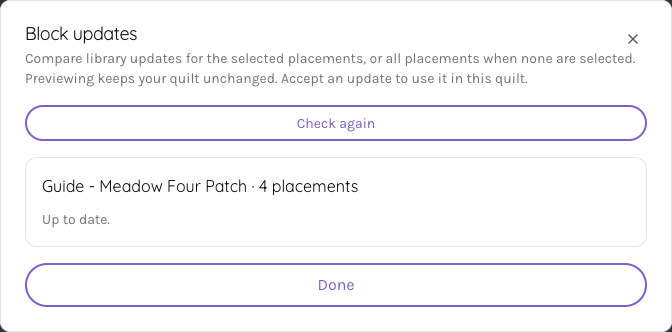
This reviewed help screenshot shows placement status. It is not evidence of an accepted update or an exported quilt.
An accepted block update changes this quilt. In a project quilt, the edit remains in your private draft until you choose Update project quilt. The saving and projects guide explains that distinction.
Saving, sharing and publishing are different checkpoints
Project Swatches, Blocks and Quilts use private drafts. Saved privately does not mean project members can see the edit. Use Save to Project for a Swatch or Block, or Update project quilt for a Quilt, when you intend to update the shared version.
Project Canvases and Patterns save directly to their shared documents under the existing permissions. Their edits do not use the same private-draft checkpoint. Check the destination, asset type and your role before editing. The earlier wording that all shared-design edits stay private was too broad.
Pattern Builder arranges your text, tables, images and diagrams on pages. Choose File > Page size... for the format and File > Export PDF… for a download. PDF access depends on the account's applicable allowance. Wait for the file, open it and check its pages; saving the pattern alone does not verify export. The Pattern Builder guide covers those checks.
Publishing a pattern is a separate action from saving it. The Diagram Editor guide likewise distinguishes ordinary saving, Publish Version and Done when returning from an inline diagram. A table or diagram is a place to explain your work, not evidence that the software tested its sewing instructions.
Check imports and use the current help
EQ8 .pj8 import requires paid access and can bring supported fabrics, pieced blocks and quilts into QuiltLab. It does not promise lossless interpretation of every EQ8 project or layout. Keep the source file and compare the imported result; the EQ8 comparison describes the import's boundaries. Check current pricing for access details.
Find written guides in the Help Center. In the Quilt Editor, the QuiltLab menu at the top left contains Quilt Editor help and shortcuts and Help Center. Follow the current editor's reference rather than assuming every editor has an identically placed Help menu or the same shortcuts.
If a result does not match the documented behavior, use Feedback in the app or email support@quiltlab.co. Describe the task, editor, settings and observed result. That gives us a concrete issue to investigate while keeping this correction clear about what was actually released.
Related posts
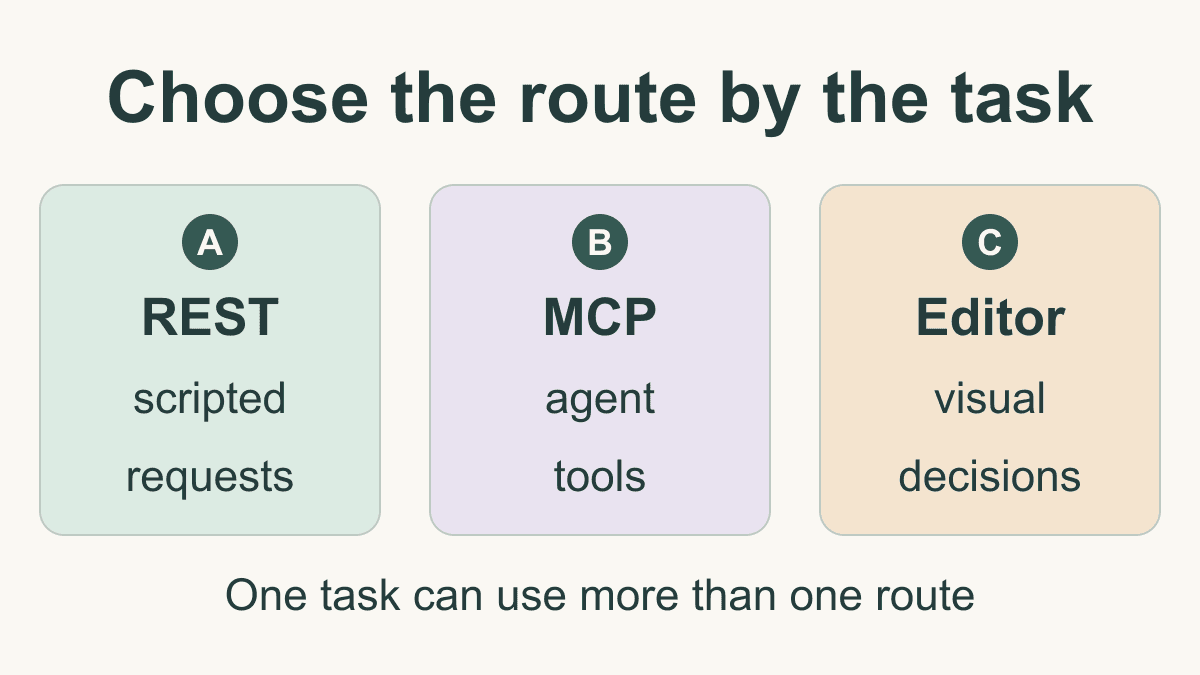
QuiltLab API and MCP: Choose a Route for Your Task
Choose REST, MCP or the QuiltLab editor for a task, with a verified anonymous supply read and a practical handoff record for later design work.
AI Quilt Design: Describe, Review and Edit in QuiltLab
Follow a real QuiltLab assistant prompt through proposal review, saved editing and SVG export, then independently check the square-patch construction math.
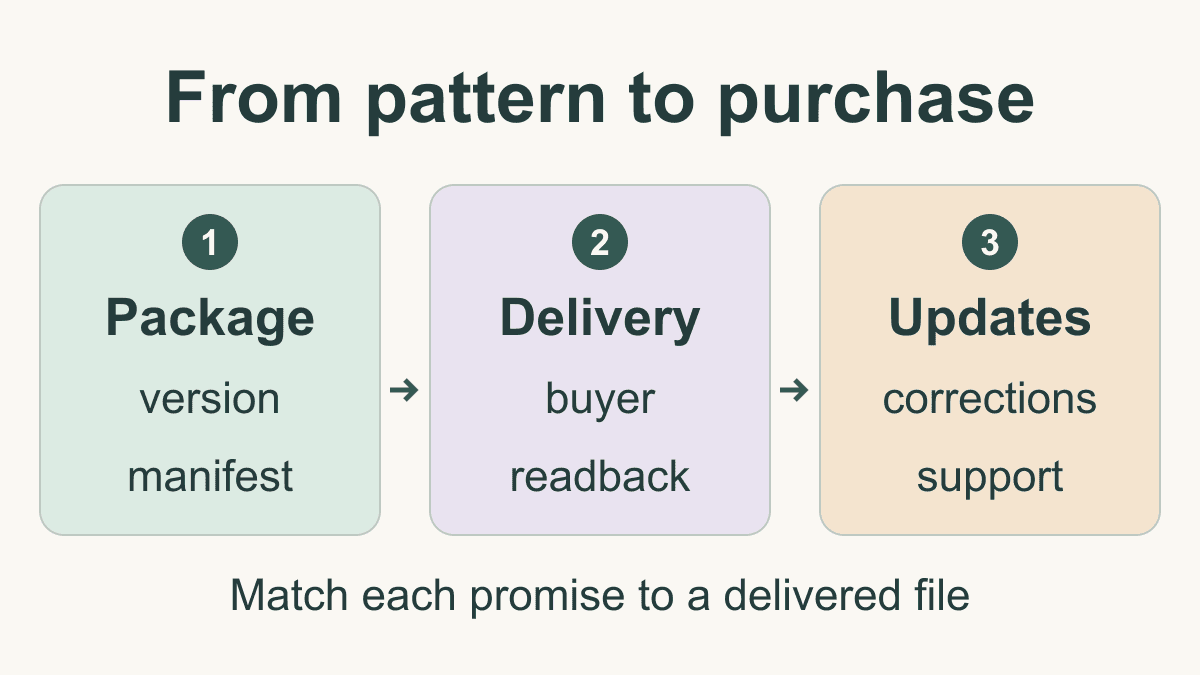
How to Sell Quilt Patterns: Package and Delivery
Prepare a clear pattern listing, a versioned download package and a delivery check, with a plan for access, support and corrections.