Can I use photos of fabric I already own?
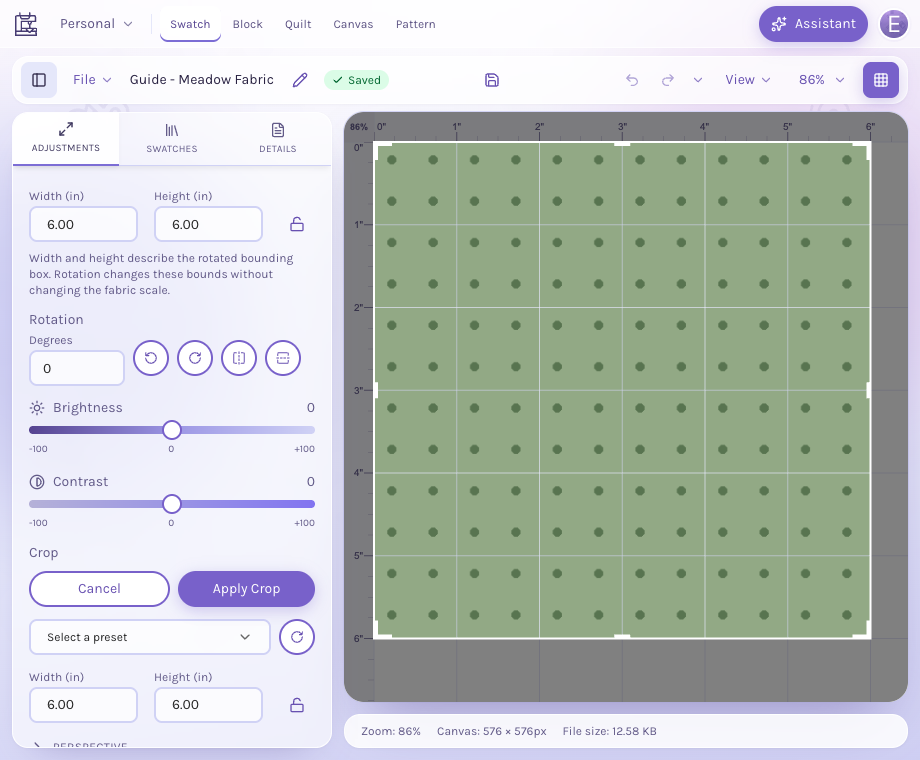
Yes. Prepare the photograph in the Swatch Editor, save it to your account, and use the swatch in your blocks and quilts. Photograph a flat, evenly lit area and include a known measurement for scale.
For fabric and color planning
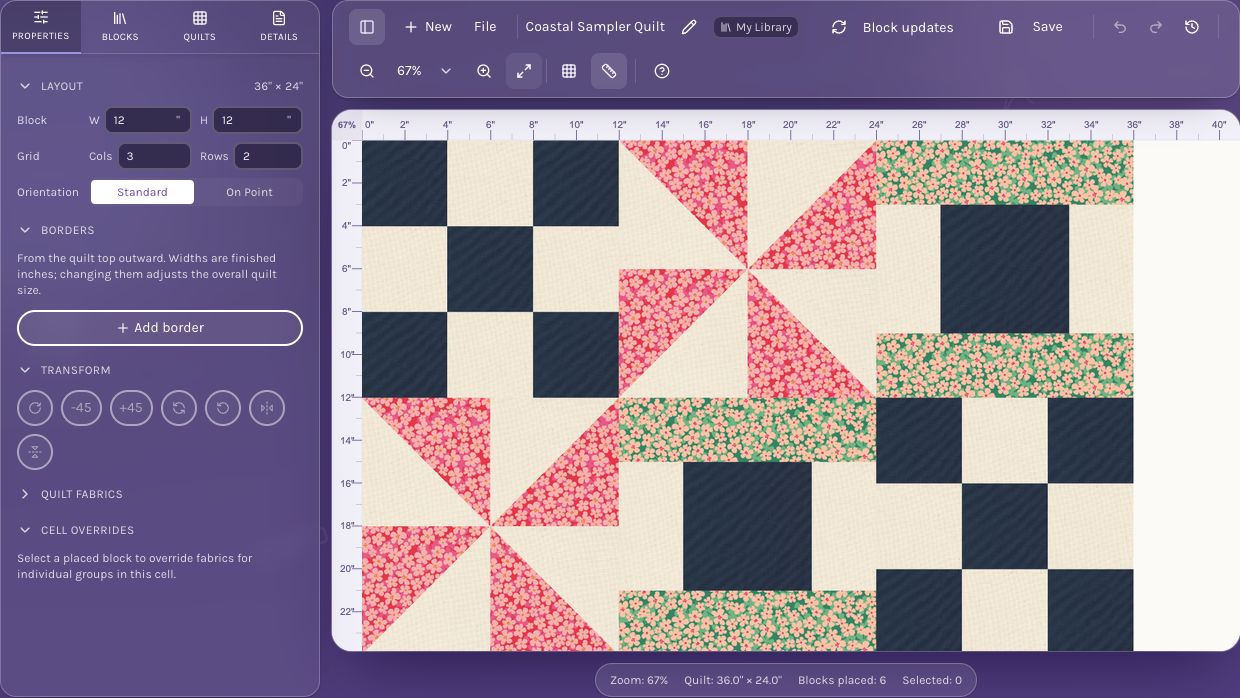
Start with the fabric you already own or a collection you are considering. Put it into a quilt layout, adjust the print scale, and compare the way different colors and prints work together.
Designing works best on a desktop or laptop. Sign in to save your fabrics and designs.
Prepare a fabric photoFrom your idea to your next step
Photograph your own fabric and prepare it in the Swatch Editor, or search the fabric catalog from your design.
Assign fabrics to patches or groups, then adjust print scale and rotation to see the effect in the whole layout.
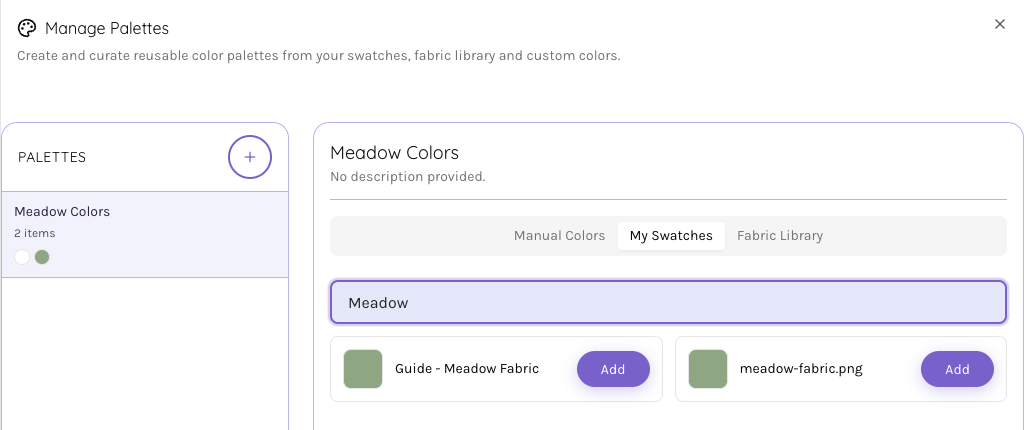
Refine the palette and save the design to your account when you find a combination you want to make.
Inside the app
A swatch can start as a photograph of fabric on your table. Crop and straighten the image, then give it a physical size so a small motif and a large print read differently in the quilt.
See how a fabric works as the background, an accent or a larger area of the quilt. Fabric groups help you try a different choice in related patches without redrawing the design.
Search available catalog fabrics from the editor and mix them with your own swatches. The catalog is a design reference; check the seller for current stock and the physical fabric for color.
Yes. Prepare the photograph in the Swatch Editor, save it to your account, and use the swatch in your blocks and quilts. Photograph a flat, evenly lit area and include a known measurement for scale.
Lighting, cameras and screens affect color. Use the preview to compare placement and contrast, and check the actual fabrics together before cutting or buying.
This workflow helps you visualize fabrics in a design. You can save your swatches and designs; it does not keep quantities of fabric on your shelf or calculate arbitrary whole-design yardage.
You can save a design or make a copy and try another combination. An account and your plan’s design, swatch and storage allowances apply.
Start with the tools for this project, then keep shaping it in QuiltLab. The editors work best on a desktop or laptop browser.
Try fabrics in a quiltDesigning works best on a desktop or laptop. Sign in to save your fabrics and designs.