How is Freeform different from Grid?
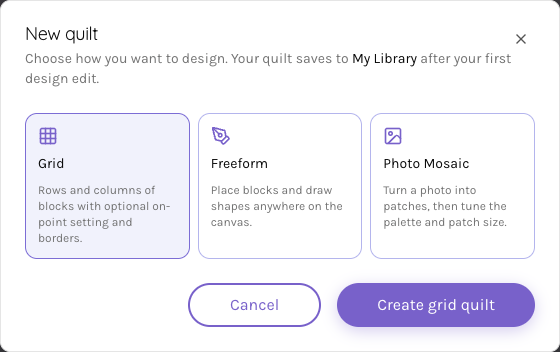
Grid layouts repeat blocks in rows and columns. Freeform lets you place supported blocks and drawn shapes around the canvas and adjust their individual geometry.
For modern and freeform quilters
Compose with supported shapes and blocks placed where you want them. Work with size, spacing, rotation and fabric choices as you develop a quilt beyond a repeated grid layout.
Compose on a desktop or laptop. Sign in to save your quilt; review construction before sewing.
Read the quilt editor guideFrom your idea to your next step
Start a new Freeform quilt and choose the dimensions for the composition you want to explore.
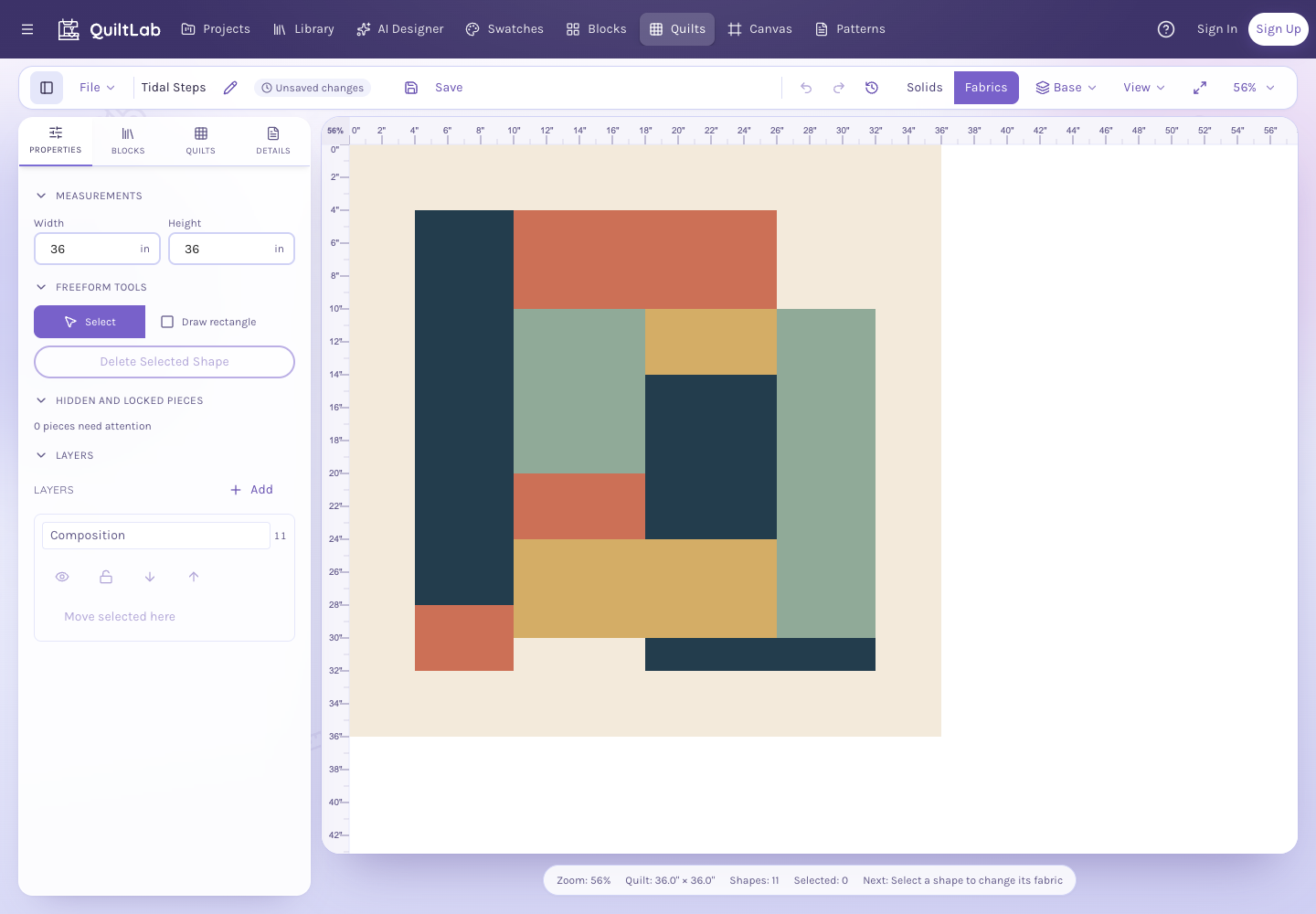
Place supported blocks and shapes, then adjust their position, size and rotation while watching the space between them.
Try fabric fills and color groups, review the composition and save the design to your account.
Inside the app
Use position, scale and rotation to explore the composition. The measured canvas helps you judge the relationship between a small accent, a large shape and the background.
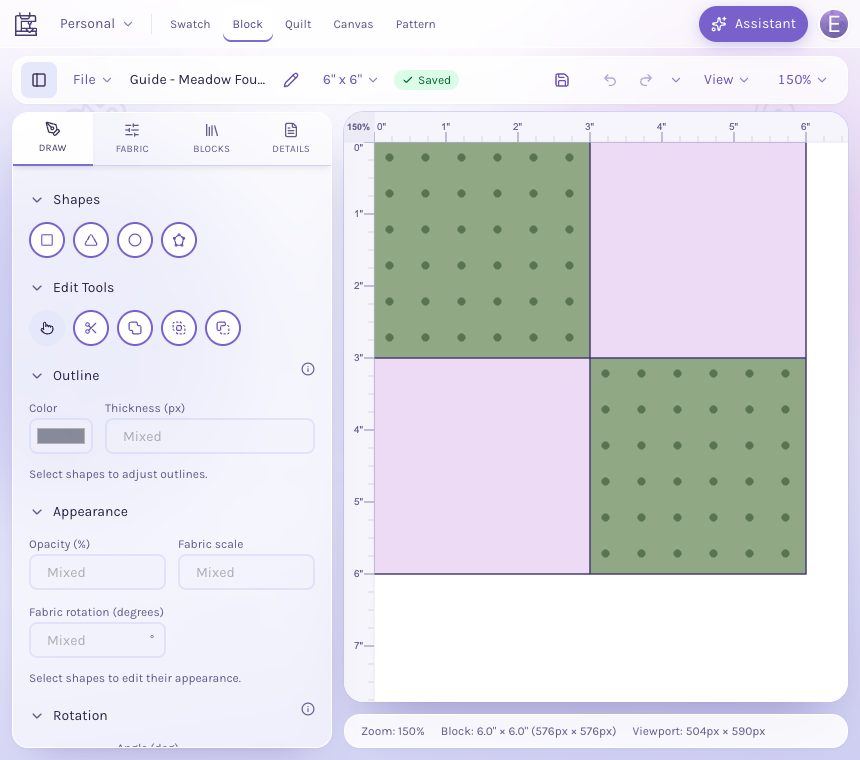
Bring an original block into the quilt and build around it with the supported drawing tools. Use fabric choices to connect separate parts of the design.
Review overlaps, seams and physical dimensions as you design. A freeform drawing helps you develop the look; check the construction and sewing approach before cutting fabric.
Grid layouts repeat blocks in rows and columns. Freeform lets you place supported blocks and drawn shapes around the canvas and adjust their individual geometry.
Prepare a fabric photograph as a measured swatch, then use it in supported shapes and blocks. Account and plan allowances apply when saving swatches and designs.
Use the explicit new-quilt action for the intended mode. Save important work to your account and use the editor’s recovery choices for an unfinished browser draft.
No. Review the geometry, seam allowances, construction order and overlaps yourself. The design tools help you explore a composition rather than certify a sewing method.
Start with the tools for this project, then keep shaping it in QuiltLab. The editors work best on a desktop or laptop browser.
Start a freeform quiltCompose on a desktop or laptop. Sign in to save your quilt; review construction before sewing.