Do I need an account to upload a photo?
Yes. You can open the photo quilt editor first, then sign in to upload your source photo and save the design. Your normal account allowances apply.
For photo and mosaic quilters
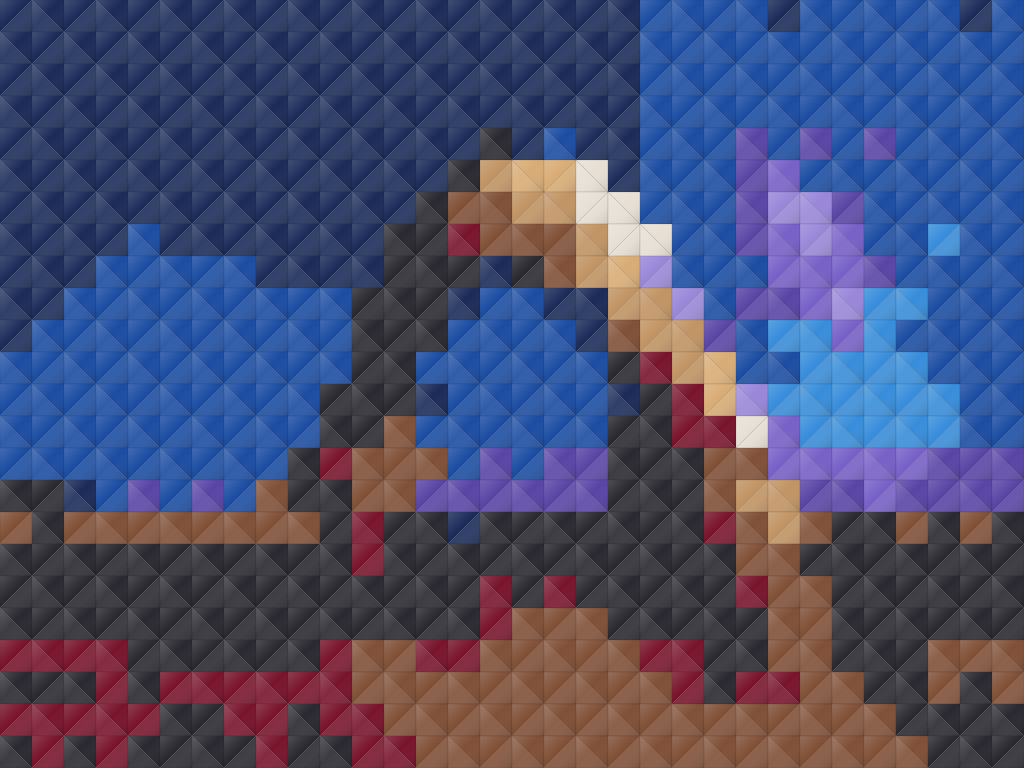
Start with a landscape, a pet or a picture that means something to you. QuiltLab’s photo mosaic workflow turns the image into patches you can refine through color, patch size and quilt dimensions.
Photo quilt editing works best on a desktop or laptop. Sign in to upload your photo and save the design.
Read the photo quilt guideFrom your idea to your next step
Open a new photo quilt, sign in, then upload a source image. Clear subjects and strong light/dark contrast make a useful place to begin.
Set the design size and choose supported patch settings. Generate the quilt preview from your photograph.
Adjust the color and patch settings, generate again when needed, then save the version you want to develop.
Inside the app
Smaller patches can preserve more image detail; larger patches create a simpler composition. Try the balance at your intended quilt size rather than judging the photograph alone.
Review how the light and dark areas describe the subject. Use the available palette and color settings to explore a version that reads clearly at a distance.
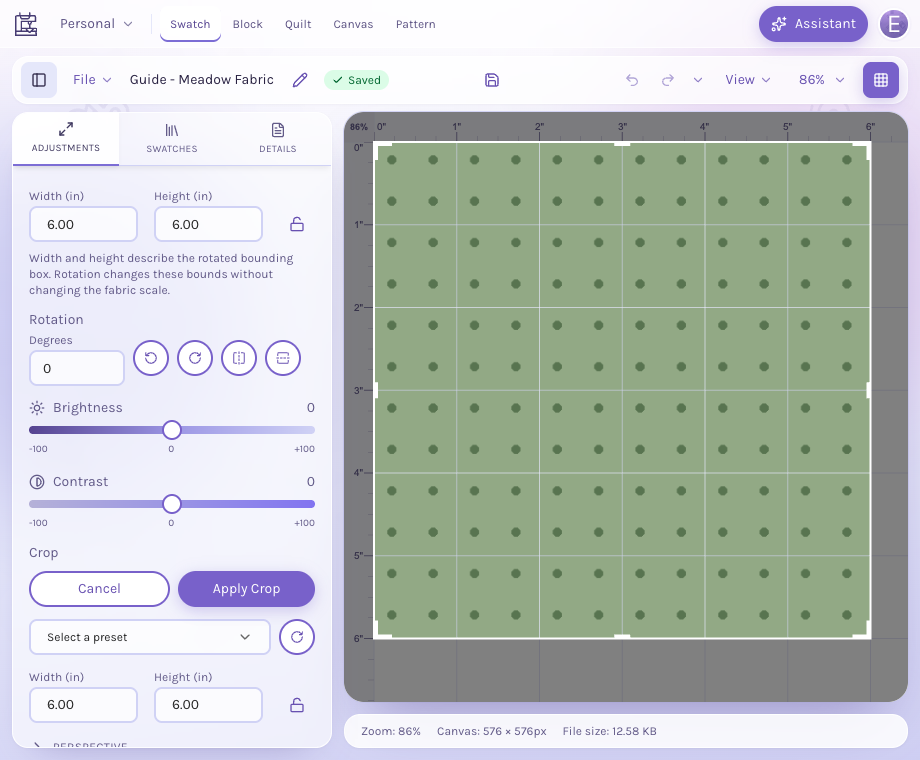
Return to the image tools when you need to crop or improve the source. Review the generated result again after changing the image or settings.
Yes. You can open the photo quilt editor first, then sign in to upload your source photo and save the design. Your normal account allowances apply.
It is a quilt design that represents a photograph using patches. QuiltLab can generate supported square or triangle mosaics, which you refine through the available image, color and size settings.
Start with a clear subject and visible light/dark contrast. A crowded background or very small details may need cropping or larger areas of simplified color to read well as patches.
Yes. The photo quilt controls let you adjust the layout and patch settings. Review the resulting design size and regenerate the mosaic after changing settings that affect the analysis.
The preview is a design to review. Use the guide and export options currently available in the editor, and check your construction approach and physical dimensions before cutting fabric. Saving requires an account and normal plan limits apply.
Start with the tools for this project, then keep shaping it in QuiltLab. The editors work best on a desktop or laptop browser.
Create a photo quiltPhoto quilt editing works best on a desktop or laptop. Sign in to upload your photo and save the design.