Can I use a collection already in the catalog?
Search the available catalog fabrics from the editor. Coverage and images vary, so check that the fabrics you select match the intended collection and confirm current availability separately.
For quilt shops and fabric brands
Help a collection tell a design story. Put its prints and solids into a quilt layout, explore a different colorway, and prepare the design artwork you want to discuss with your team or customers.
Use a desktop or laptop for designing. Sign in to save; normal account limits apply.
Explore fabric collectionsFrom your idea to your next step
Use available catalog fabrics or your own permitted fabric images. Check names, image scale and the collection you intend to represent.
Arrange the blocks and fabrics, then save another design copy when you want to explore a different colorway.
Use the design artwork and, where useful, Pattern Builder to explain the idea in a reviewed document.
Inside the app
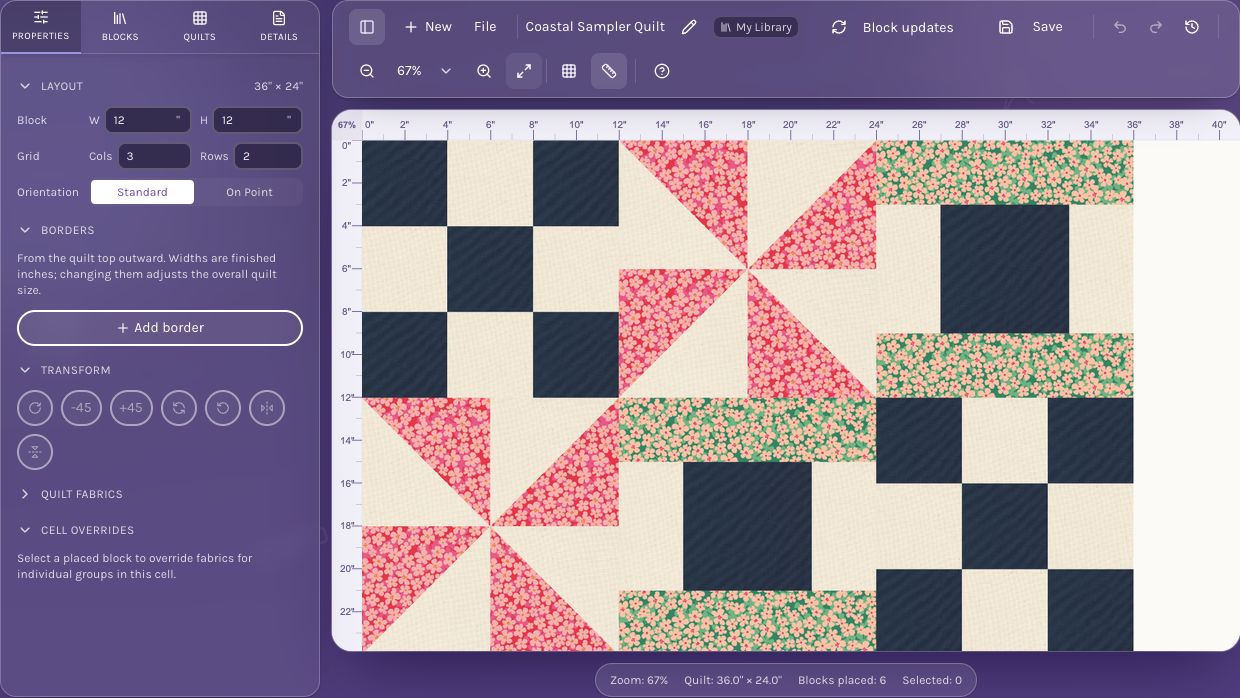
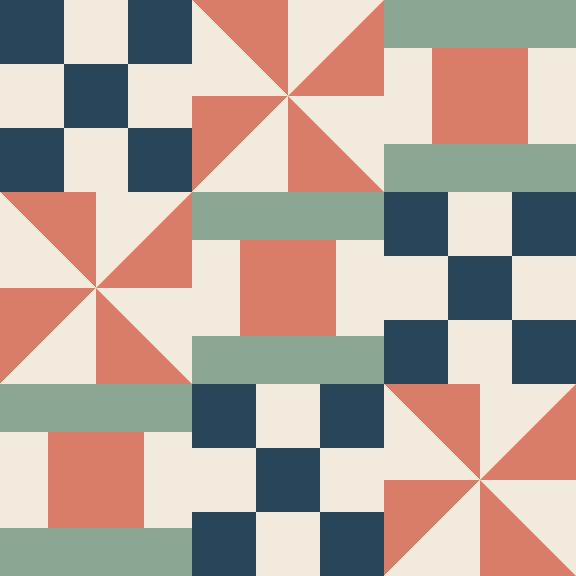
A whole-quilt view shows which prints read as accents, where the background rests, and how the collection’s values work across repeated blocks.
Change fabric assignments in related pieces and compare design copies. Save the version you want to develop rather than changing the only copy of an earlier idea.
Check fabric names and availability with the supplier. Use images you have permission to include in your materials, and compare the screen design with the physical fabrics before making a sample.
Search the available catalog fabrics from the editor. Coverage and images vary, so check that the fabrics you select match the intended collection and confirm current availability separately.
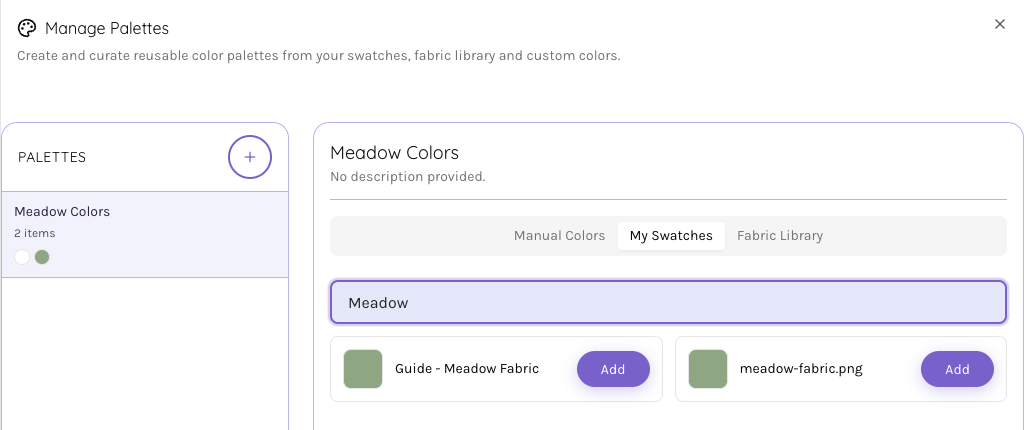
Yes. Prepare permitted fabric photographs or images as swatches, set their physical scale, and use them in the design. Saving uses the account’s swatch and storage allowances.
Use Pattern Builder to arrange your own text, design artwork and diagrams, then review and export a PDF. The document still needs your construction, image-rights and print checks.
This workflow is for visual design and document preparation. Check stock, purchasing, kit quantities and other sales details in your existing shop systems.
Start with the tools for this project, then keep shaping it in QuiltLab. The editors work best on a desktop or laptop browser.
Create a collection exampleUse a desktop or laptop for designing. Sign in to save; normal account limits apply.