Can I make a printable class handout?
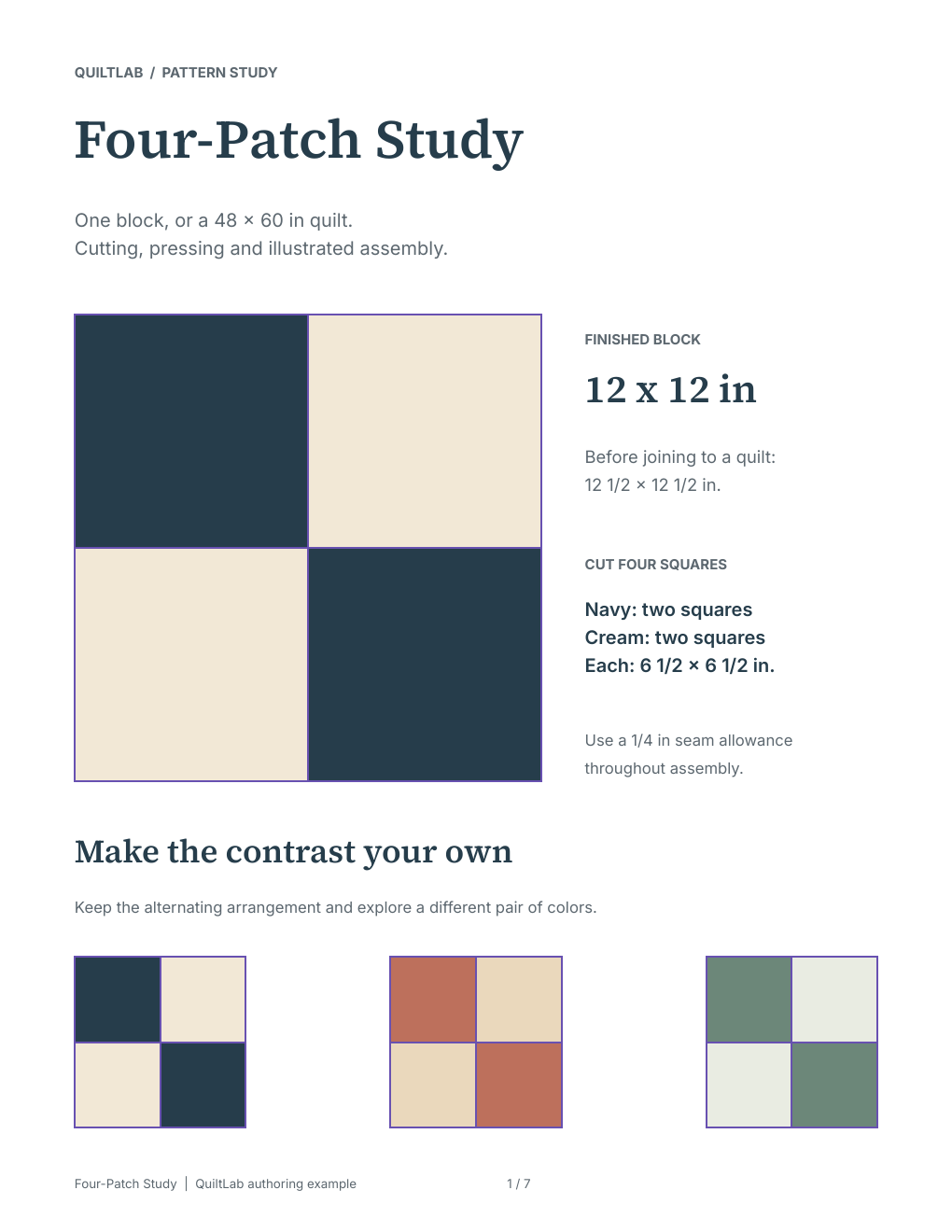
Yes. Lay out the instructions and illustrations in Pattern Builder, then export a PDF. Open the downloaded file and check its readability and print settings before making copies.
For quilting teachers and workshop leaders
Bring the block, the illustration and the explanation into one document. Use QuiltLab to prepare diagrams and illustrated handouts that support the way you teach a quilting technique.
Prepare pages on a desktop or laptop. Sign in to save and use your plan’s PDF exports.
View sample handoutFrom your idea to your next step
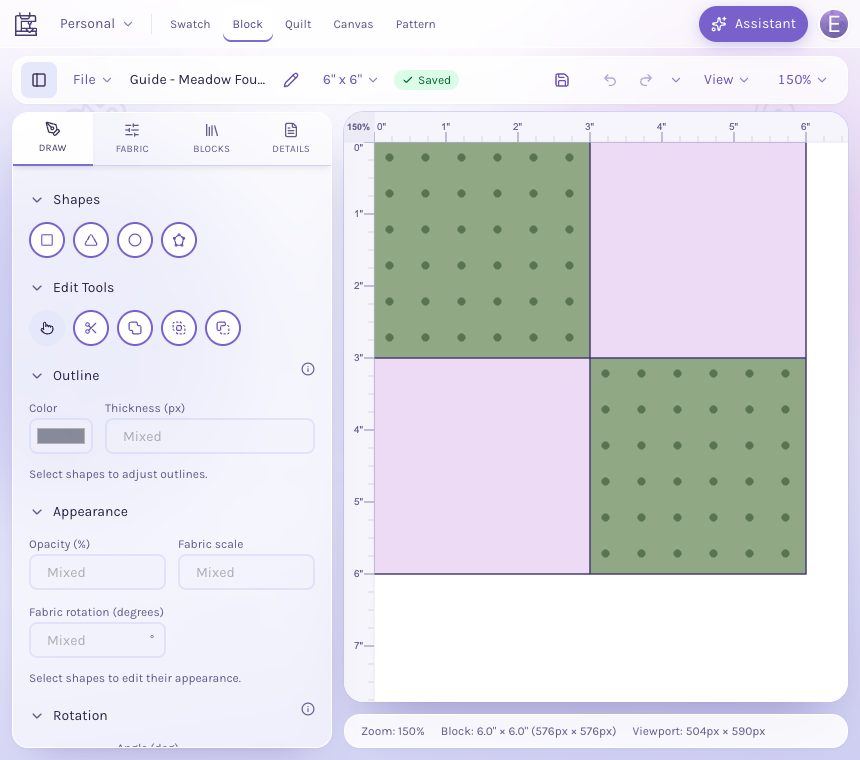
Create or prepare the block artwork that illustrates the part of the lesson you want students to understand.
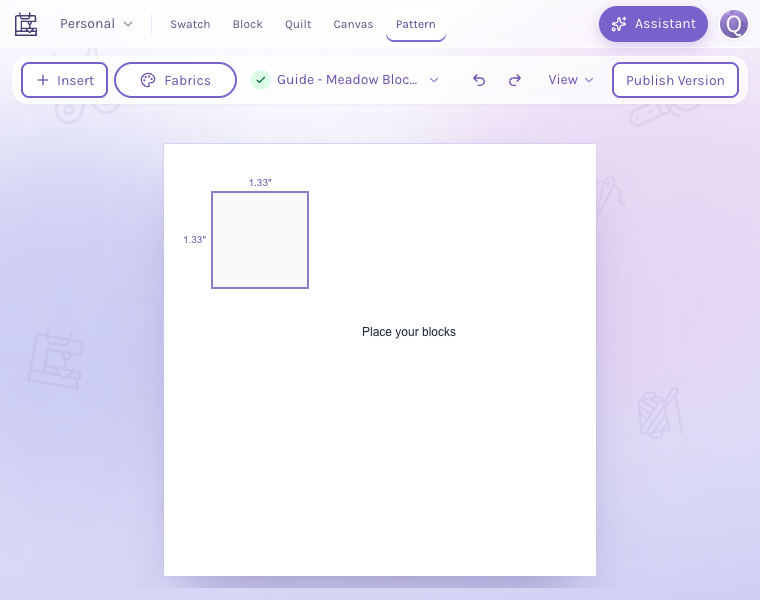
Arrange diagrams, labels and your written steps on pattern pages. Keep the sequence and terminology consistent with your lesson.
Export the document to PDF and review the pages for readable text, clear diagrams and the right order before class.
Inside the app
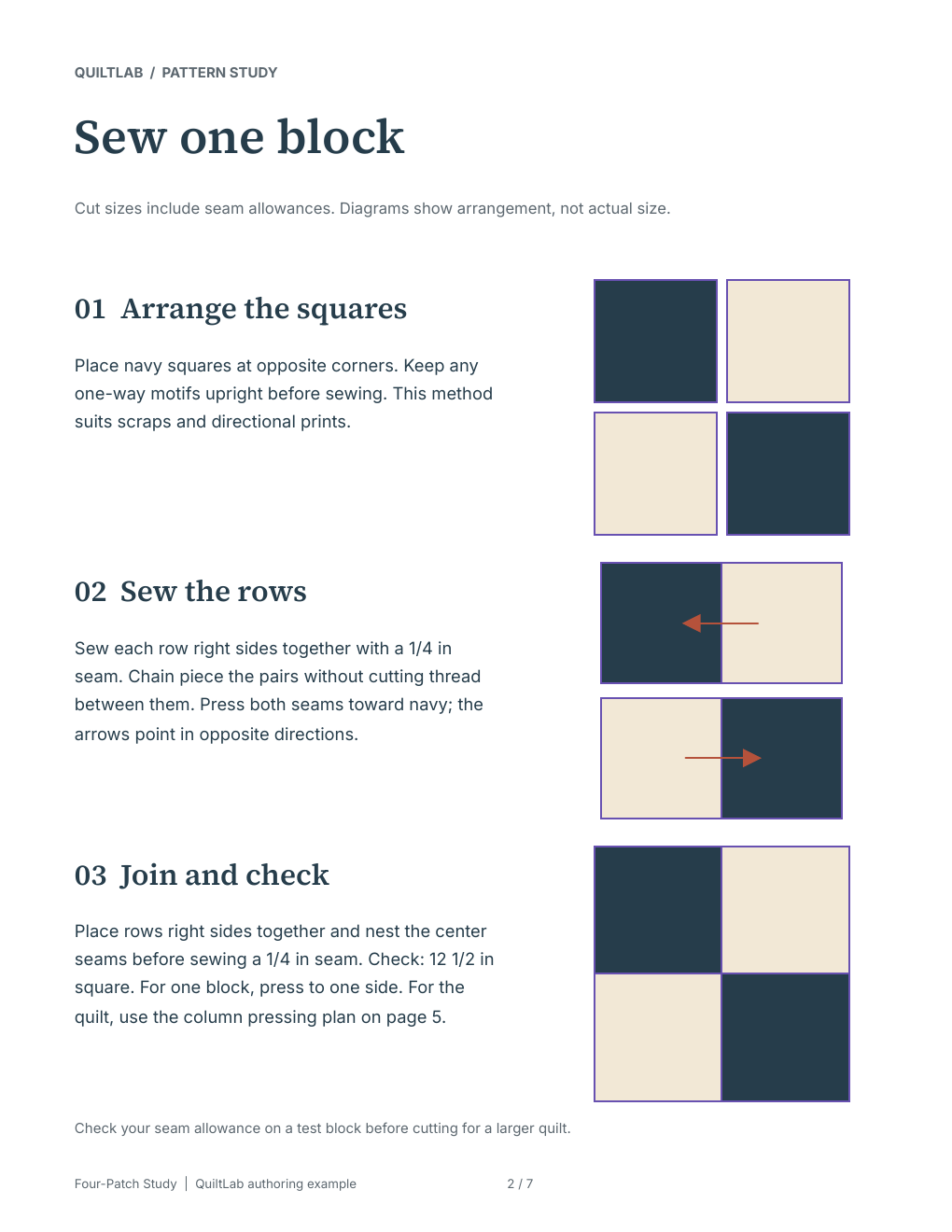
Use a page layout that helps readers follow one step at a time. Combine text with the block artwork or diagram that explains that specific part of the lesson.
Save page templates or snippets for headings, illustrated steps and notes. Use the same formatting in the next handout without rebuilding every page.
Save the editable document in your account and distribute the reviewed PDF through your usual class channels. A project can group the assets used by authorized collaborators.
Yes. Lay out the instructions and illustrations in Pattern Builder, then export a PDF. Open the downloaded file and check its readability and print settings before making copies.
Pattern Builder supports saved page templates and snippets. Reuse the layout, then update the artwork and instructions for the new technique.
Use a project and its existing member roles for shared work. Keep the project’s content and draft permissions in mind when deciding who can edit or view the materials.
This workflow prepares design assets and documents for your class. You continue using your own enrollment, distribution and teaching arrangements. Saving and PDF exports require an account and use the applicable plan allowances.
Start with the tools for this project, then keep shaping it in QuiltLab. The editors work best on a desktop or laptop browser.
Create teaching materialsPrepare pages on a desktop or laptop. Sign in to save and use your plan’s PDF exports.