Is QuiltLab free?
Yes, there is a Free plan with 25 quilt designs and 10 PDF exports a month. The Maker plan raises the limits; see the pricing page for current prices.
Quilt design software
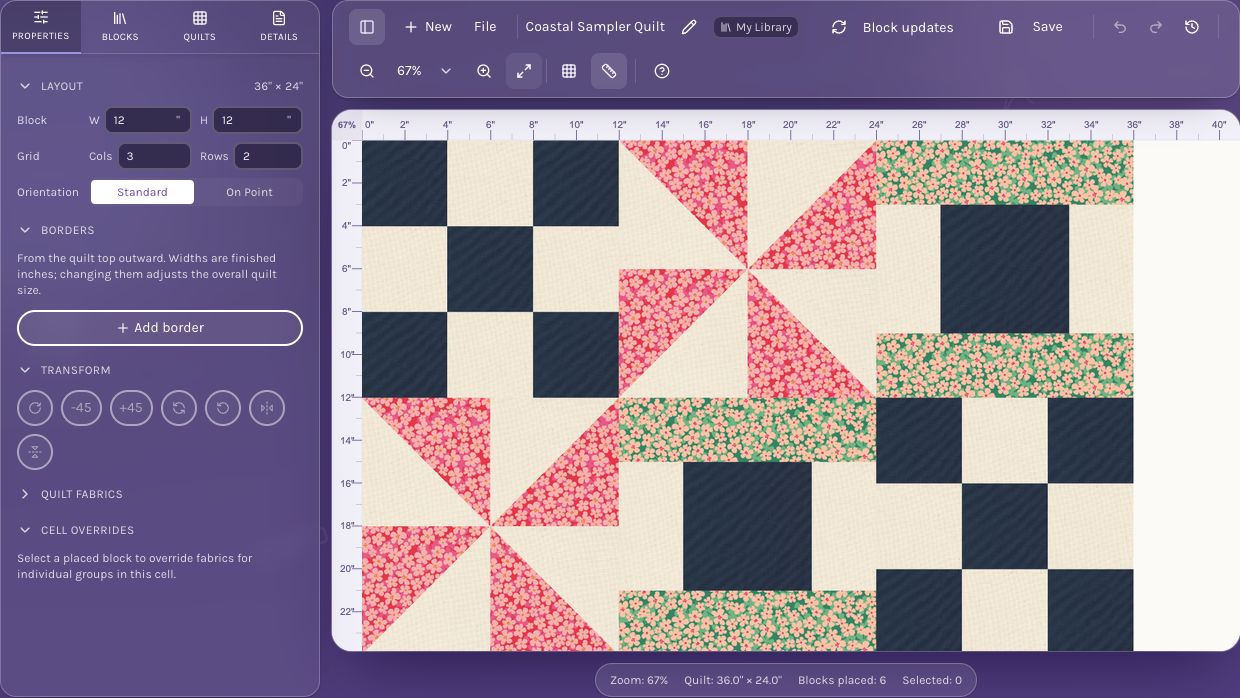
QuiltLab is a quilt designer for planning the whole quilt before you cut. Lay out blocks, draw your own, fill the patches with catalog fabrics or photos of your stash, then turn the design into a printable pattern. It runs on a Mac, a Windows PC, a Chromebook or a tablet, with nothing to install.
The Free plan includes 25 quilt designs, 10 PDF exports a month and one EQ8 import. Sign in to save your work.
Compare plansFrom your idea to your next step
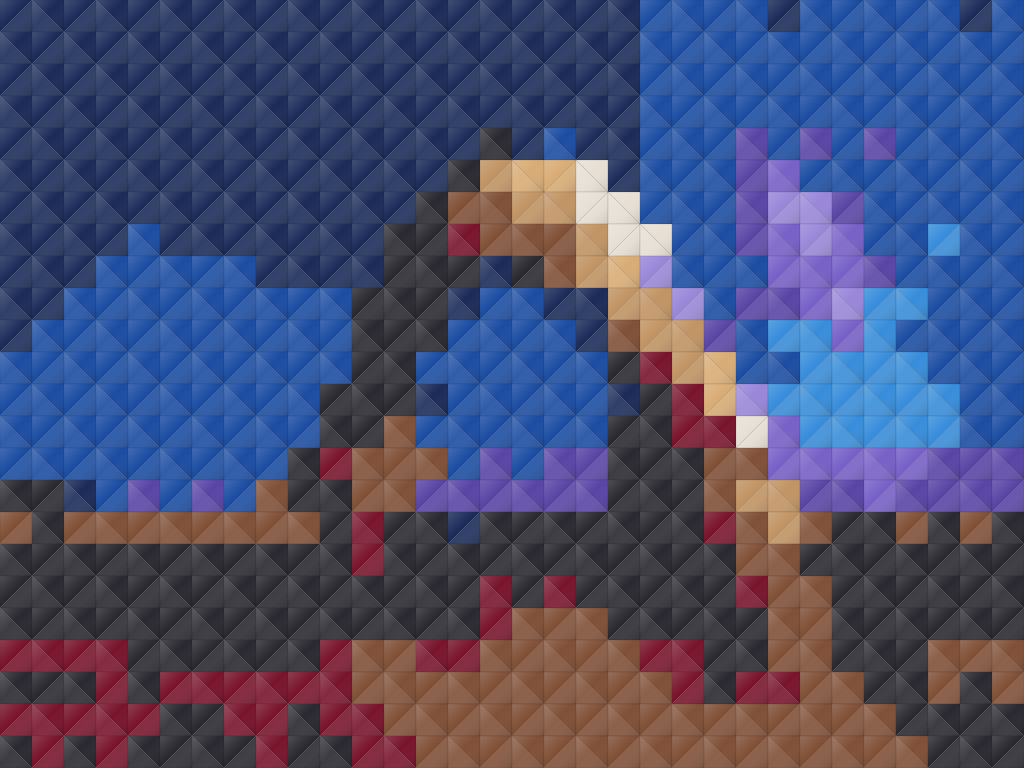
Start a grid of blocks, a freeform composition or a photo mosaic, and set the finished size in inches.
Use blocks from the library or draw your own, then fill the patches with catalog fabrics, solid colors or photos of your own fabric.
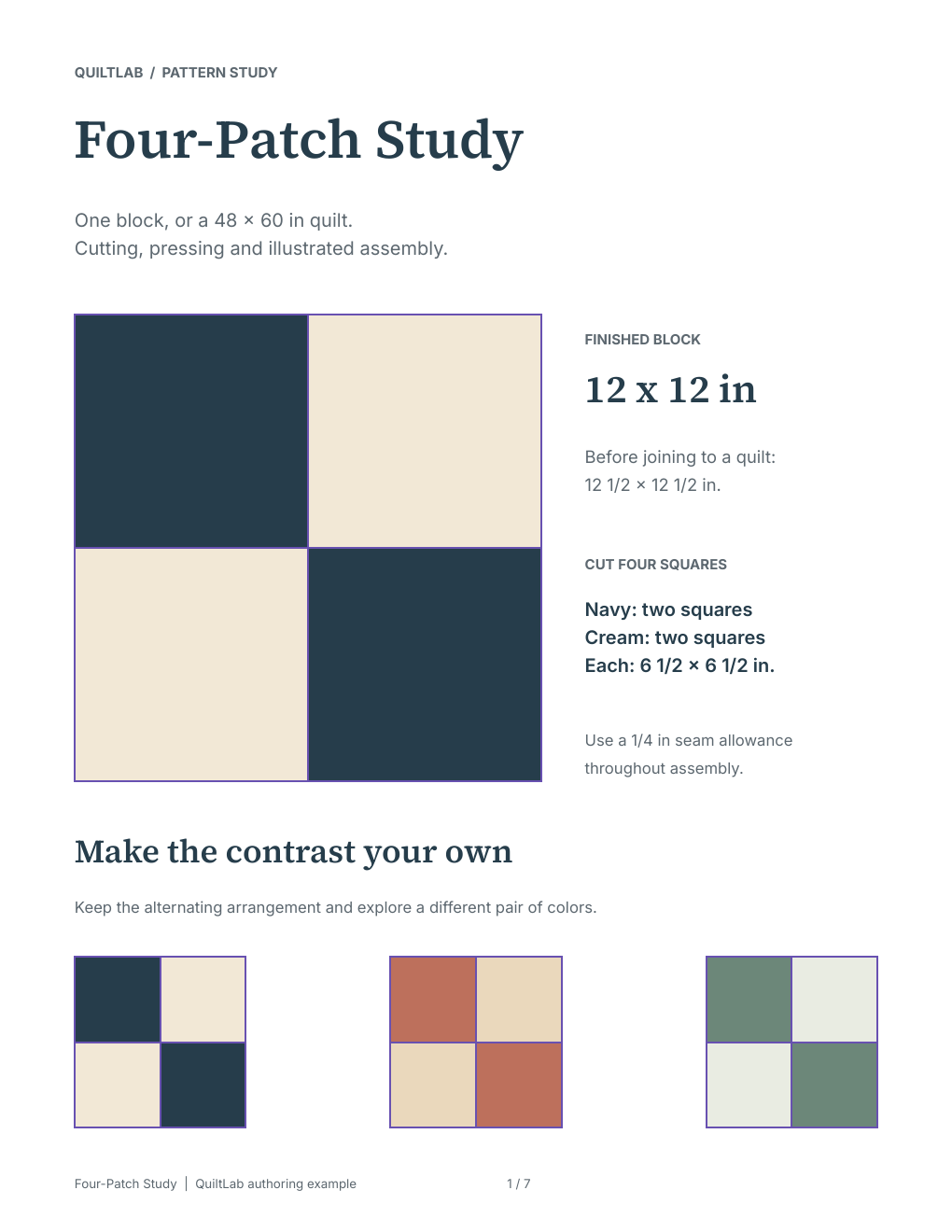
Save the design to your account, export it, share it through a project, or build a printable pattern around it in Pattern Builder.
Inside the app
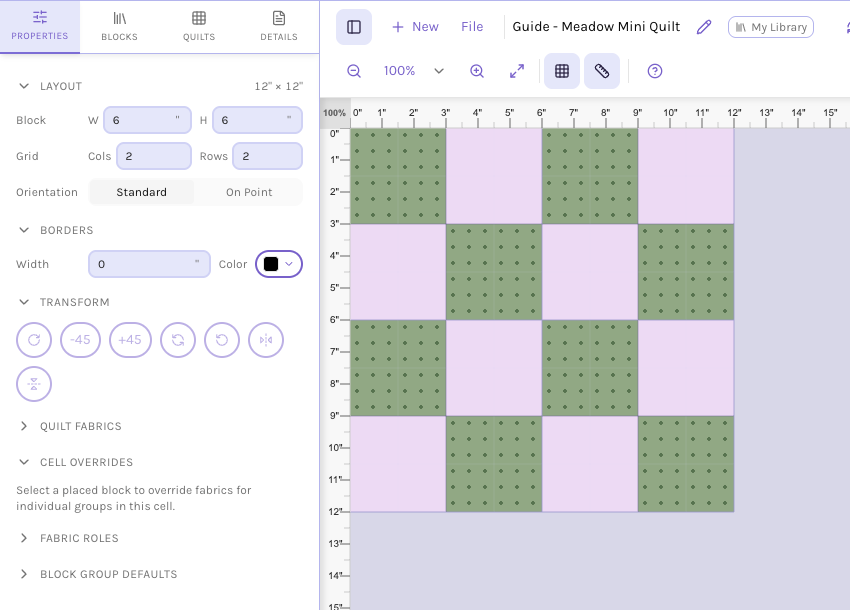
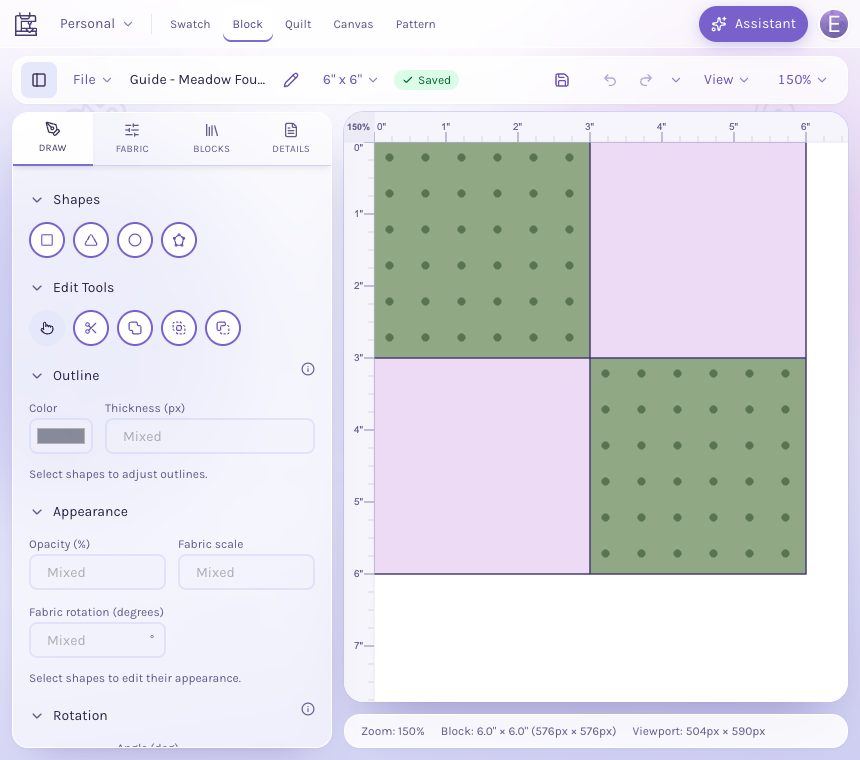
QuiltLab is a set of editors that share one library, so a fabric or block you make in one is ready in the others.
Because QuiltLab runs in a web browser, there is no Mac or Windows version to choose and nothing to download. Designs save to your account, so you can open them on another computer. Use a desktop, laptop or tablet for the editors; on a phone they open as a preview you can pick up later on a bigger screen.
A Free account includes 25 quilt designs, 100 fabrics, 60 blocks, 10 PDF exports a month, 100 AI credits a month and one EQ8 project import. The Maker plan raises those limits; the pricing page lists current prices.
EQ8 is installed software from Electric Quilt. QuiltLab can import your EQ8 .PJ8 project files, so their fabrics, straight-edge pieced blocks and straight-set quilts become editable designs. QuiltLab does not yet work out yardage or cutting charts for a whole design; its free quilting calculators handle yardage, backing, binding and batting on their own.
Yes, there is a Free plan with 25 quilt designs and 10 PDF exports a month. The Maker plan raises the limits; see the pricing page for current prices.
No. QuiltLab runs in a modern web browser and saves your designs to your account.
Yes, in the browser. The editors open on desktops, laptops and tablets. On a phone they open as a preview.
The AI Designer on the homepage gives you a few free turns without an account, and the block library and free patterns are open to everyone. Saving designs needs a free account.
Not for a whole design yet. The free quilting calculators cover yardage, backing, binding, batting, half-square triangles and flying geese.
You can import EQ8 .PJ8 files. The first import is free; more need the Maker plan. Curved and applique blocks and EQ8's printouts stay in EQ8.
Start with the tools for this project, then keep shaping it in QuiltLab. The editors work best on a desktop or laptop browser.
Start a quilt designThe Free plan includes 25 quilt designs, 10 PDF exports a month and one EQ8 import. Sign in to save your work.