


Best Free Quilt Design Software: A Practical Check
The best free quilt design software is the one that completes the job you need without an unexpected barrier halfway through. Drawing a quilt, keeping an editable design, downloading a picture and obtaining cutting instructions are separate jobs. A tool can offer the first freely while putting an account or payment step before the others.
We checked the public browser workflows for NiftyFifty, PatternJam, Quiltler and Asunder on October 10, 2026, and rechecked their published pages on October 11. We also completed a QuiltLab design and export in an existing authenticated account. QuiltLab publishes this comparison, so the method and limits are explicit: no competitor account was created, no purchase was made, and these designs were not sewn.
Start with a small task you can check yourself
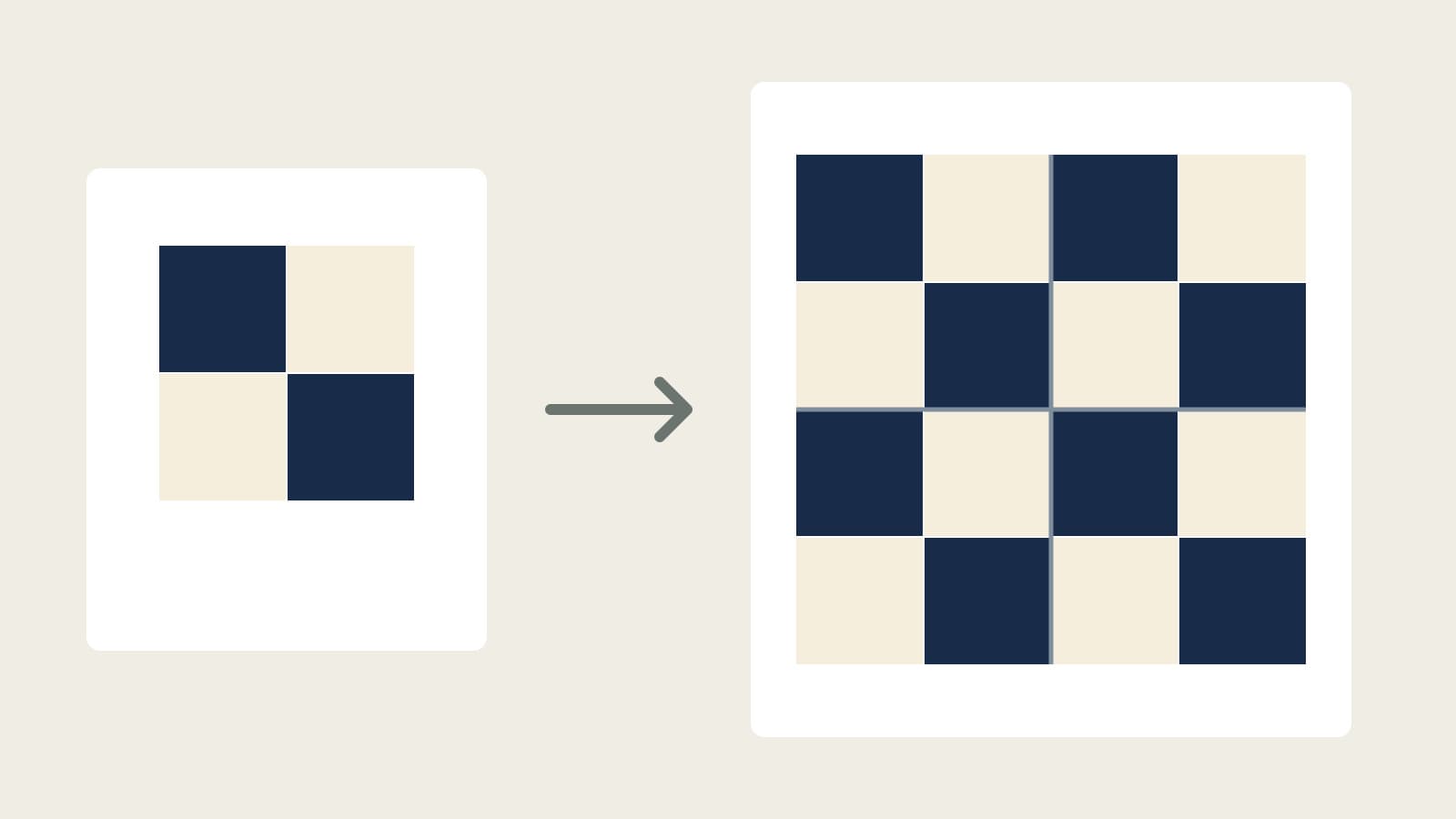
Our benchmark was a two-color Four-Patch with a 12-inch finished block size, then a 24-inch quilt made from four of those blocks in two rows and two columns. We used each tool's available dark-blue and light colors; they are comparable roles, not identical fabric measurements across systems.
The block task has four square patches. The quilt task has four blocks and sixteen patches. Keeping those two scales separate matters: a program that drafts a single block has completed useful work even if you still need another tool to arrange a whole top.
The expected dimensions are simple enough to check manually:
- A 12-inch Four-Patch has two 6-inch finished squares across each direction.
- With a 1/4-inch seam allowance on both sides, each square is cut at 6 1/2 inches.
- One block needs two dark and two light squares; four blocks need eight of each, sixteen total.
- Two 12-inch finished blocks across and down make 24 x 24 inches, before adding borders.
These calculations verify this simple layout, not every cutting method or yardage estimate in the tools. They exclude backing, binding, quilting shrinkage and cutting waste. For a construction-focused explanation, see easy quilt blocks for beginners.
Compare the barriers at the point they appear
The table records what we actually reached, rather than awarding a general "free" badge to every feature on a homepage.
| Tool | Design reached | Save and export |
|---|---|---|
| NiftyFifty | 12-inch block | Browser save shown; SVG downloaded |
| PatternJam | Sign-in gate | Untested |
| Quiltler | 24-inch quilt | Account to save; paid cutting plan |
| Asunder | 24-inch quilt | Project and SVG downloaded |
| QuiltLab | 24-inch quilt | Existing account: saved and exported SVG |
All five are browser tools in this comparison; no desktop application installation was needed to reach the observed workflow. This is not a Mac-versus-Windows performance test. We did not measure mobile usability, large-quilt speed, offline behavior or long-term file recovery.
NiftyFifty: a public block draft with a checked cutting result
The NiftyFifty Pattern Designer opened without an account. We selected a 12-inch block and a 2x2 grid, filled it with plain squares, then changed two diagonal squares to the light fabric.
The result contained two Navy and two Muslin patches. Its Cutting view showed two squares at 6 1/2 inches from each color, matching the calculation above. An SVG downloaded successfully and contained the 2x2 block drawing.
The interface also displayed a browser-save indicator. We did not test clearing browser data, reopening on another device or cloud recovery. Treat a local browser indicator differently from an independently checked, editable file you can reopen.
This makes NiftyFifty a reasonable starting point for this small block-design task. Its published page describes additional pattern outputs, but our verified cutting result is limited to these four plain squares. It does not establish that every triangle, curve or complex block will produce instructions you can use without checking.
PatternJam: an account decision before the benchmark
Opening PatternJam's designer led to its sign-in page. The page describes a free account with access to the Quilt Designer, fifty saved quilts, basic blocks and basic fabrics.
Those are vendor statements. We stopped before registration, so no Four-Patch, saved project or downloaded file was tested. That is an access boundary for this comparison, not evidence that the designer is unavailable to registered users.
If you are comfortable creating an account, check which blocks and fabrics are included and confirm the output you need before investing in a full design. If anonymous use is a requirement, this observed path does not meet it.
Quiltler: anonymous layout, separate save and output gates
Quiltler opened its public designer and allowed a blank canvas. We changed the layout to two columns and two rows of 12-inch blocks, selected its Four Patch block and placed four copies. The screen showed a 24x24-inch layout with dark and light patches.
Selecting Save opened an account-creation prompt. The Fabric plan area also stated that exact sizes, yardage and construction downloads require unlocking the quilt or subscribing. We did not cross either boundary and did not download a construction pack.
That construction-output gate is separate from downloading a picture. Quiltler's official free-tier description includes picture downloads with a Quiltler credit; we did not test those picture downloads.
The public drawing surface is useful for trying a block arrangement before making an account decision. Check the output gate early if the real purpose is a printable cutting list: reaching a completed picture does not establish that the desired download is included without payment.
Asunder: local files within a visible daily allowance
Asunder's official page describes a browser pattern editor with every feature available for one hour per day; a license removes that time limit. The app showed a one-hour allowance when we opened it anonymously.
We used its Four Patch preset, set a traditional block to 12x12 inches, and placed four copies in a two-row, two-column layout with 12-inch cells. It downloaded both an editable .quilt project and an SVG. Inspection of the project confirmed the four placements and dimensions; the SVG contained sixteen colored patch paths.
The block panel offered PDF templates for the traditional block, but we did not inspect that PDF. We also did not test importing the saved project again or a foundation-paper-piecing pattern. Asunder completed our local-file benchmark within the observed session; larger work needs a plan for the daily time allowance and regular saves.
QuiltLab: measured layouts with an honest account boundary
The Quilt Editor guide distinguishes Grid, Freeform and Photo Mosaic designs. It also explains that a new Local draft exists in the browser until sign-in and a design edit save it to an account. Use that distinction when deciding whether a sketch is safely kept.
For this comparison, we used an existing authenticated account to produce four 12-inch Four-Patch blocks in a 24x24-inch Standard layout. We saved the personal quilt and used File > Export SVG > Solids to download its vector picture. The file had sixteen square patches, eight Navy and eight Cream, arranged in four block groups.
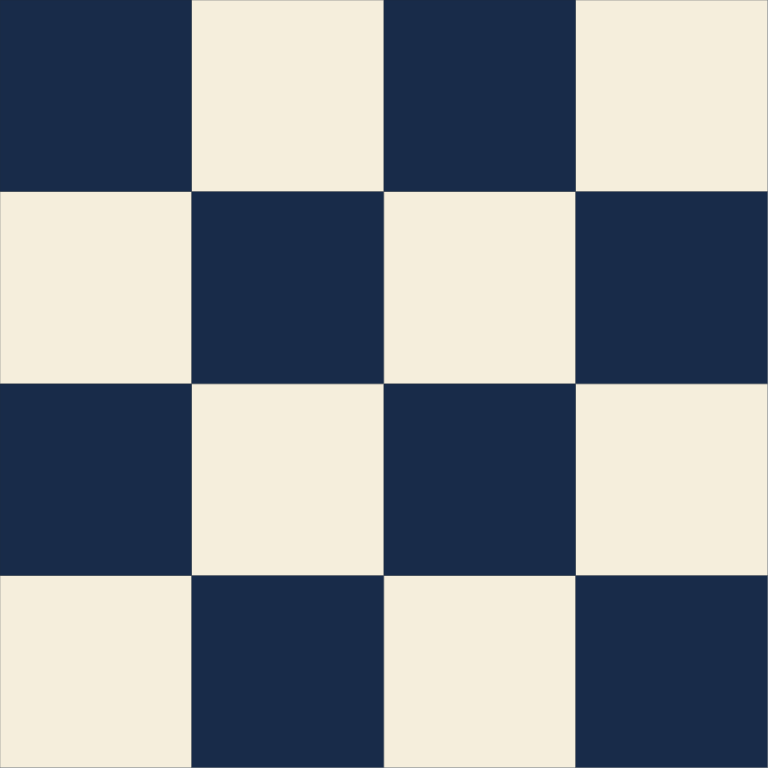
The SVG establishes geometry and color output, not seam allowances, fabric requirements or assembly instructions. QuiltLab does not supply an automatic cutting list or yardage calculation for this quilt. The sixteen 6 1/2-inch square cuts above were independently calculated.
See current pricing and limits for what is included in an account today. Our successful export does not establish every new account's allowance, and using an assistant to produce the design is not necessary to evaluate the editor. For an editor overview, read getting started with QuiltLab.
Pick a tool by the file you need at the end
If you need one block and a simple square-cutting check, the NiftyFifty task above reached that result publicly. If you need an editable local quilt project plus a picture, Asunder reached both within its daily allowance. If you need an anonymous visual arrangement before committing to an account, Quiltler let us build the full layout, with clear later gates.
PatternJam requires an account decision before the observed designer workflow. QuiltLab suits measured block layouts and reusable designs, but this comparison's saved/exported result came from an existing account, and construction math remains separate.
Before building a large quilt, run your own small check:
- Make a block whose dimensions and patch count you can verify on paper.
- Save it through the tool's actual keep-work command.
- Download the file you intend to use, rather than assuming a picture is editable.
- Reopen the saved work yourself, then check any printed output's scale and seam allowances.
That last reopening step was not completed in our local-file checks, so it belongs in your evaluation before relying on them. The strongest choice is the tool that carries your particular design through the required output with barriers you understand. For a separate decision about leaving a desktop EQ8 workflow, see what to compare before switching.
Related posts
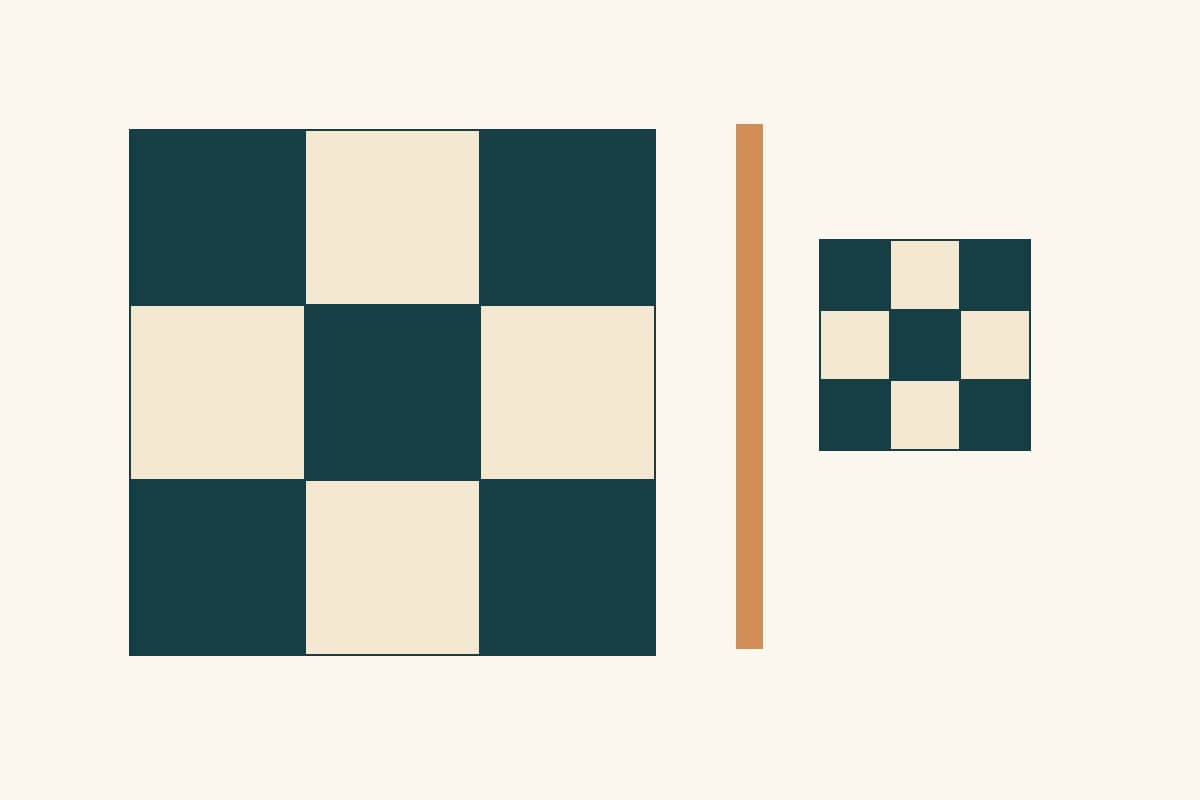
Looking for an EQ8 Alternative? Compare Before You Switch
Compare desktop and browser workflows, cutting output and project migration before choosing an alternative to Electric Quilt 8.
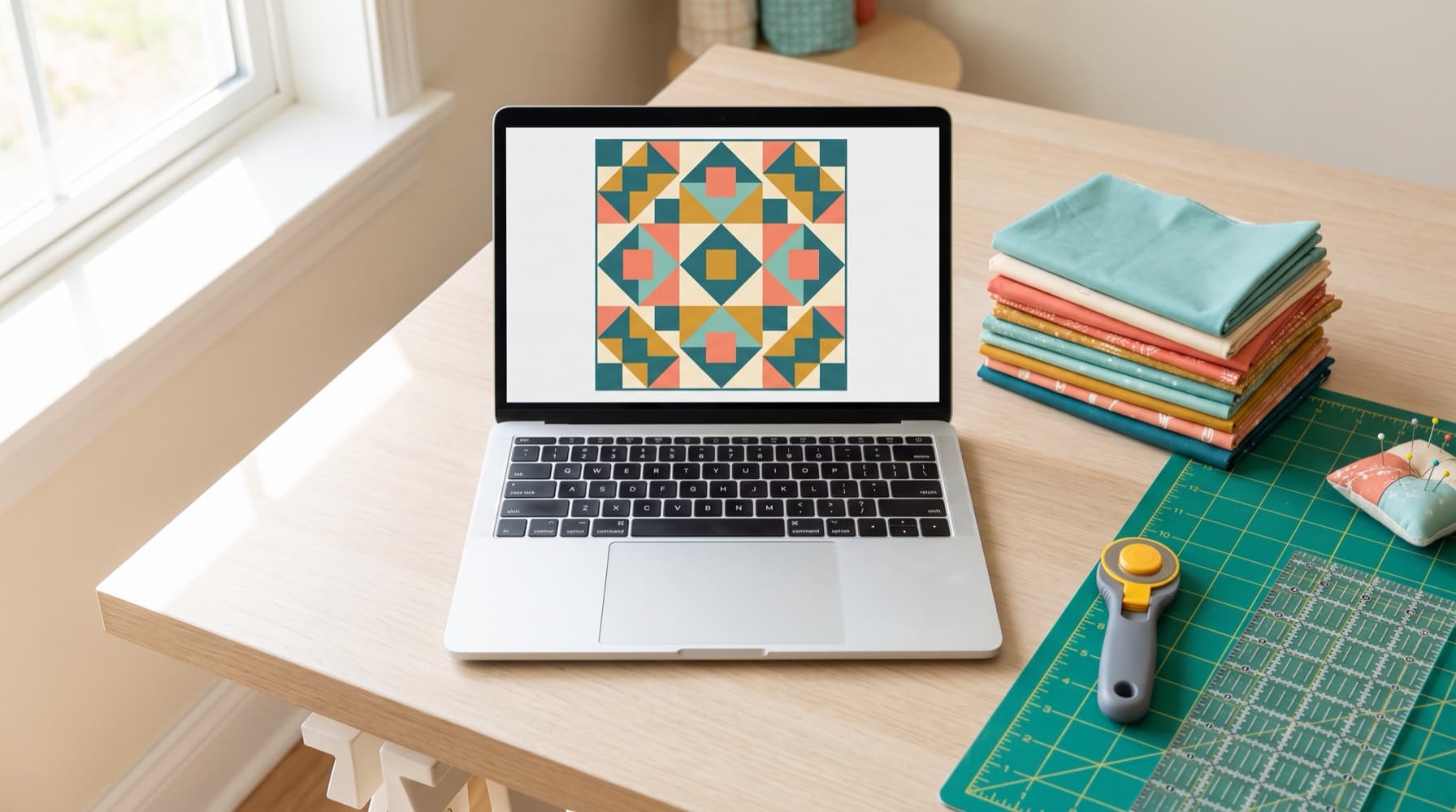
Getting Started with QuiltLab: What Each Tool Does and Where to Begin
QuiltLab is a browser-based studio for designing quilts. Here's what each tool does, how they fit together, and where to start depending on what you want to make.
Design Your First Quilt in QuiltLab: A Nine Patch Chain Throw, Step by Step
Plan a 68 x 80-inch nine-patch chain throw in QuiltLab, then check the separate cutting sizes, border lengths and fabric quantities.