


Looking for an EQ8 Alternative? Compare Before You Switch
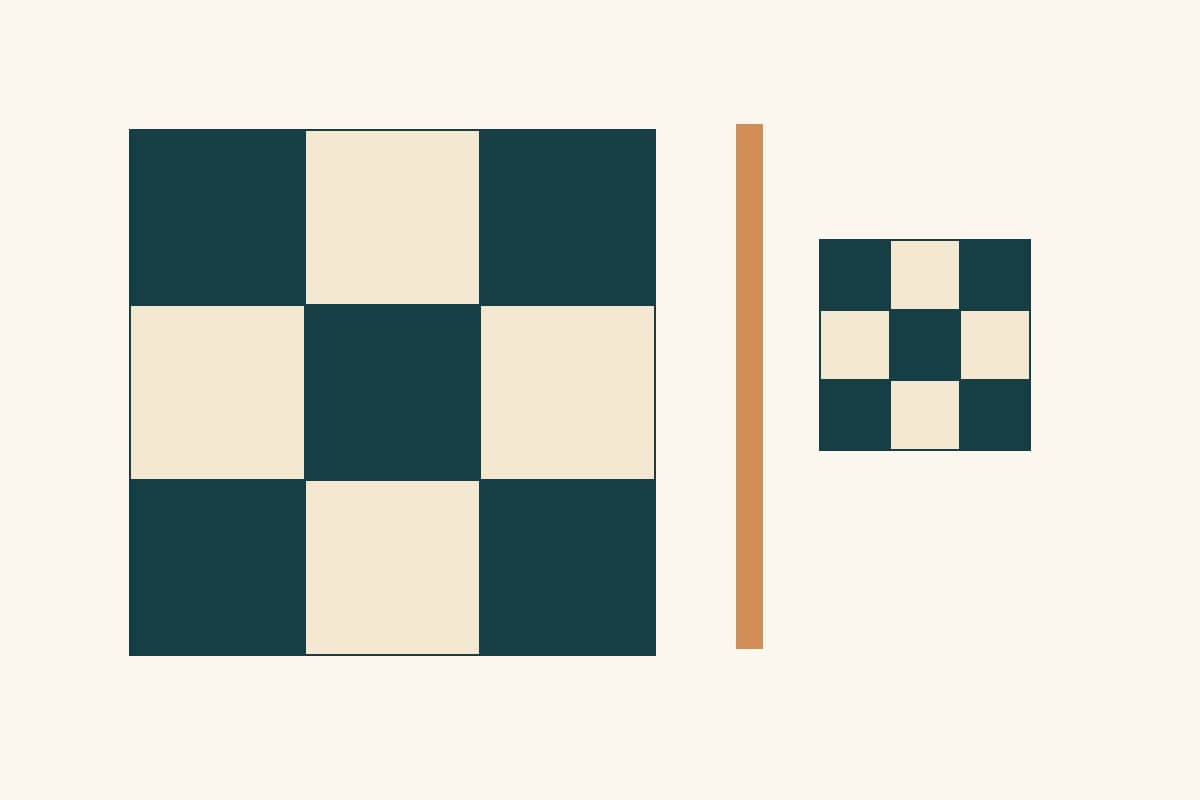
An EQ8 alternative needs to replace the work you actually do in Electric Quilt 8. Recoloring a quilt, drawing an original block, printing a foundation and moving an existing project are different jobs. A tool that handles one may leave you doing the others by hand.
This comparison is dated October 8, 2026. We read Electric Quilt's official documentation, used the public browser interfaces of NiftyFifty and Quiltler, and imported a small known EQ8 test file in QuiltLab's development build. We did not run native EQ8, buy competitor subscriptions or sew samples for this article. This is a workflow comparison, with the limits of each observation stated where they matter.
Decide what must survive the switch
Write down the three things you would miss most. Be specific enough to demonstrate them:
- "I need a rotary cutting chart for my original pieced block."
- "I need to compare two fabrics at their real print scale."
- "I need to reopen a project on a second computer."
- "I need to continue editing the blocks in this existing .pj8 file."
- "I need a PDF with my own assembly instructions and diagrams."
Then separate design, construction output and project migration. A picture of a quilt proves its appearance. It does not establish that the software can calculate the cuts, explain the sewing sequence or preserve another program's editable objects.
Use a small original project for the comparison. A simple checker block reveals whether sizes mean finished or cut dimensions; a border reveals whether the displayed quilt size includes it. Bring a more complicated block only after those basics make sense.
What EQ8 already does well
The Electric Quilt Company lists EQ8 as a Windows or Mac desktop download, priced at $239.95 on the comparison date. Its documented strengths include original block drawing, custom quilt layouts, fabric-image scaling, yardage estimates, and printing templates, foundations and rotary cutting charts. Those construction outputs deserve weight if they are central to your work.
The manufacturer's FAQ says EQ8 can work offline for up to 60 days between internet license validations. It does not run on Chromebooks, iPads or Android tablets. A browser tool may suit a different device, while EQ8 may suit a sewing room with intermittent internet.
If you already own EQ8 and understand its tools, compare the effort of switching against a specific benefit. Keeping it for foundations or older projects while using another tool for a new workflow can be a reasonable choice.
Compare these four workflows
These are focused observations, not a complete feature inventory or a ranking of every quilt application.
| Tool | Evidence available here | Decision it helps you make |
|---|---|---|
| EQ8 | Manufacturer-documented drawing, yardage and construction printouts | Whether desktop construction output remains essential |
| NiftyFifty | A public 12-inch checker block and its square cutting chart | Whether a small browser block-design task meets your immediate need |
| Quiltler | A public Rail Fence quilt preview with output access restrictions visible | Whether visual experimentation and paid output meet different needs |
| QuiltLab | Measured block/quilt editors, Pattern Builder and a limited EQ8 importer | Whether editable browser work and selective migration fit your projects |
NiftyFifty: inspect the actual cutting chart
In NiftyFifty's public block designer, we selected Checker in a three-by-three grid with a 12-inch finished block. The Cutting view listed five Navy squares and four Muslin squares, each 4 1/2 inches. No account was needed for that check.
Those nine square cuts agree with the quarter-inch seam calculation below. This observation supports a narrow conclusion: that particular checker chart was internally consistent. It does not validate every triangle, template or generated instruction available in the application. Check the output for the block you intend to make, including its stated sewing method.
Quiltler: distinguish preview access from output access
We opened Quiltler's public studio and started from its Rail Fence throw preset. The setup offered a 60-by-72-inch quilt, five columns and six rows of 12-inch blocks.
In the editor we inspected, Fabric plan required unlocking the quilt or subscribing for exact sizes, yardage and downloads; exact size labels were also locked. The visual design could be opened without creating an account. We did not unlock or test those paid outputs. Check those access rules before treating a free visual preview as the full sewing workflow you need.
QuiltLab: choose the editor that matches the task
QuiltLab separates a reusable block from its quilt layout. Draw and save geometry in the Block Editor, then arrange blocks in the Quilt Editor. In a Standard layout, Properties > Layout shows finished dimensions with the block sizes and grid counts. The current Standard grid does not offer alternate-row staggering; On Point rotates the grid rather than offsetting every other row.
For a written pattern, use Pattern Builder to place your own instructions, diagrams and tables on pages. A PDF export is document output. Do not assume that creating a page, inserting a table or importing a quilt automatically supplies checked yardage, cutting quantities or a tested sewing sequence.
Our QuiltLab introduction explains the editors together. Start with the part of your workflow you need to evaluate, then inspect the saved result and any exported file.
Run a square-patch check before committing
Here is a small measurement study you can reproduce in a candidate tool. Draw a three-by-three checker block using nine equal square patches. Set its finished size to 12 by 12 inches and use a 1/4-inch seam allowance.
Each finished square is 12 / 3 = 4 inches. Add an allowance on both opposite edges, so each square is cut at 4 + 1/4 + 1/4 = 4 1/2 inches. With dark corners and a dark center, the counts are five dark squares and four light squares.
If sewn to the intended measurements, one row is 12 1/2 by 4 1/2 inches unfinished. Three joined rows make a 12 1/2-inch unfinished block; its outer allowances leave 12 inches visible in the finished quilt. Those are geometry checks, not a report of a sewn sample.
Now change the finished block to 9 inches. The patches finish at 3 inches and are cut at 3 1/2 inches. Multiplying the earlier cut size by 9/12 would give 3 3/8 inches, which is wrong: resize the finished geometry, then add the seam allowances again.
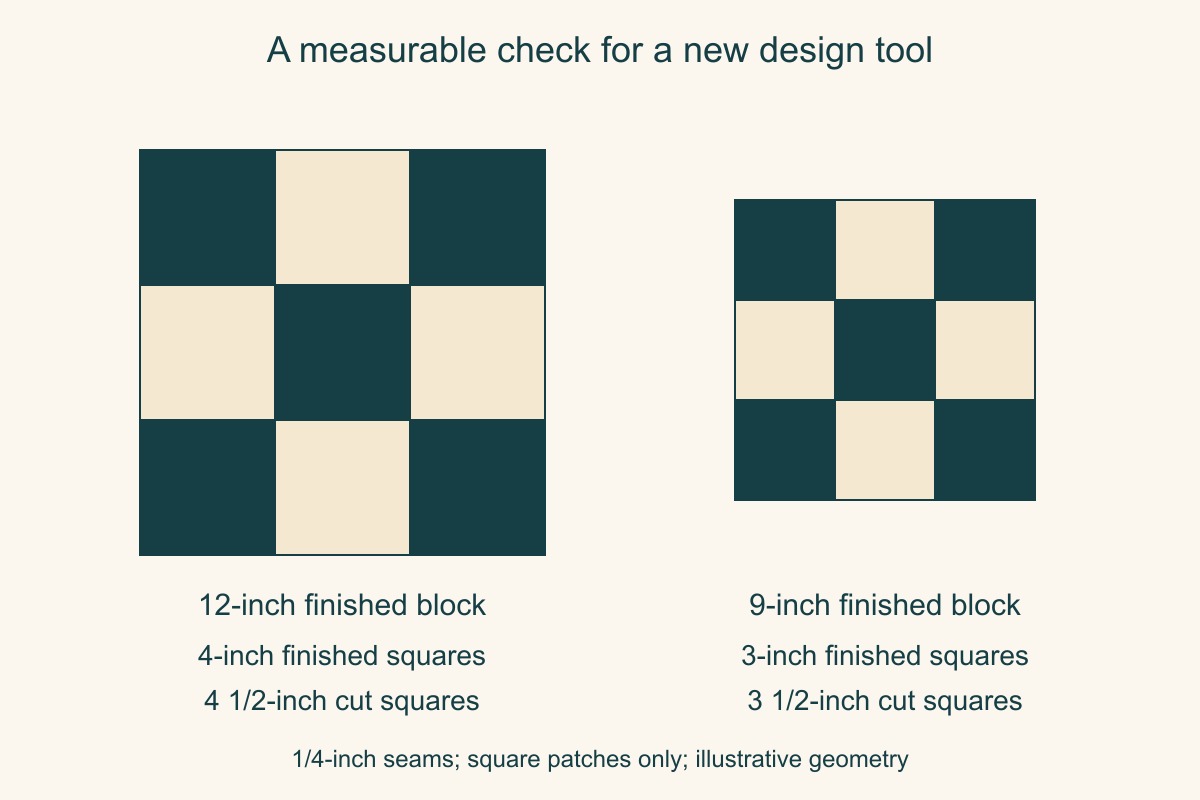
Inspect whether the candidate tool updates its drawing, labels and cutting output consistently. If it only changes the picture, record the calculations you must perform elsewhere. Print or open the exported output when that is part of your intended workflow; a correct screen preview alone does not verify the file.
Treat EQ8 import as a reviewable starting point
QuiltLab can import an Electric Quilt .pj8 project on a paid plan, bringing supported fabrics, pieced blocks and quilts into the library. That capability is also described in our current editor update. It is not a promise of lossless migration.
The import screen skips threads and curved blocks by default. Some quilt layouts and border arrangements are only partly interpreted. An import can save useful assets and still report warnings or a partial result. Read View import details and open the imported designs before continuing.
Our small test saved two fabrics, two blocks and one quilt, and the quilt opened with all four block placements. That was a completed import, but it was not a faithful reconstruction. The source fixture has an 18-by-18-inch center and a 20-by-20-inch overall size, including a 1-inch border. The opened editor instead displayed a 20-by-20-inch quilt top and 22-by-22-inch overall size. The source's quilt-level fabric assignments were also absent from the visible layout. No warning panel appeared for that file. These observations apply to this development-build test; they make checking the opened result essential even when the import reports completion.
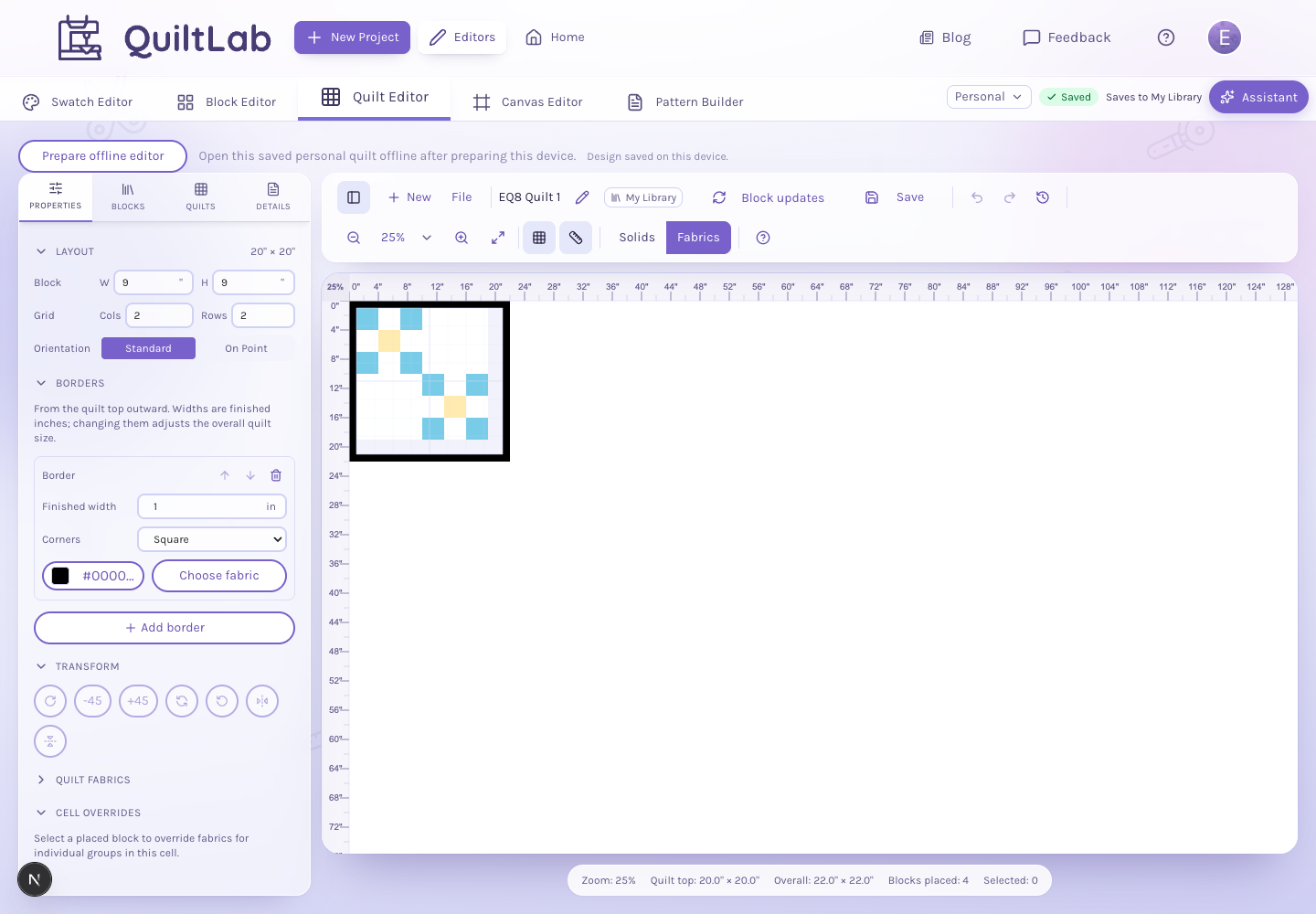
Keep the original file and a reference image from EQ8. For one representative project, compare:
- Fabric count, appearance and print scale.
- Block dimensions, patch geometry and fabric assignments.
- Quilt rows, columns, block placements and orientation.
- Border widths, corners and any special layout.
- Missing or skipped elements named in the import details.
An item appearing in your library establishes that it was saved. Its appearance, measurements and editability need their own checks. If a distinctive layout requires substantial reconstruction, include that work in your switching decision. Never discard your source project merely because the import produced thumbnails.
Inspect an imported quilt before editing →Review the layout, finished dimensions and saved design in the Quilt Editor.Choose a useful next step
Keep EQ8 when the construction printouts you already rely on outweigh the benefits of changing applications. Try a small browser task when you mainly need a color study or a new device. Evaluate an importer with one representative file before moving a whole project library.
For QuiltLab, review current access and allowances before choosing a paid import workflow. Eligible accounts that have never subscribed can use a seven-day trial, with a payment card required; review the checkout and cancellation terms before confirming. The ordinary design tools give you a separate way to assess the editor before attempting migration.
The useful alternative is the one that completes your next real project with acceptable output and an amount of checking you understand. A successful small comparison gives you better evidence than a long list of advertised features.
For a concrete design trial, use the block-design grid walkthrough. For a document-output trial, follow the pattern-writing guide and inspect the actual exported PDF before comparing workflows.
Related posts
Getting Started with QuiltLab: What Each Tool Does and Where to Begin
QuiltLab is a browser-based studio for designing quilts. Here's what each tool does, how they fit together, and where to start depending on what you want to make.
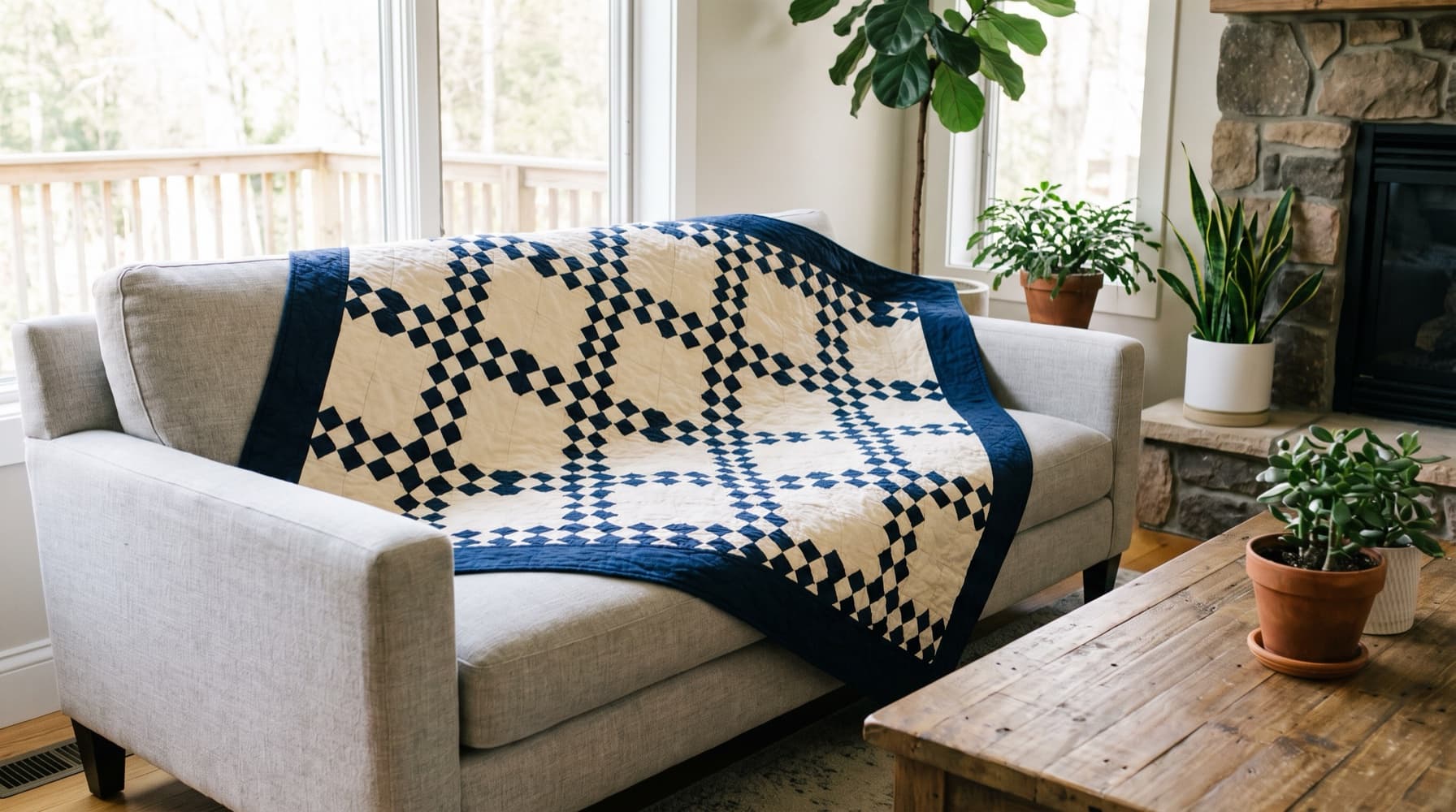
Design Your First Quilt in QuiltLab: A Nine Patch Chain Throw, Step by Step
Draw a 12-inch Nine Patch, alternate it with plain blocks to make a classic chain throw, add a border, and turn QuiltLab's finished measurements into a cutting plan.
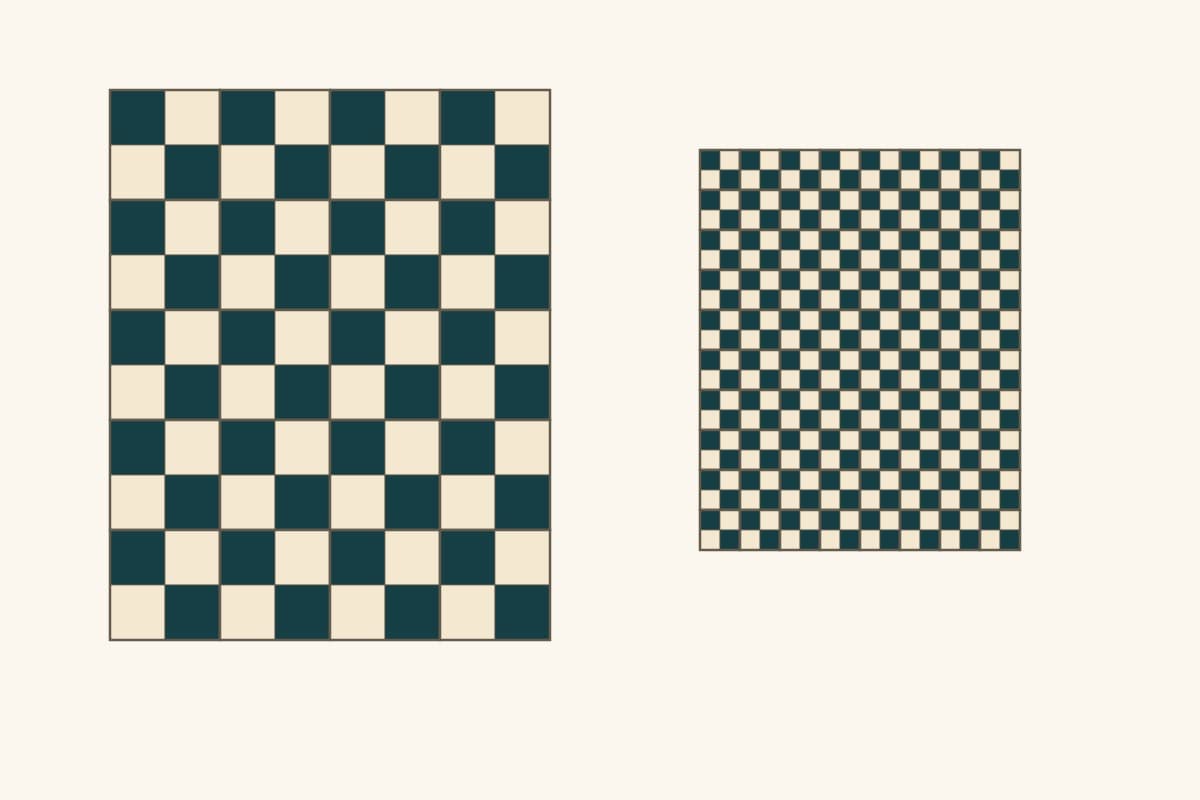
How to Design a Quilt: Size, Layout, Blocks and Fabric
Plan a quilt you can actually make: choose its finished size, compare block counts, assign fabric roles and check the design before cutting.