


How to Sell Quilt Patterns: Package and Delivery
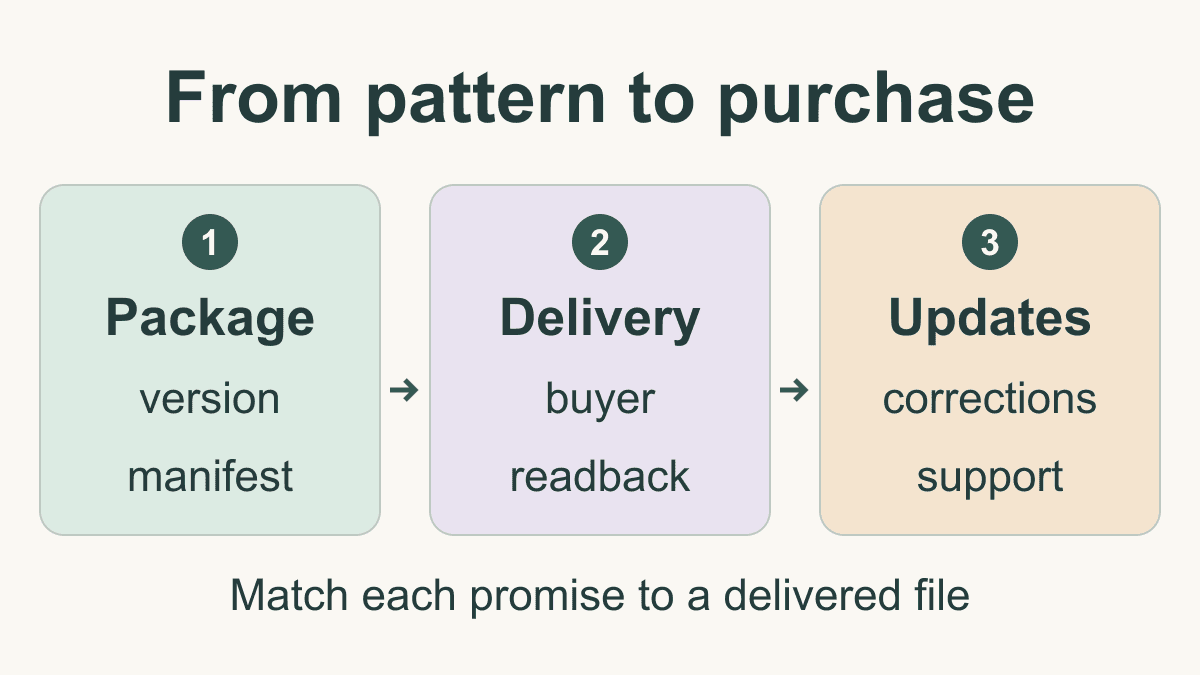
A finished pattern file is only part of a sale. Learning how to sell quilt patterns also means explaining exactly what the buyer receives, delivering the correct version and making help available when something goes wrong. Start with a release package you can inspect from the buyer's side.
This guide covers that selling and delivery stage. For the instructions themselves, use the quilt-pattern writing guide, including its testing and revision section. The Window Study package below is an original planning example, not a pattern offered for sale or a sewn and tested quilt.
Define exactly what goes on sale
Decide whether the product is a digital download, a printed pattern or a bundle. Cheryl Brickey's publishing discussion at Meadow Mist Designs distinguishes digital PDFs from paper patterns. That distinction remains useful; check today's selling services directly for their current features and terms.
For a digital product, state the file formats, number of files, language, measurement units, included sizes and printing requirements. For a printed product, state the physical contents and the delivery arrangements you can actually provide. A bundle needs an inventory of both parts.
Write down three decisions before making a listing:
- Delivery: Where does the buyer obtain the files or printed package after payment?
- Access: Is an account required, and what happens if the buyer loses the download message?
- Updates: How will someone who bought an earlier version find a correction?
Verify those answers in your chosen selling service. Do not infer automatic downloads, replacement access, buyer notifications or shipping support from the fact that a service accepts payments. Keep a short record of the settings and the buyer-facing instructions you verified.
Build a release manifest
A manifest is the inventory of the exact files you intend to deliver. Keep it with your release records so you can compare the approved package with the uploaded package later.
For the illustrative Window Study release, suppose version 1.0 contains these three files:
| File | Contents | Check before release |
|---|---|---|
| instructions-v1.0.pdf | 12 pages of instructions | Every page identifies the correct pattern and version |
| print-notes-v1.0.pdf | 2 pages of printing guidance | Paper format and any scale checks match the instructions |
| readme-v1.0.txt | Access, support and corrections information | Contact details and correction location are usable |
The package contains 3 files and 14 PDF pages: 12 + 2 = 14. The text file is a separate item, not another PDF page. In this example, both PDFs use US Letter pages. An A4 edition is not included, so the listing should not promise one.
Record the file names, version, page counts and release date. You can also retain a file checksum, a short identifier calculated from its bytes, to detect an accidental replacement. It does not tell you whether the instructions are correct; it tells you whether you are comparing the same file.
Use stable names instead of names such as final-final-new.pdf. Keep the editable source document separately from the customer package, and remove internal notes and superseded drafts from the upload selection. If you include a ZIP archive, explain how to open it and check the archive itself after downloading it.
QuiltLab's Pattern Builder provides PDF export through File > Export PDF.... Follow the Pattern Builder guide, then open the downloaded file and inspect it. Saving a document and exporting its PDF are separate checks.
Check and download a pattern PDF →Use the published Pattern Builder guide, then inspect the downloaded file before adding it to your release package.Make the listing match the files
Describe the deliverable before describing the design's appeal. A useful listing lets the reader decide whether they have the skills, tools and printing setup the pattern assumes.
For Window Study, a draft description might read:
Digital pattern package in English, using inches. Includes a 12-page US Letter instruction PDF, a 2-page printing guide and a text file with support and correction information. The download contains three files. Fabric and a finished quilt are not included.
That is only the delivery paragraph. A real listing also needs the verified finished sizes, methods, assumed skills and materials for the actual pattern. Copy those details from the approved document, then check them against the listing. Do not invent a beginner rating or promise a completion time simply to fill the description.
Make a small promise-to-proof list. If the listing promises two quilt sizes, identify where both appear in the delivered instructions. If it promises templates, identify the relevant files or pages. If the preview shows a color variation, explain whether it is included as instructions or is only an example of the design.
Choose preview images you own or have permission to use, and identify what they show. A digital layout can illustrate a design, but it cannot demonstrate a sewn sample or a successful pattern test. Describe actual samples and digital illustrations accurately. For instructional images, the sewing-diagram guide explains how to make diagrams serve a specific step.
Check delivery from the buyer's side
Use your selling service's supported test or preview method before opening sales. If it provides neither, decide how you will verify fulfillment through an authorized transaction. The goal is to inspect what a buyer receives, not merely the seller's upload screen.
For the Window Study example, the delivery check has five steps:
- Follow the delivery instructions from the buyer-facing message or page.
- Download every advertised file into a fresh folder.
- Count the files and compare their names and versions with the manifest.
- Open both PDFs, count their pages and inspect the text, diagrams and printing guidance.
- Follow the stated support and correction links without relying on the seller's signed-in account.
Also try the access path on a phone if buyers may download there. Check whether they can save the files and later find them for printing. Do not advertise unrestricted device support based on one successful desktop download.
Suppose the listing says version 1.0 but the downloaded instruction file says version 0.9. That is a release failure even if the file opens. Replace the wrong upload, repeat the buyer-side download and verify the corrected file. A successful payment or upload alone does not establish delivery of the approved pattern.
Keep a dated record of the tested delivery path and outcome. If your selling service changes its download settings, or you replace any file, repeat the affected checks.
Make corrections traceable across versions
Choose one durable place for correction notices and print its address in the pattern. Tara Faughnan's pattern corrections page identifies affected patterns and notes that some updated copies already contain the fixes. Readers need to know whether a notice applies to their copy.
For a hypothetical Window Study version 1.1, record the affected page, the old version, the change and the date. State whether buyers need a replacement PDF, a short correction sheet or both. Keep the prior release in your private records so you can answer questions from someone still using it.
Update the instructions, manifest, listing and delivery upload together. Then perform the buyer-side check again. If the selling service supports notifications or replacement downloads, verify how those work before promising them. For printed stock, decide how corrections accompany remaining copies and how earlier purchasers can find the notice.
A correction log should explain the change clearly enough for a reader to act on it. It should also distinguish an instructional correction from a cosmetic change, such as moving a photograph. Use the writing guide's revision advice for checking the revised instructions themselves.
Set support and permission expectations
Give buyers a contact route and explain which information helps you answer: pattern name, version, page, step and a description of the difficulty. State any support availability you can sustain. Avoid promising immediate or unlimited help unless you can provide it.
Resolve permission questions before release. Keep a record of who created the design, text, diagrams and photographs, and the permitted use of any contributed or licensed material. Ask about pattern copying, classroom distribution and sale of finished items separately; these are different requests. Put your intended terms where buyers can read them before purchase and in the delivered package. Do not assume another designer's terms answer those questions for your pattern.
Review quality is also part of readiness. Tiffany at Village Bound Quilts explains the distinction between technical editing and pattern testing: detailed review and a maker's experience offer different kinds of feedback. Keep that evidence with the approved version, rather than treating a readable PDF as proof that the construction works.
Before opening sales, reconcile four things: the approved instructions, the release manifest, the listing's promises and the buyer's actual download or package. Any mismatch gives you a concrete correction to make before that version reaches more readers.
Related posts
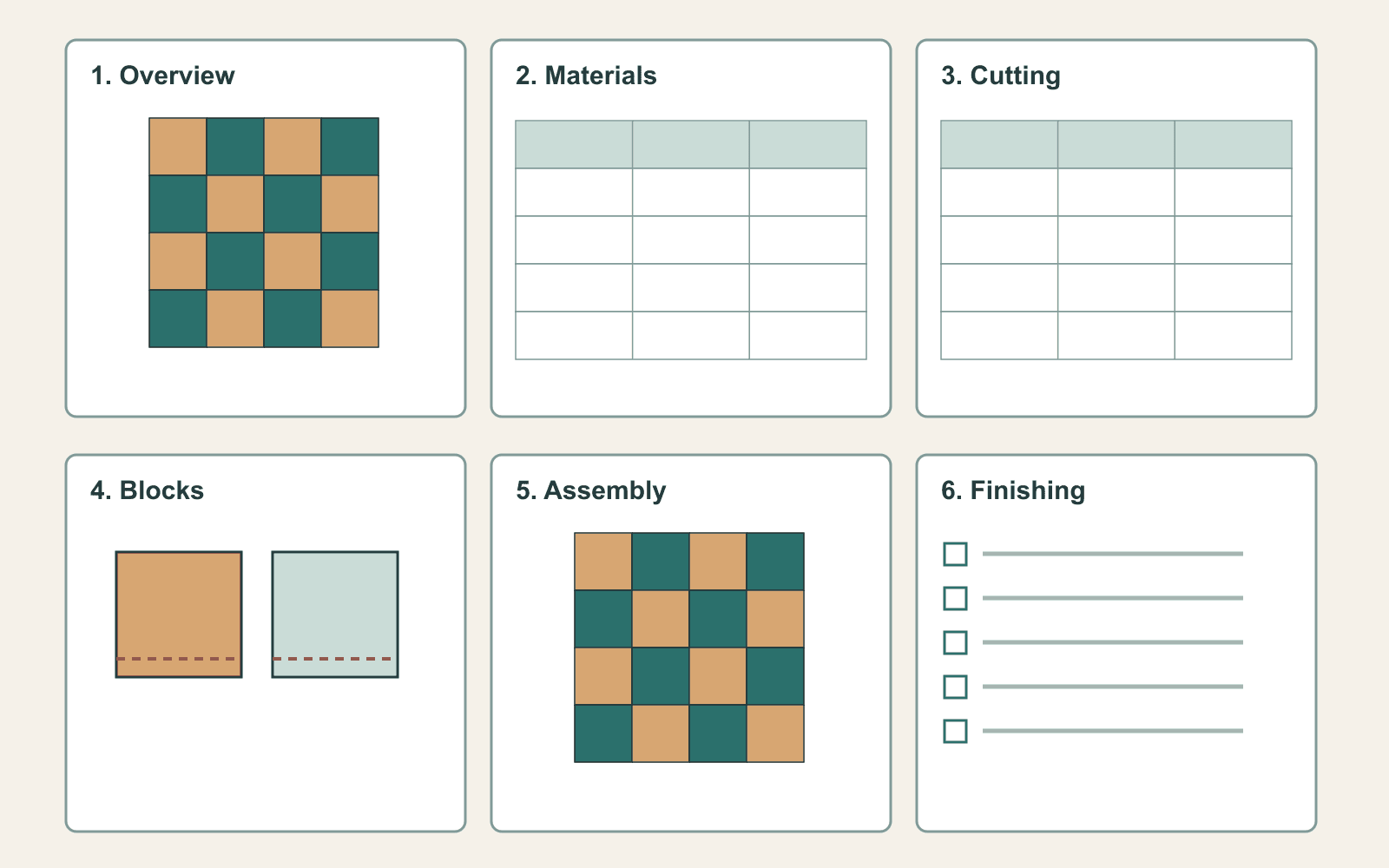
How to Write a Quilt Pattern: Pages, Diagrams and Testing
Turn a quilt design into a clear pattern with a page plan, checked quantities, useful diagrams and a testing process.
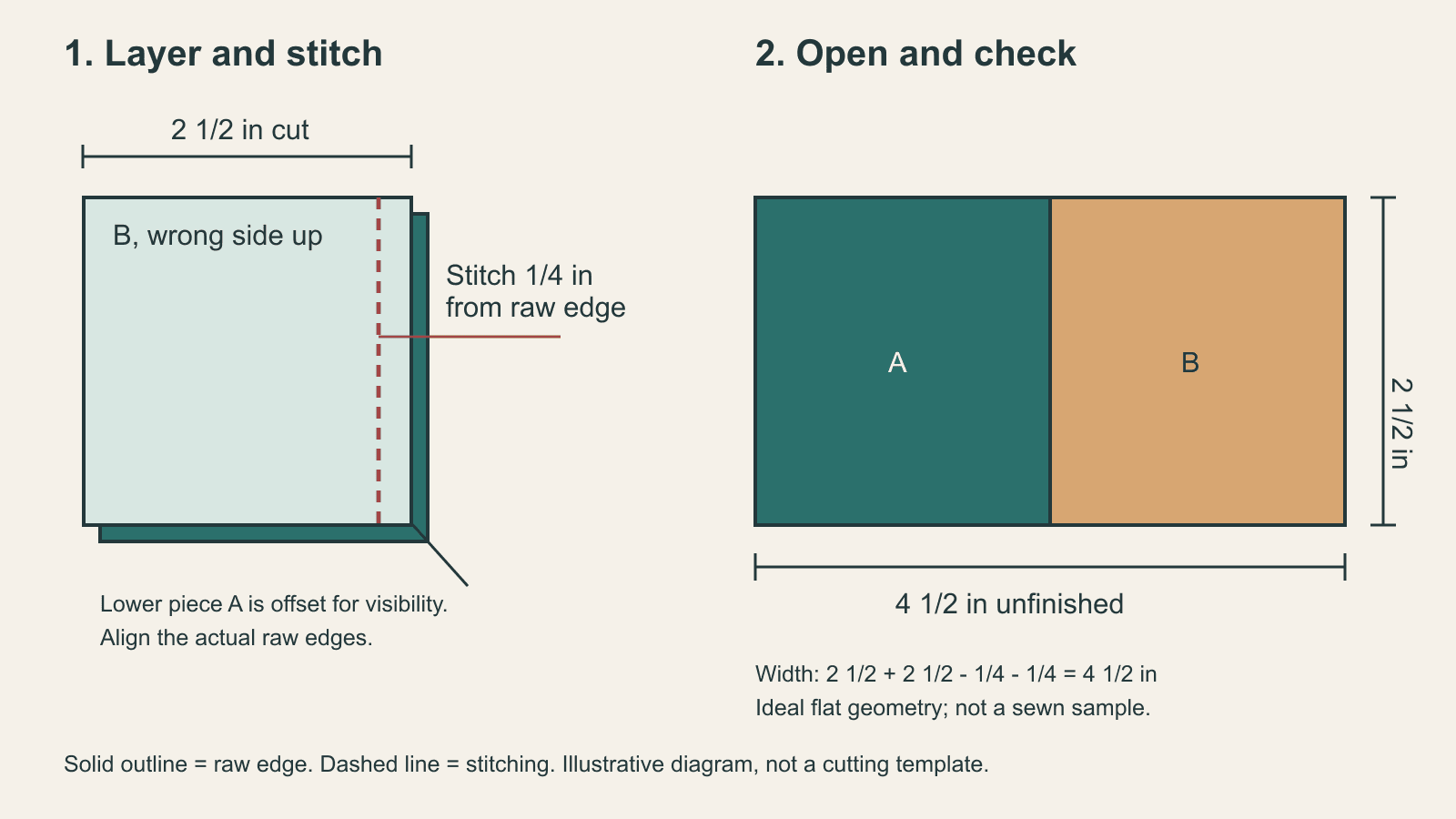
Draw Quilt Pattern Sewing Diagrams That Show the Next Action
Make sewing steps easier to follow with clear fabric orientation, distinct line styles, stable labels and measurable checkpoints.
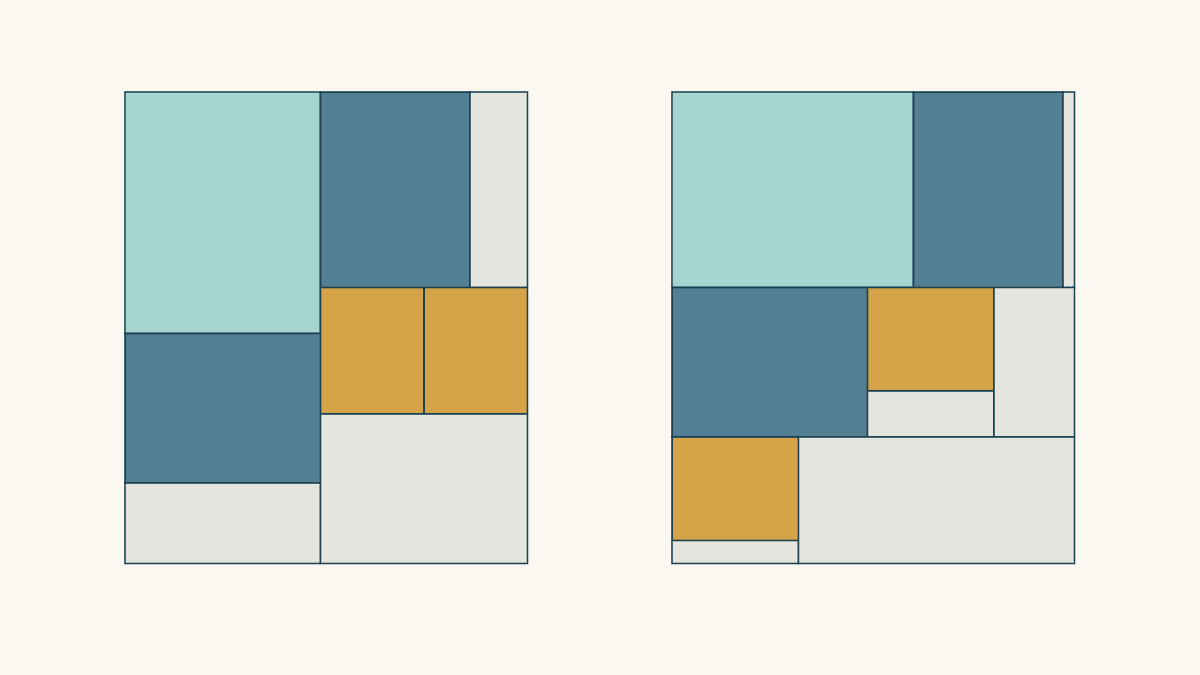
Fat Quarter Cutting Layout: Plan Mixed Rectangles
Compare two cutting maps for the same five rectangles, check usable cloth and rotation limits, and see why leftover shape matters as much as area.