


Walking Foot Compatibility: Check Before You Buy
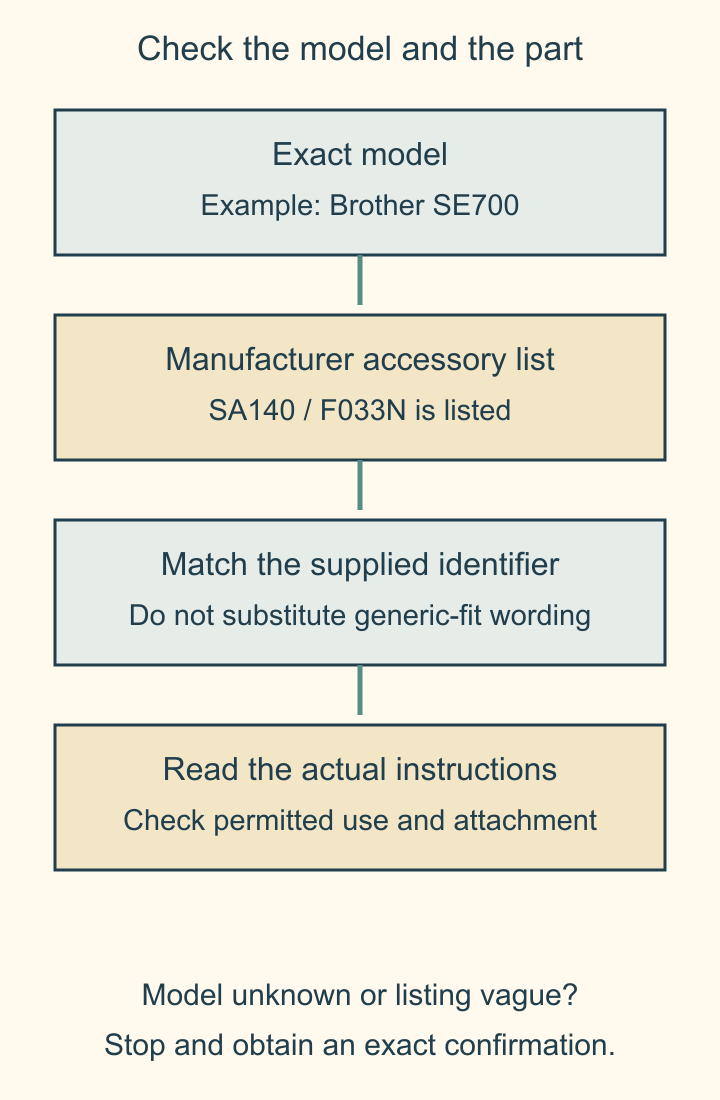
Walking foot compatibility starts with the exact machine model and the manufacturer's listed accessory part number. A listing that says low shank, 7 mm or universal is only a partial description. Check the machine's accessory list and the foot's own compatibility information before buying.
For example, Brother's current SE700 support page lists SA140 / F033N as a Walking Foot and SA188 / F062 as an Open Toe Walking Foot. That is model-specific evidence. It doesn't mean those feet fit every Brother machine or every machine with a similar shank.
Why the shank label isn't the whole answer
Brother's SA140 product page says its walking feet differ in feed-dog width and shank height, and directs readers to their manual or the machine listings. Its supported-model list includes the SE700.
A foot needs to attach correctly, operate with the machine's needle-bar arrangement and leave appropriate needle clearance for the permitted stitch. Knowing one attachment measurement doesn't answer every one of those questions.
Don't infer fit from a photograph of the sole. Similar-looking feet can have different attachment geometry. An adapter also needs explicit support for the machine-and-foot combination; it isn't proof that any mismatched accessory can be converted safely.
If you're still choosing between walking-foot and free-motion quilting, use our technique comparison. This article answers the narrower question of finding a supported attachment for a machine you already own.
Work a real manufacturer lookup
Here is a documented lookup, checked October 21, 2026. It is a source comparison, not an installation test.
- Read SE700 from the machine's model label, rather than relying on a retailer's bundle title.
- Open Brother's SE700 Consumables & Options page, with United States selected.
- Under Optional feet for quilting, find SA140 / F033N - Walking Foot.
- Compare that identifier with the SA140 product page's supported-model list.
- Confirm the actual item being sold carries the expected identifier and obtain the applicable attachment instructions.
The two manufacturer pages agree on this particular pairing. Save both references and the date with your shopping note, because a reseller's generic description can be less specific.
| Evidence in the lookup | What it establishes | What it leaves to check |
|---|---|---|
| SE700 machine support page lists SA140 / F033N | Manufacturer lists this accessory for that model | Exact item and installation instructions |
| SA140 supported-model list includes SE700 | Second manufacturer reference agrees | Permitted stitches and handling |
| Retail listing says low shank only | One broad attachment category | Exact model compatibility is still unconfirmed |
If you have a different model, repeat the lookup with that model. Don't substitute the SE700 example because its display, case or stitch list looks familiar.
Compare the exact variant, including the suffix
Janome's Even Feed Foot page separates its variants. The current public compatibility content identifies 202137009 as the 9 mm without AcuFeed version and lists models including Skyline S5 and Memory Craft 6650. It separately identifies 200311003 as a 5-7 mm low-shank version with another model list.
Those aren't two interchangeable names for one accessory. Keep the complete part number, the stitch-width category and any stated exclusions in your note. An AcuFeed reference also isn't a generic synonym for every separate walking foot.
The page's machine lists can be interactive and may change with region or selected variant. If you can't expose the relevant list, ask the manufacturer's support or an authorized dealer to confirm the exact model and full part number in writing. An empty list isn't evidence of either fit or incompatibility.
Read use restrictions before choosing a stitch
Brother's SA140 page warns against reverse or side-to-side sewing and certain built-in stitches involving movement other than forward feeding. That restriction belongs to that foot's instructions; another accessory may have different permitted uses.
A label such as 7 mm describes a compatibility category. It doesn't authorize every 7 mm stitch, every needle position or a decorative sequence that changes feed direction. Read the actual accessory and machine instructions together.
Keep the machine switched off for attachment and follow its prescribed procedure. Before powered sewing, perform only the clearance and handwheel checks the manual specifies, with the permitted stitch selected. Stop if the needle or attachment contacts anything, or if the foot cannot be secured as instructed. Don't force the fit or modify the mounting hardware to make a generic listing work.
Keep a three-part buying note
Write down the exact machine model, full accessory part number and authoritative compatibility reference. Add the seller's item identifier so a similar-looking substitute doesn't slip into the order.
For the worked example, that note starts with Brother SE700 - SA140 / F033N - SE700 support list plus SA140 supported models. The next step is confirming the actual supplied accessory and its instructions, not inferring that every walking foot in a search result will work.
Our quilting machine guide can help compare machines, and the quilt-weight support article addresses workspace preparation. Neither replaces the accessory fit check for your model.
Related posts
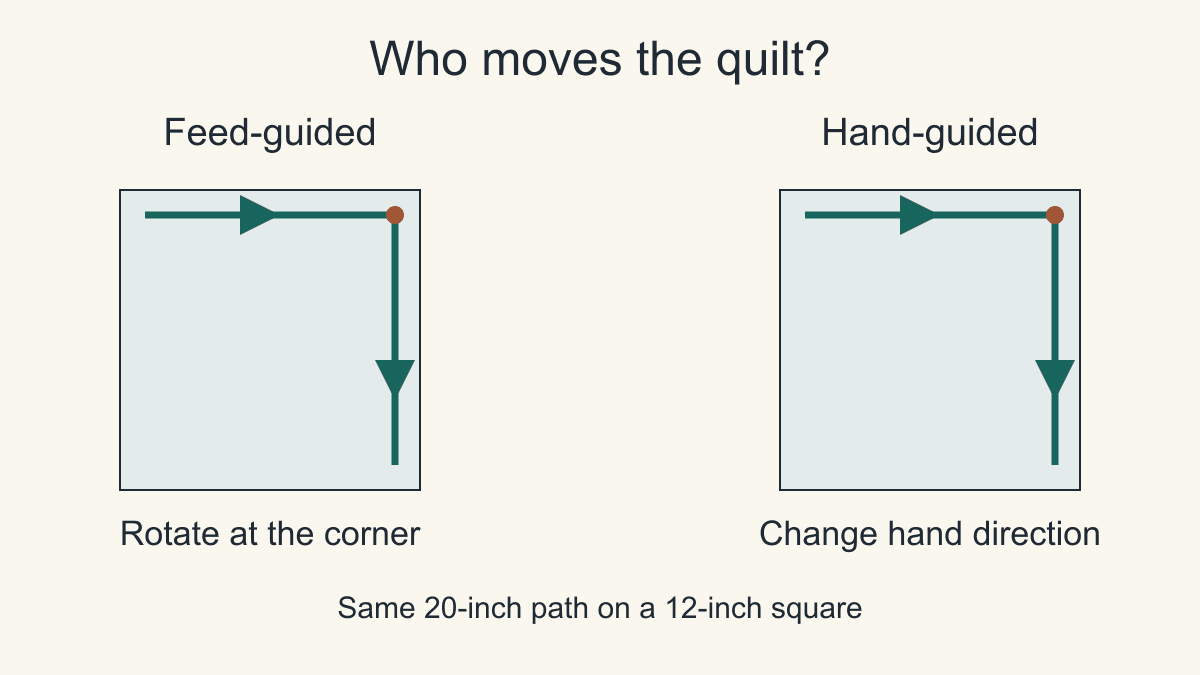
Walking Foot vs Free Motion Quilting: Which Should You Use?
Use a walking foot for straight lines and gentle curves, and free motion for designs that turn often. A 20-inch path and stitch-length math show why.
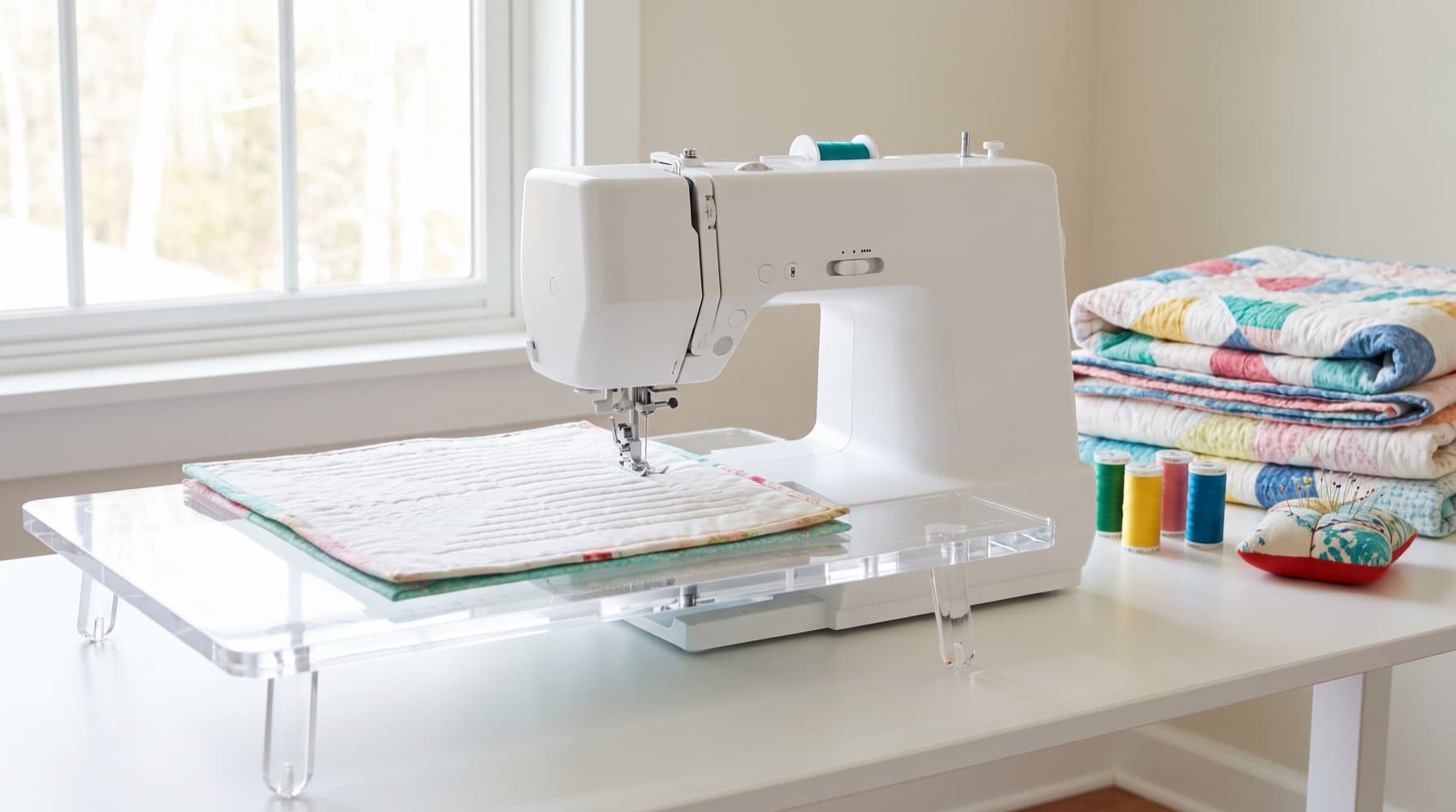
The Best Sewing Machines for Quilting in 2026: Five Picks for Every Budget
Five quilting machines matched to the work you sew, from an under-$300 starter to free-motion stitch regulation, plus a dealer test and a total-cost worksheet.
How to Support a Quilt While Quilting
Keep quilt bulk on a stable surface beside and behind the needle, then compare two equal-area table layouts before your next stitching pass.