


How to Stop a Quilting Ruler Slipping While You Cut

To stop a quilting ruler slipping, begin with a straight fabric edge and align the correct width line along it. Hold the ruler as its maker directs, keep your fingers clear of the cutting edge and stop cutting before you move your holding hand. Close and set aside the cutter before repositioning, then check the ruler line again before continuing.
Before the next strip, find out whether the ruler moves, the fabric moves or the wrong line was aligned from the start. OLFA's safe-cutting instructions call for cutting away from yourself, keeping fingers away from the edge and closing the blade before putting the cutter down.
Below, a 2 1/2-inch strip gives you something specific to check. We drew these examples and haven't cut these strips.
Give the ruler a reference you can trust
Lay the fabric flat on a supported rotary cutting mat, with the whole cutting path over the mat. Clear away pins, offcuts and other obstacles before starting, as OLFA advises. A fold or object under the ruler makes it harder to see whether the ruler is sitting flat.
Start with a straight fabric edge. Put the ruler's 2 1/2-inch line on that edge, so the cutting edge of the ruler is 2 1/2 inches away. Follow the line along the fabric, rather than checking just one end.
That arrangement follows Quilter's Rule's instructions for its Original and Junior Rulers: place the desired width line on the straight edge, then run the rotary cutter along the ruler edge. Identify the equivalent line on your own ruler before cutting.
Check which edge the numbers measure from. Long rulers can have markings read from different sides, and it's easy to follow the neighboring line. Read your cut width on the ruler consistently; don't alternate between the ruler and the mat to establish successive strip widths.
If the starting fabric edge curves or changes direction at a fold, straighten that reference before measuring the next strip. Holding the ruler perfectly still won't correct an edge that was crooked already.
Position first, then hold
A ruler that slides easily while you're placing it may still be working as designed. The question is whether it stays where you set it during the cut.
For example, Creative Grids describes the CGR24 as sliding into position before slight pressure engages its grip. That's the instruction for that model, not a reason to assume every ruler grips the same way. Check the directions for the one you have.
Use your non-cutting hand to hold the ruler, with fingers safely inside its cutting edge. Check the top and bottom of the chosen width line once the ruler is held. If pressing changes the alignment, release it, place it again and check before exposing the blade.
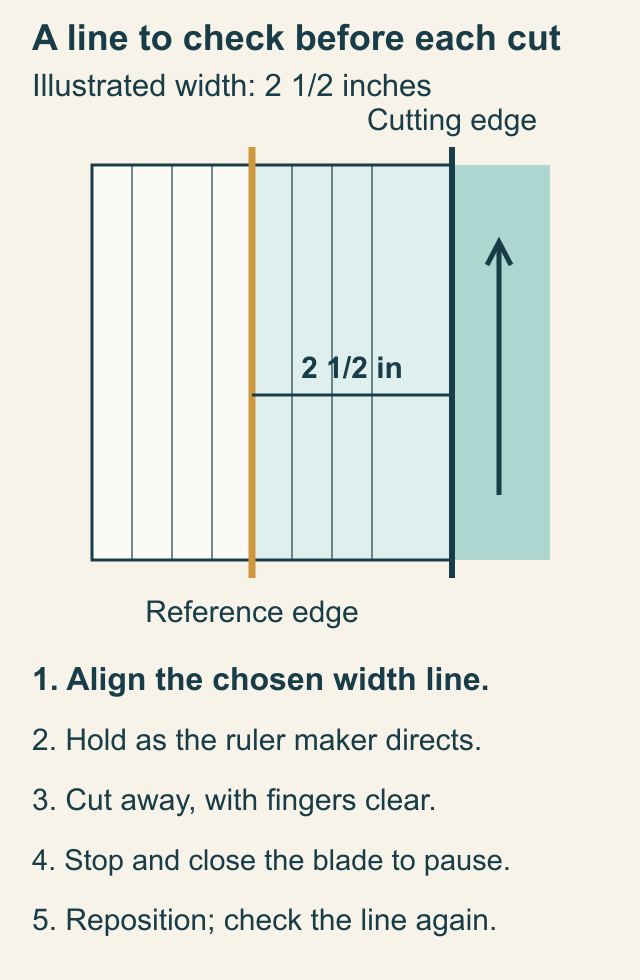
If you can't hold the ruler safely in position, stop and change the setup before continuing.
Stop before moving your holding hand
Keep the cut within the portion of the ruler you can hold steadily. A long ruler doesn't make the far end equally supported by your hand.
Treeline Quilting's cutting lesson gives a useful instruction for longer cuts: stop cutting first, reposition the holding hand, then continue. Combine that pause with OLFA's blade rule: close the blade before setting the cutter aside.
Use this sequence when you need to pause:
- Stop cutting. Don't move your holding hand while the blade is still traveling.
- Close the blade and set the cutter aside. Keep the ruler in position while you prepare to change your hold.
- Reposition your holding hand. Check the chosen width line against the same fabric reference edge again.
- Continue only if the alignment still agrees. If the ruler or fabric shifted, stop and assess the partial cut before cutting farther. Don't join two different cutting paths by forcing the blade along a moved ruler.
How often you pause depends on your reach and setup. The three measurement points in the next example aren't prescribed hand positions or a fixed cutting distance.
Measure the strip in three places
Before cutting a stack of strips, check the first one at its near end, middle and far end. Measure across its width at each point, using the same reference and ruler.
Here are three possible sets of readings for a 24-inch-long strip intended to be 2 1/2 inches wide:
| Example | Near end | Middle | Far end |
|---|---|---|---|
| Intended strip | 2 1/2 in | 2 1/2 in | 2 1/2 in |
| A: tapered strip | 2 1/2 in | 2 9/16 in | 2 5/8 in |
| B: parallel offset | 2 5/8 in | 2 5/8 in | 2 5/8 in |
In A, the far end is 1/8 inch wider than the near end. Halfway along this straight-sided example, the increase is 1/16 inch, giving 2 9/16 inches. The gradual change tells you to investigate alignment along the length.
In B, every reading is 1/8 inch too wide. Check whether you chose the 2 5/8-inch line, measured from the wrong ruler edge or placed the ruler parallel but offset from the reference.
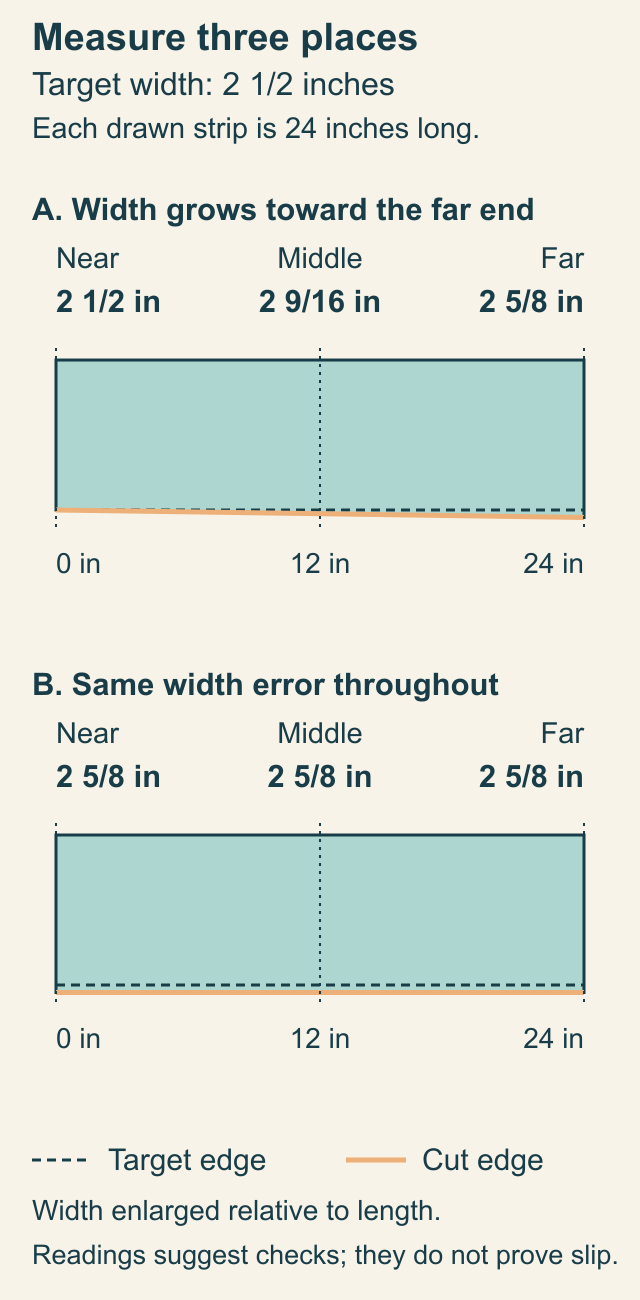
These measurements suggest checks; they don't prove the ruler slipped. Fabric that moved or an unreliable starting edge can also give an uneven result. Observe whether the selected line changes position between setup and the pause. That observation is more specific than blaming the tool from the shape alone.
Change one thing, then check again
Use the first cut to decide what to inspect next:
- The ruler line moved while cutting: reset your hold and pause sooner, before the cut goes beyond the part you can hold steady. Check the model's grip instructions.
- The line was wrong before cutting: choose the correct width mark and check it along the whole reference edge before trying another strip.
- The ruler stayed aligned but the fabric moved: lay the fabric flat again and check for a fold, trapped offcut or unsupported part of the cutting surface.
- The blade skips threads or needs unusual effort: stop and consult the cutter's own instructions. That is a cutter check, separate from a ruler-width diagnosis; don't compensate by pushing harder.
Repeat the three width measurements after changing the setup. Use the cut size your pattern requires; this example doesn't set an acceptable error tolerance for every project. Set a tapered or undersized piece aside from the required strip stack until you know whether the pattern has a suitable use for it.
Once your loose strips are consistent, our strip-piecing lesson takes over: check the sewn set's width and usable length before making subcuts. Trimming a pieced block is a different task because its seams and points guide the ruler; see squaring up quilt blocks.
Before the next batch, choose one width line, make one controlled cut and measure it in three places. Keep the strip that matches your pattern beside the cutting area as a reminder of what you're checking, then recheck the setup as you cut the rest.
If a pass leaves threads connected, work through the rotary cutter skipping checks before cutting the project pieces.
Related posts

Why Is Your Rotary Cutter Skipping Threads?
Stop adding pressure. Use the cutter's exact instructions and a short scrap-check record to decide whether the blade, assembly or cutting surface needs attention.
Basting a Quilt on a Small Table, One Section at a Time
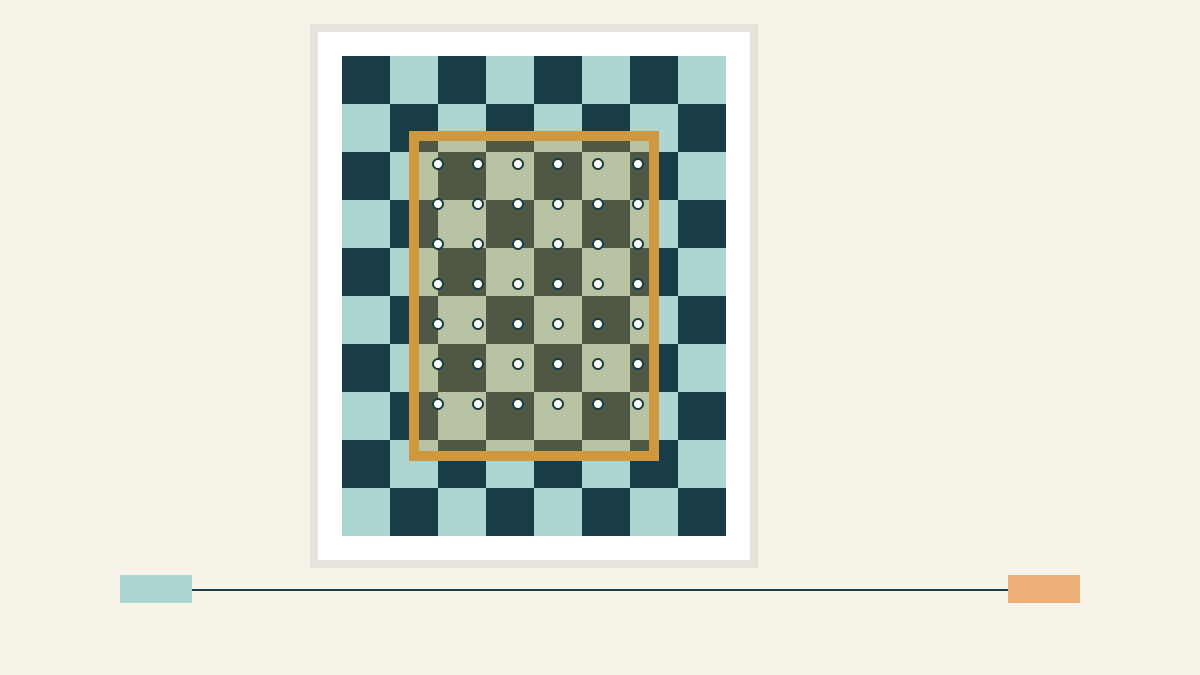
Keep a pinned overlap while you move the layers. Follow a five-position plan for a 48 x 60-inch top on a 30 x 40-inch table.
Pin Basting vs Spray Basting: Which Fits Your Quilt and Room?
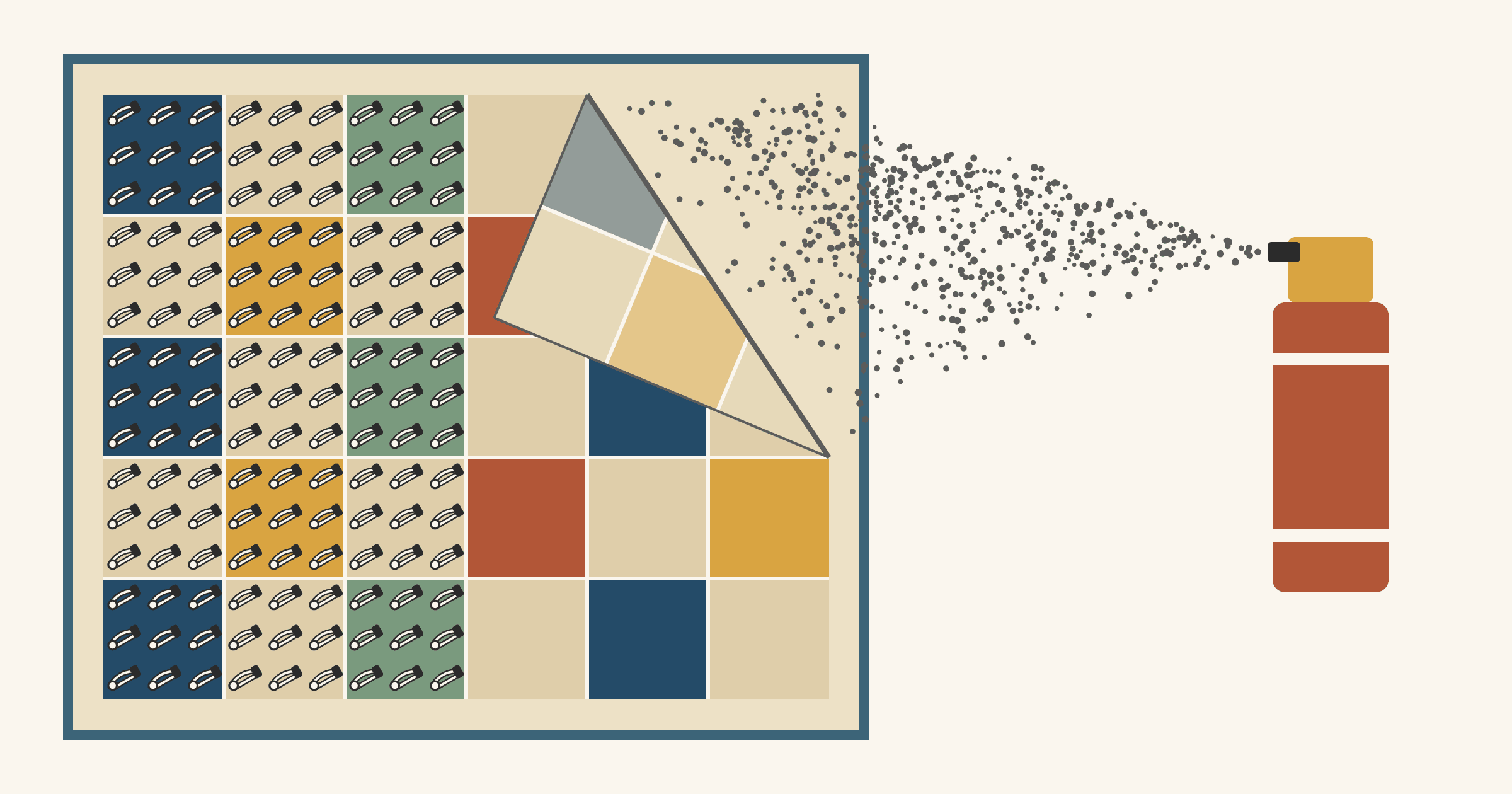
Pins 3 to 4 inches apart hold until you remove them; spray is faster but lasts only as long as its label says. Choose by quilt size, surface and can.