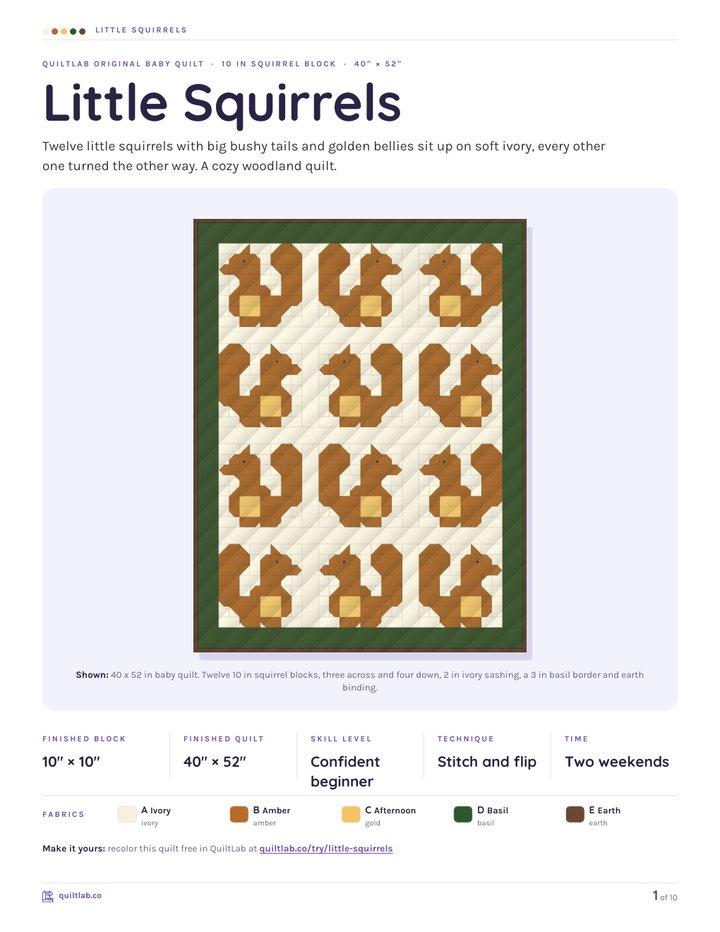
Little Squirrels
Quilt patternBeginner · 40″ × 52″ baby quilt
Comparing the Olfa RM-MG and the Fiskars 24" x 36" self-healing mats, the two most common full-size quilting mats. We compare grids, durability under daily cutting, and price to help you pick the right mat for your cutting table.
| Feature | Olfa RM-MG 24x36 | Fiskars 24x36 |
|---|---|---|
| Price (24" x 36") | $73.49 list on olfa.com | About $37 - $57 at shops |
| Self-healing | Yes | Yes |
| Grid | Inch grid on one side, plain on the other | Grid printed on both sides |
| Angle lines | 30, 45, 60 degrees | 30, 45, 60 degrees |
| Thickness | 1.5mm | Not published |
| Daily heavy cutting | Heals better over years | Shows cut lines sooner |
| Best for | Daily cutting, a main cutting table | First cutting station, moderate use |
Our Pick
If you cut most days, buy the Olfa. Its self-healing surface holds up better under heavy rotary cutting, so it stays smooth and accurate for longer, and the plain side doubles as a surface for general crafting. The Fiskars costs noticeably less and has a grid printed on both sides, and for quilters who cut a few times a week it is an excellent first mat. Both are 24 by 36 inches, large enough for folded width-of-fabric cuts, and both have 30, 45 and 60 degree lines.
Some of these links are affiliate links: QuiltLab may earn a commission if you buy through them, at no extra cost to you.
Printable PDF patterns with cutting charts and diagrams, free to download.
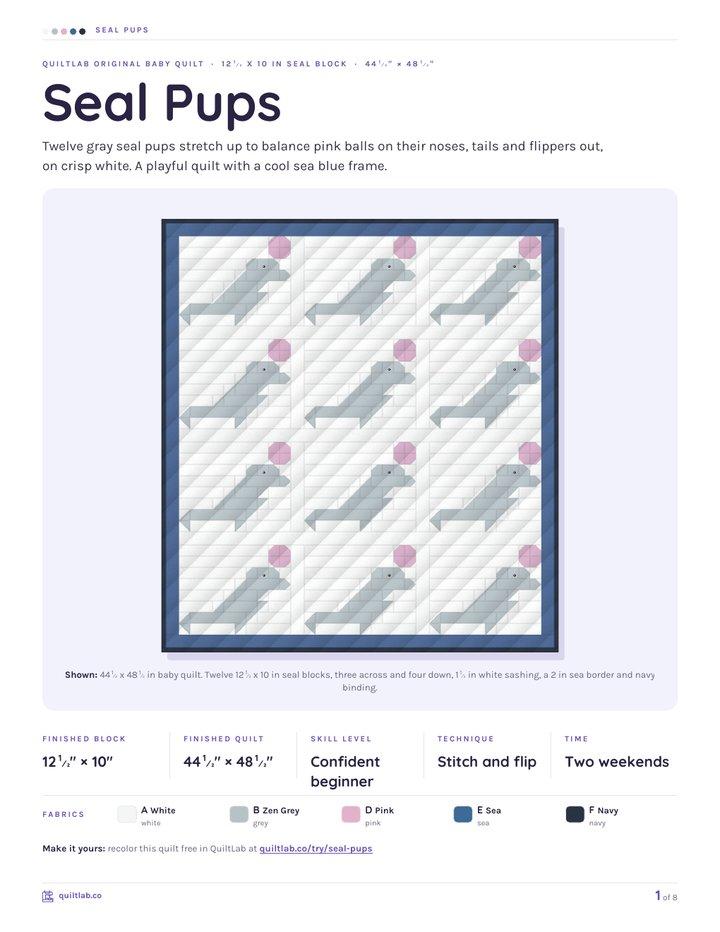
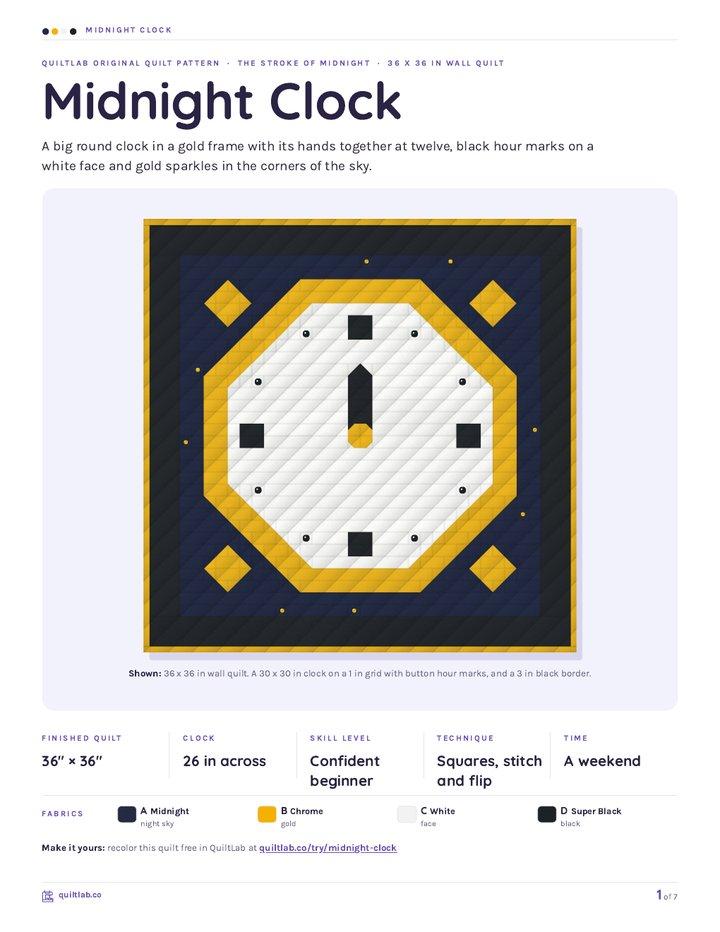
Lay out blocks and try colors in QuiltLab's grid editor before you cut.
Free forever, no card needed.
QuiltLab updates, tips and quilting inspiration. Unsubscribe anytime.
Comments