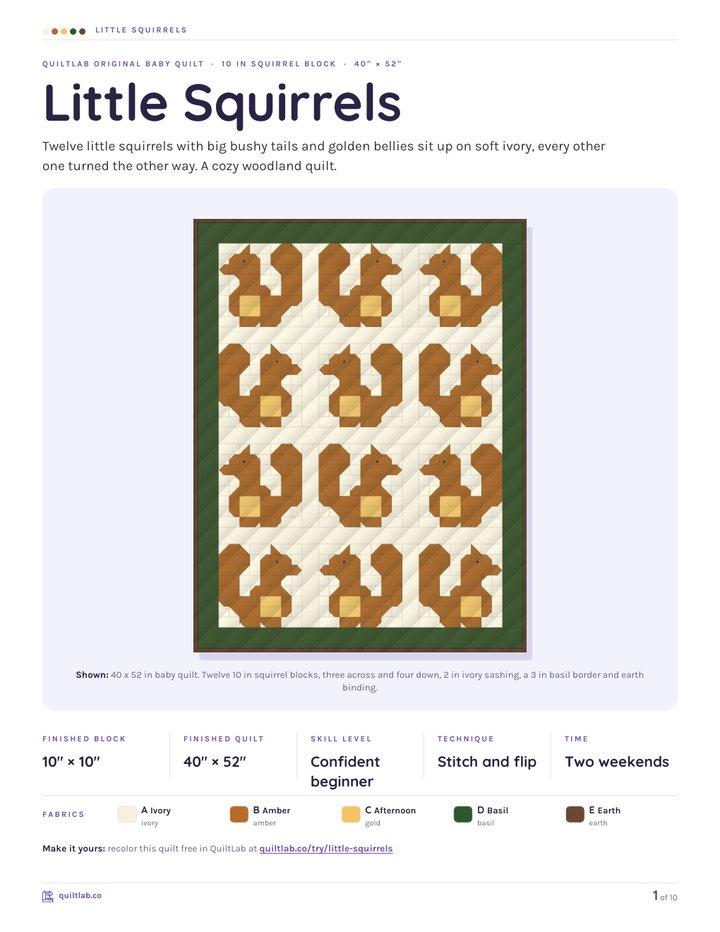
Little Squirrels
Quilt patternBeginner · 40″ × 52″ baby quilt
When to reach for a rotary cutter and when fabric scissors do the job better. We compare speed, accuracy, layers, safety and what each tool needs, so you know which cutting tool to start with.
| Feature | Rotary cutter (45mm) | Fabric shears (8") |
|---|---|---|
| Straight strips and squares | Fast and accurate with a ruler | Slow; hard to keep straight |
| Layers at once | Up to about 6 with a sharp blade | 1 - 2 |
| Curves and applique | Gentle curves only | Any shape |
| Trimming threads and dog-ears | Awkward | Easy |
| What else you need | Self-healing mat and a ruler | Nothing |
| Safety | Exposed blade; close the guard after every cut | Safer to leave on the table |
| Upkeep | Replace blades when they skip | Sharpen occasionally |
Our Pick
For cutting quilt pieces, a rotary cutter wins. With a ruler and a self-healing mat it cuts straight strips, squares and triangles quickly and accurately, through several layers at once, which is why almost every modern quilt pattern assumes you rotary cut. Scissors are still essential: a pair of 8 inch shears for cutting yardage off the bolt, trimming and curves, and small snips for threads. Start with a 45mm rotary cutter, a 6 by 24 inch ruler and a 24 by 36 inch mat, and keep one good pair of fabric-only shears.
Some of these links are affiliate links: QuiltLab may earn a commission if you buy through them, at no extra cost to you.
Printable PDF patterns with cutting charts and diagrams, free to download.
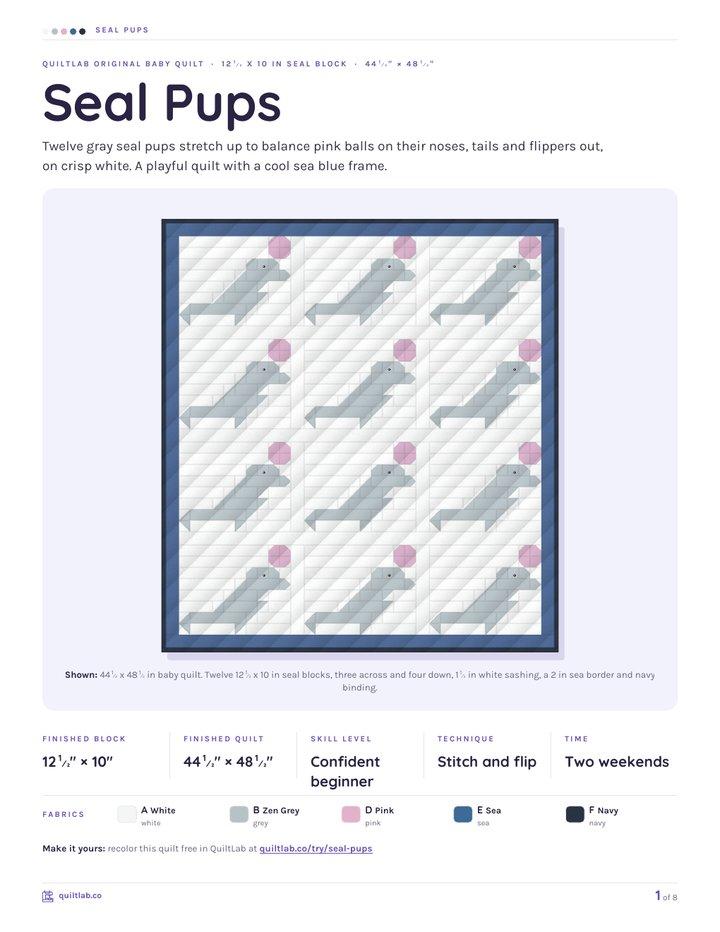
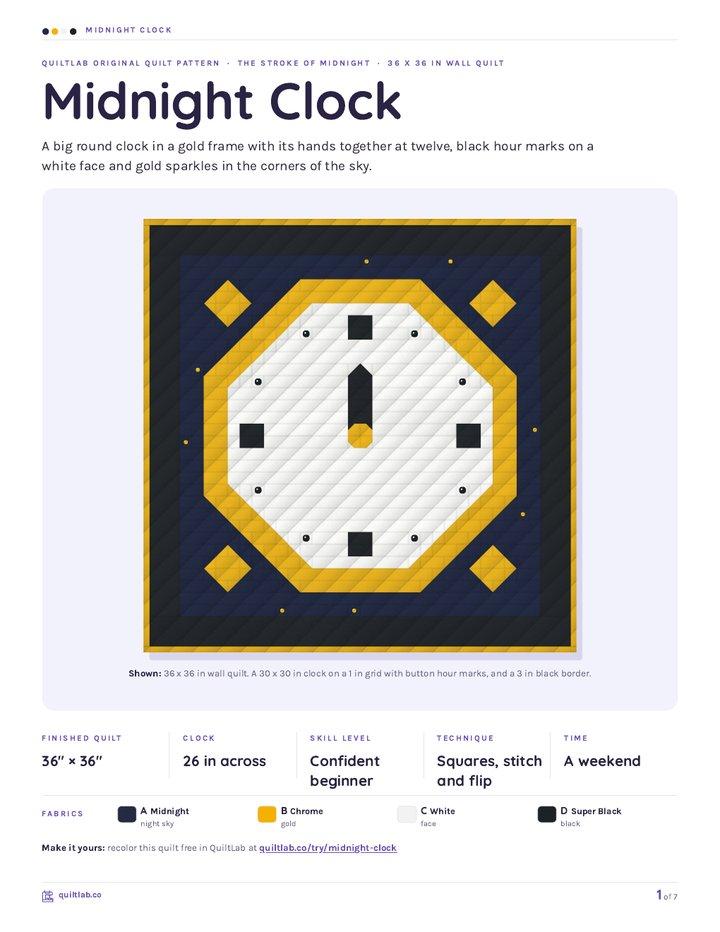
Lay out blocks and try colors in QuiltLab's grid editor before you cut.
Free forever, no card needed.
QuiltLab updates, tips and quilting inspiration. Unsubscribe anytime.
Comments