Keep the Main Shapes in a Landscape Photo Quilt
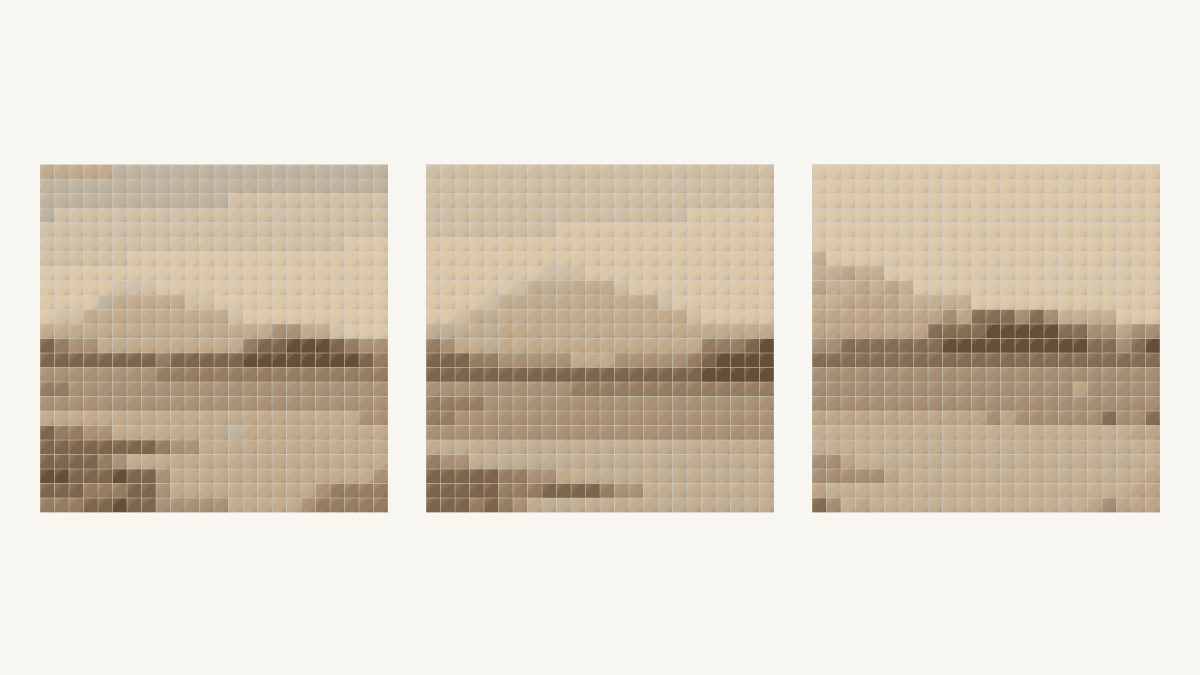
Choose the landscape shapes you need before choosing a crop. Keep the mountain outline if that is the subject, or give more space to the river and trees when they carry the picture. Compare the reduced result with that short list before cutting fabric.
Our landscape photo quilt planning example compares three square frames from one historical photograph. Each becomes a 576-patch QuiltLab study. The river and dark tree bands remain useful broad shapes. The mountain is much less distinct, even in frames that keep its summit.
Start with a few landscape shapes
Look at the whole photograph and name three things that make it your chosen scene. For this example, they are the mountain above the distant bank, the darker tree group and the broad river below it. The foreground corners add another choice: keep them to frame the water, or remove them for a simpler view.
Sharon Koppel describes making broad sketches to compare sky, lake, mountain and foreground proportions in her landscape-quilt planning process. She also considers where trees sit in the background and foreground. Her sketch helps her think about the composition; it is not a component pattern.
You can borrow that planning habit without drawing every branch. Make a few large shapes, then ask which ones need to remain separate. A dark tree group meeting a pale sky is a different problem from two similar light areas meeting along a distant slope.
Avoid treating every horizontal division as the horizon. In this photograph, the mountain outline, tree line, far riverbank and near shore sit at different heights. Decide which boundary you mean when you mark it.
Keep the photograph's history with the source
Our source is Landscape with River and Mountain, an unknown photographer's image from the 1870s. The Met identifies its medium as an albumen silver print from a glass negative with applied color. It labels the object Public Domain and makes its Open Access images available under CC0.
The subdued browns and pale sky belong to this historical image. We are not using them as a record of the location's modern natural colors.
The source file is 2,545 by 2,040 pixels. We extracted three square PNG copies without resizing or adjusting their tones before uploading them. Each set of coordinates below starts at the full image's upper-left corner.
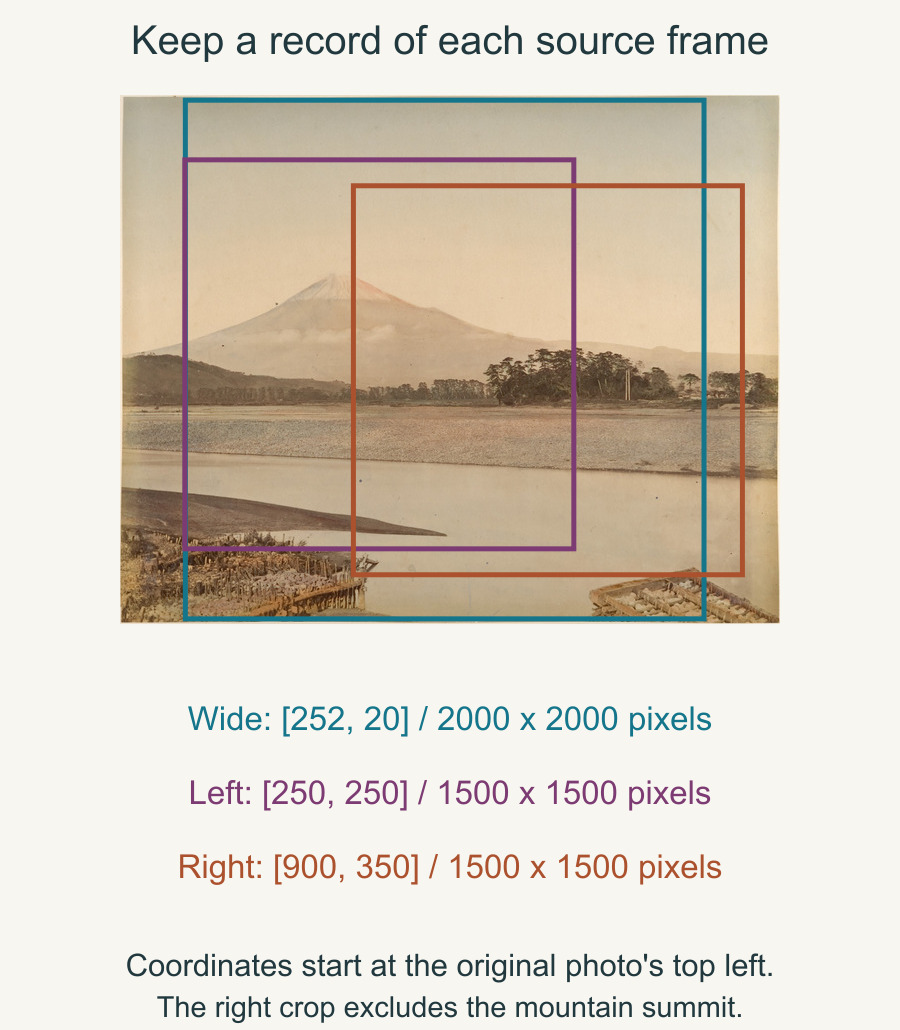
The wide frame starts 252 pixels across and 20 down and keeps a 2,000-pixel square. It includes the summit, river, right tree group and both lower foreground corners.
The left frame starts 250 across and 250 down and keeps a 1,500-pixel square. It makes the mountain larger within the frame. It gives up the lower-right foreground corner and part of the right tree group.
The right frame starts 900 across and 350 down and keeps a 1,500-pixel square. It favors the tree group and river, but the summit is already outside its left edge. That is a framing decision we can see in the source copy.
Compare the frames at one patch count
Our October 24, 2026 studies use the same 24-by-24-inch field, one 24-inch block and 1-inch finished square patches. Each contains 24 x 24 = 576 patches.
We kept Squares, From the photo, Fidelity, Stretch and Maximum colors: 8 unchanged. Clean up stray patches stayed Off, and Simplify background stayed off. All three sources are square, so the square Stretch field preserves their proportions.
The first photo-quilt tutorial covers the full setup. The Quilt Editor guide introduces the design modes.
| Frame | Source square side | Source pixels per cell | Colors used |
|---|---|---|---|
| Wide | 2,000 pixels | About 83.3 | 8 |
| Left | 1,500 pixels | 62.5 | 8 |
| Right | 1,500 pixels | 62.5 | 6 |
Dividing the source side by 24 gives the nominal source-pixel span across a cell. A feature kept in either smaller crop occupies about 2,000 / 1,500 = 1.33 times as much of the picture's width as in the wide frame. Moving the frame left or right still determines whether that feature is included at all.
The color setting is a maximum. QuiltLab recalculates the palette for each cropped source, producing eight, eight and six used colors here. This comparison keeps the configuration steady while showing both the new framing and its resulting color assignments.
Separate a removed shape from an unclear one

In the wide result, a dark middle band separates much of the light upper field from the river below. The right tree group forms a larger dark mass. The lower-left foreground also makes a dark shape beside the light water. Fine tree trunks and foreground textures merge into these larger areas.
The left result gives more space to the mountain in its source, but the reduced summit still lacks the clear separation we would want for a mountain-first quilt. The distant bank and near shore remain stronger horizontal shapes. More room for a feature did not make its faint boundary crisp.
In the right result, the tree group becomes a prominent central dark shape. The broad light river remains below it. The missing summit cannot be blamed on conversion: it was removed when we made the source crop.
Keep two checks on your planning sheet: whether the shape is inside the source crop, and whether its boundary remains readable in the mosaic. Our three studies give different answers to those checks:
| Frame | Summit in source crop? | Mountain clear enough for our goal? |
|---|---|---|
| Wide | Yes | No; faint against the upper field |
| Left | Yes, at a larger scale | No; the reduced outline stays weak |
| Right | No | No; the source already excludes it |
For a river-and-tree abstraction, we would compare the wide and right frames first. For a quilt whose main promise is the mountain silhouette, we would pause on all three. The right frame needs a different crop to include the summit; the other two need a clearer reduced boundary before we would commit to fabric.
Judge the big relationships before the small details
Leni Levenson Wiener explains how she separates a photograph into regions while checking relative light, medium and dark values in her fabric-collage tutorial. She still refers to the source when choosing fabric colors. Her applique process differs from this square mosaic, but the question about neighboring values remains useful.
Compare one important boundary in both images. Can you follow the mountain against the sky, or do you only know it is there because the source sits beside it? Can you still distinguish the river from the far bank? Name the result plainly before studying individual squares.
The American Quilter's Society's reference-photo guidance recommends both close and wide views and asks readers to examine light, shadow and competing backgrounds. If no frame keeps your essential shape clearly enough, return to the source choice instead of assuming a tighter crop will solve it.
Our patch-size comparison explores a separate decision: changing the grid. A different grid is worth its own comparison after the desired scene remains inside the source frame.
Save the frame you actually chose
We saved and reopened each study and checked its matching export and complete two-page guide. Every guide contains 576 patches, and all color counts agree with its own exported grid.
Use Preview & export block guide, then open every downloaded page. The saving guide explains the save states. Keep the selected crop, result and guide together so a similar brown palette does not send you to another version.
Write down the three shapes your quilt needs. Choose a frame that contains them, inspect their reduced boundaries, and save that exact study before choosing cloth.
Free patterns to try
Printable PDF patterns with cutting charts and diagrams, free to download.
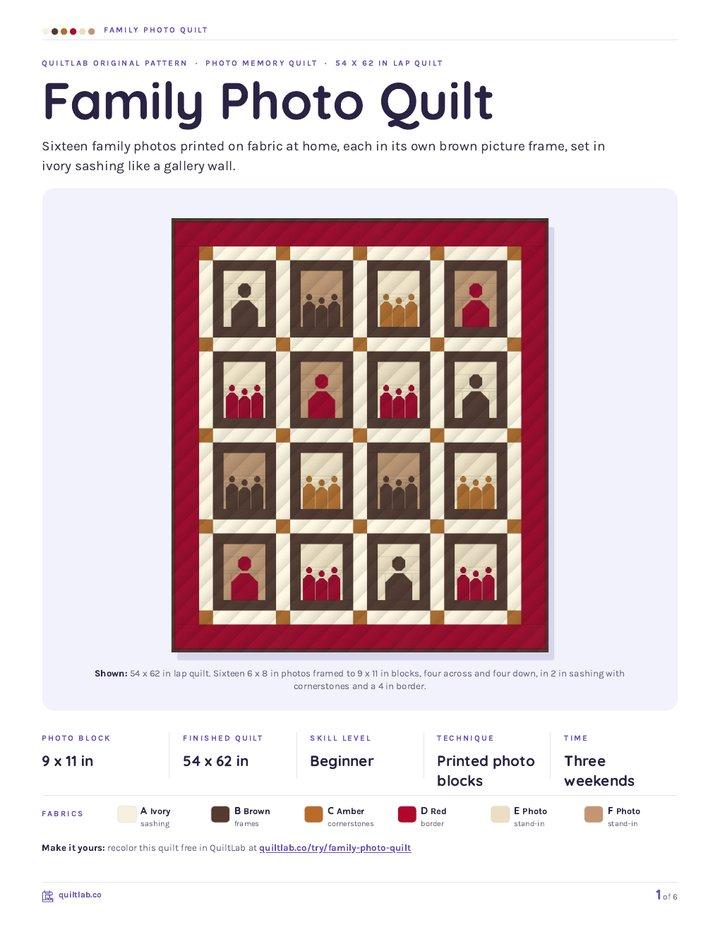
Family Photo Quilt
Quilt patternBeginner · 54 x 62 in lap quilt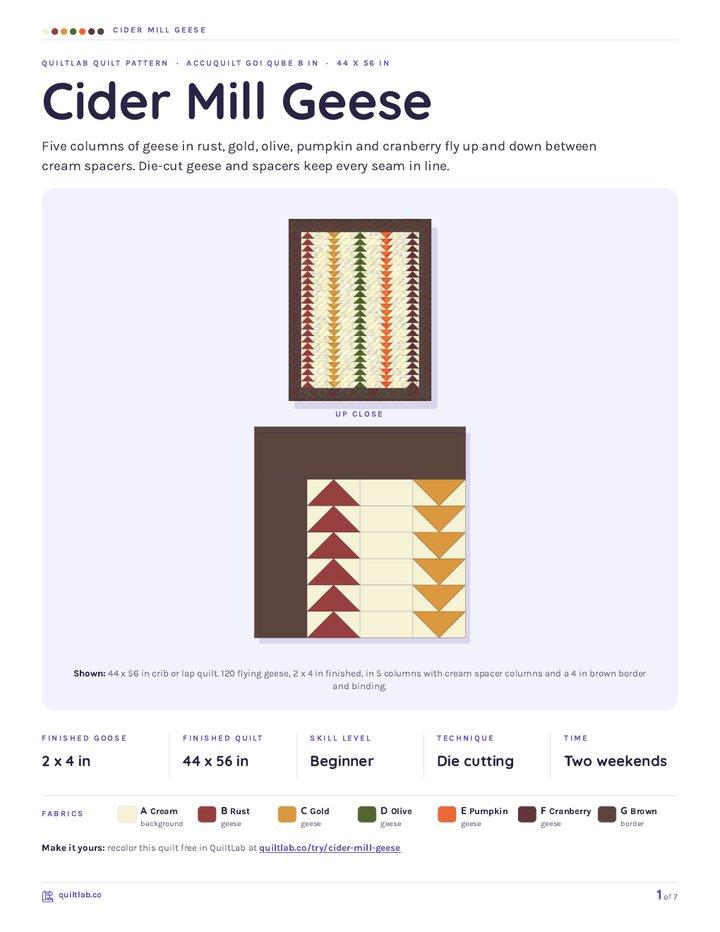
Cider Mill Geese
Quilt patternBeginner · 44 x 56 in crib or lap
Instant Camera Mini
Quilt patternBeginner · 24 x 24 in mini quilt
Plan your next quilt
Lay out blocks and try colors in QuiltLab's grid editor before you cut.
Free forever, no card needed.
Explore photo quilt designGet quilting tips by email
QuiltLab updates, tips and quilting inspiration. Unsubscribe anytime.
Related posts
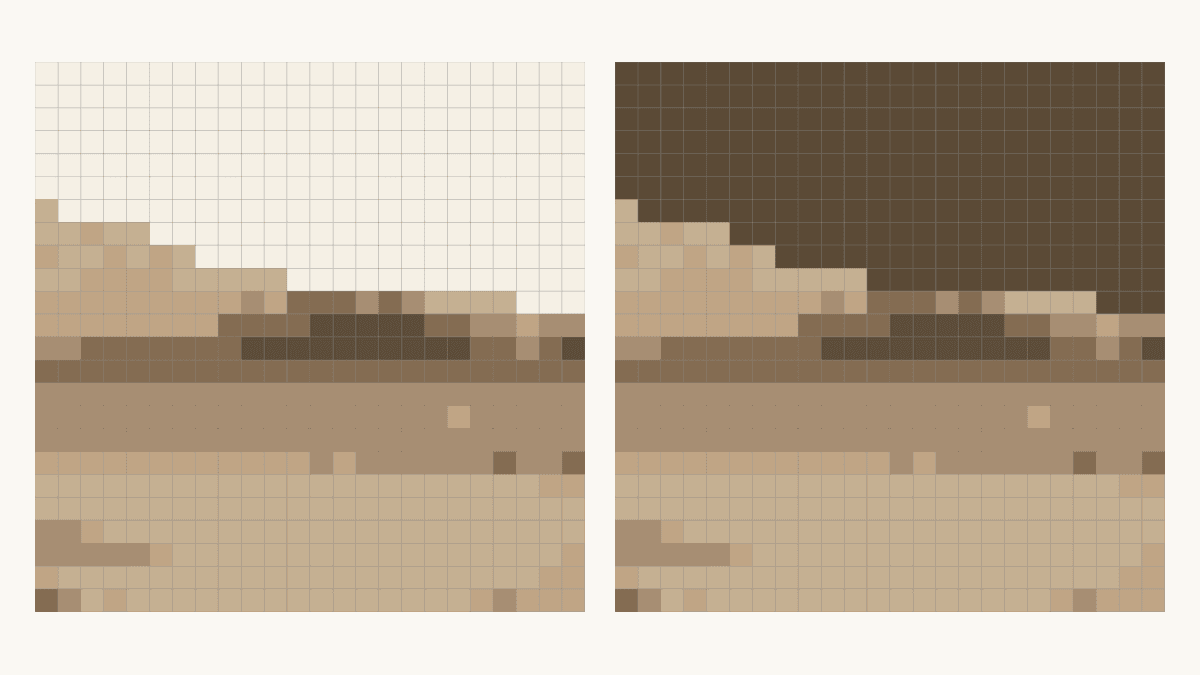
How to Change Photo Quilt Background Contrast
Compare two saved background edits at one fixed grid. Check shared colors, inspect a tree edge and keep the matching PDF guide before choosing cloth.
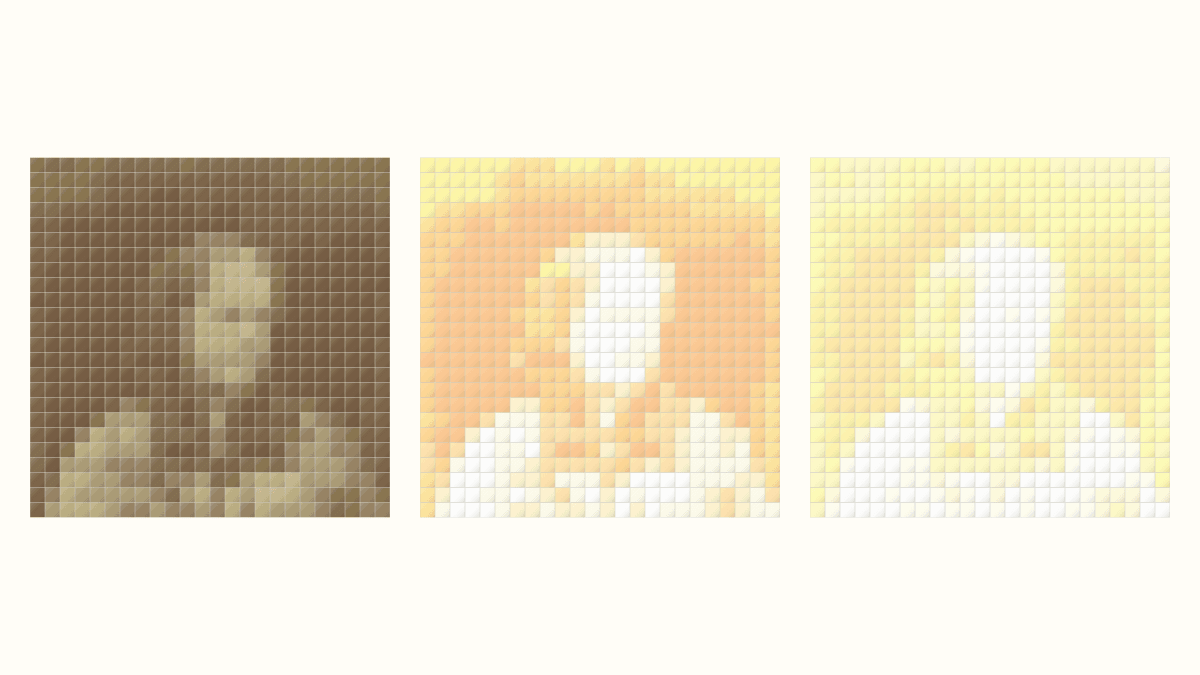
Photo Quilt Contrast: Keep Useful Detail
Compare three source-photo adjustments at one quilt grid. See where highlights disappear and check the applied image before choosing a mosaic.
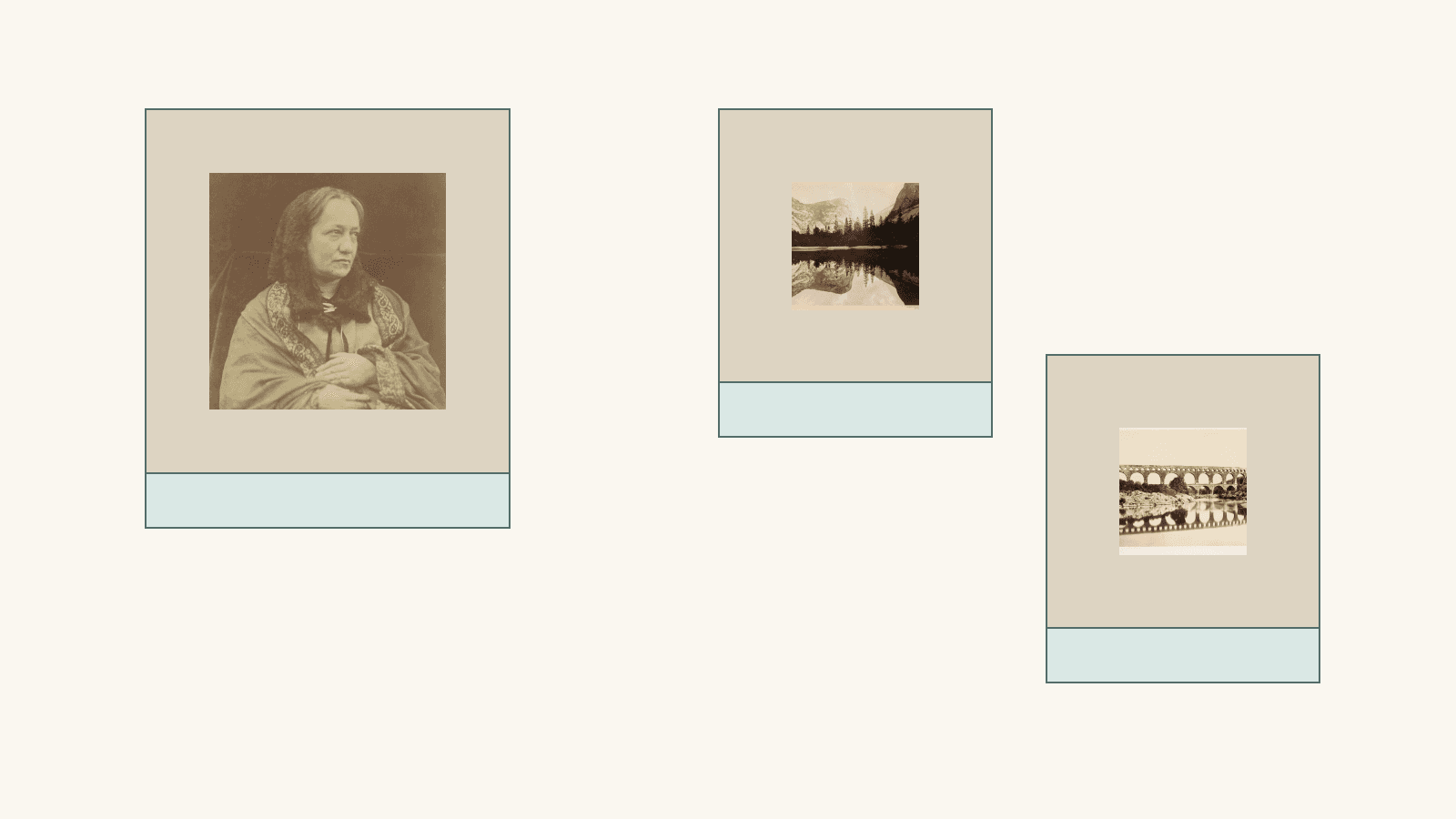
Plan a Printed Photo Memory Quilt Layout
Give one photo room to lead, add separate captions and compare two measured drawings using provider-listed panel sizes.