Pet Photo Quilt Planning: Which Photo Works?
Choose a pet photo that separates the muzzle, ears and important coat markings from the background. Check those features in a simplified preview before choosing fabrics. A clear head outline can survive even when the eyes or expression disappear, so decide which details make the portrait yours.
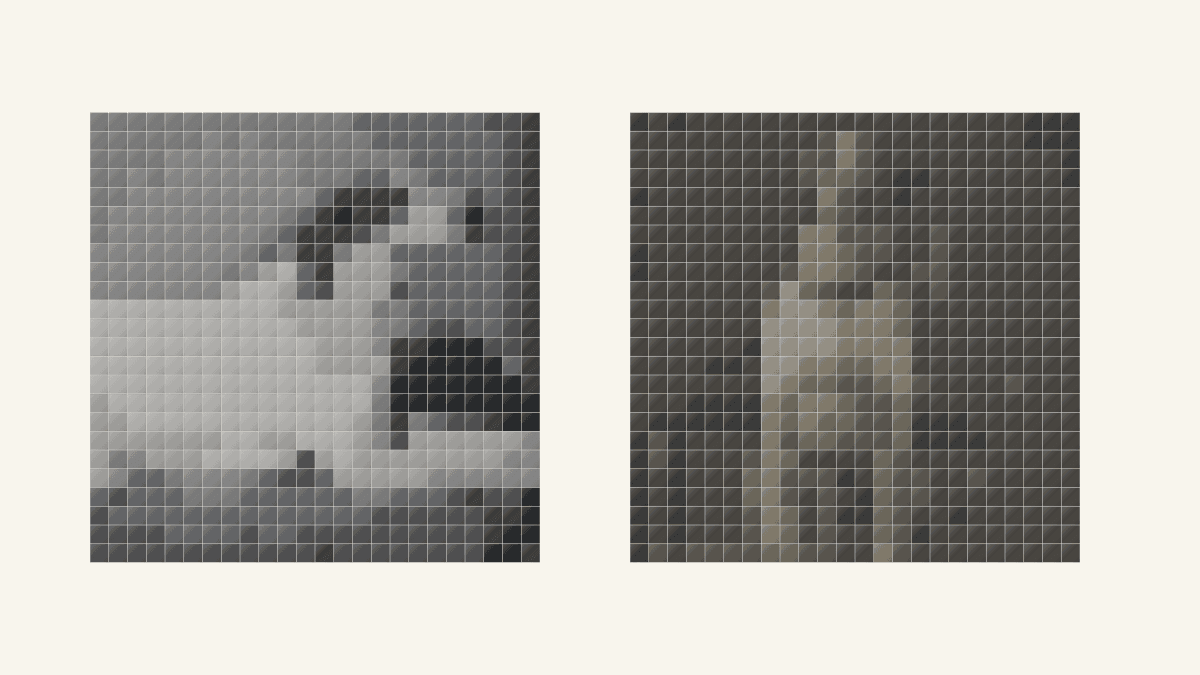
For the two dog photographs below, we would keep the right-facing view for a broad head-and-coat study. We would reject both current previews if the goal were a detailed expression. That is a useful decision to make before committing to hundreds of patches.
Look for coat values before matching fur colors
A white dog needs more than white fabric, and a black dog needs more than black. Look at the shadows around the muzzle and neck, the light on the forehead, and the boundary between an ear and the background.
In Pet Portrait Collage Tutorial - Getting Started, Anne Mathers compares shadows on her white dog with reflections on a black dog's coat. Her altered examples remove those variations to show how facial form becomes flatter. This is collage teaching, but it gives you a useful way to inspect a photograph before reducing it to squares.
Start with one feature you want to keep: a turned muzzle, a pale blaze between darker eyes, or a particular ear shape. Then inspect the neighboring areas that make it visible. A black nose against a dark muzzle may be hard to separate even when the rest of the coat looks bright.
Keep a copy of the original photograph before making changes. Terry Aske's portrait-pattern tutorial recommends preserving that copy, checking light, medium and dark areas, and saving edited versions for comparison. Her pet examples also examine fur direction. Individual hairs may guide a later interpretation even when they cannot become individual squares.
Two real photographs, one 576-patch layout
On October 24, 2026, we made QuiltLab studies from two historical dog photographs in The Metropolitan Museum of Art's collection. These are museum images, rather than photographs of our own pets. Both are marked public domain and available through the museum's Open Access policy.
We used square head-and-upper-body inputs, excluding the surrounding paper or metal mounts. The crops also leave out the Bisson dog's hindquarters and the Anson dog's lower feet. The comparison therefore cannot tell us how a complete body outline would survive.
Each result has a 24-by-24-inch finished field with 1-inch finished squares:
24 rows x 24 columns = 576 patches.
Both use one 24-inch block, Squares, Maximum colors: 8, From the photo, Fidelity and Stretch. Clean up stray patches is Off, and Simplify background is off. The inputs were already square. We saved and reopened the designs, then checked their actual exports and block guides.
The palettes are calculated separately from the photographs. Bisson's result uses eight colors; Anson's uses six. The same maximum does not make their palettes identical. For the setup steps, use our first photo-quilt tutorial and the Quilt Editor guide.
Bisson's dog keeps the turned muzzle and light coat
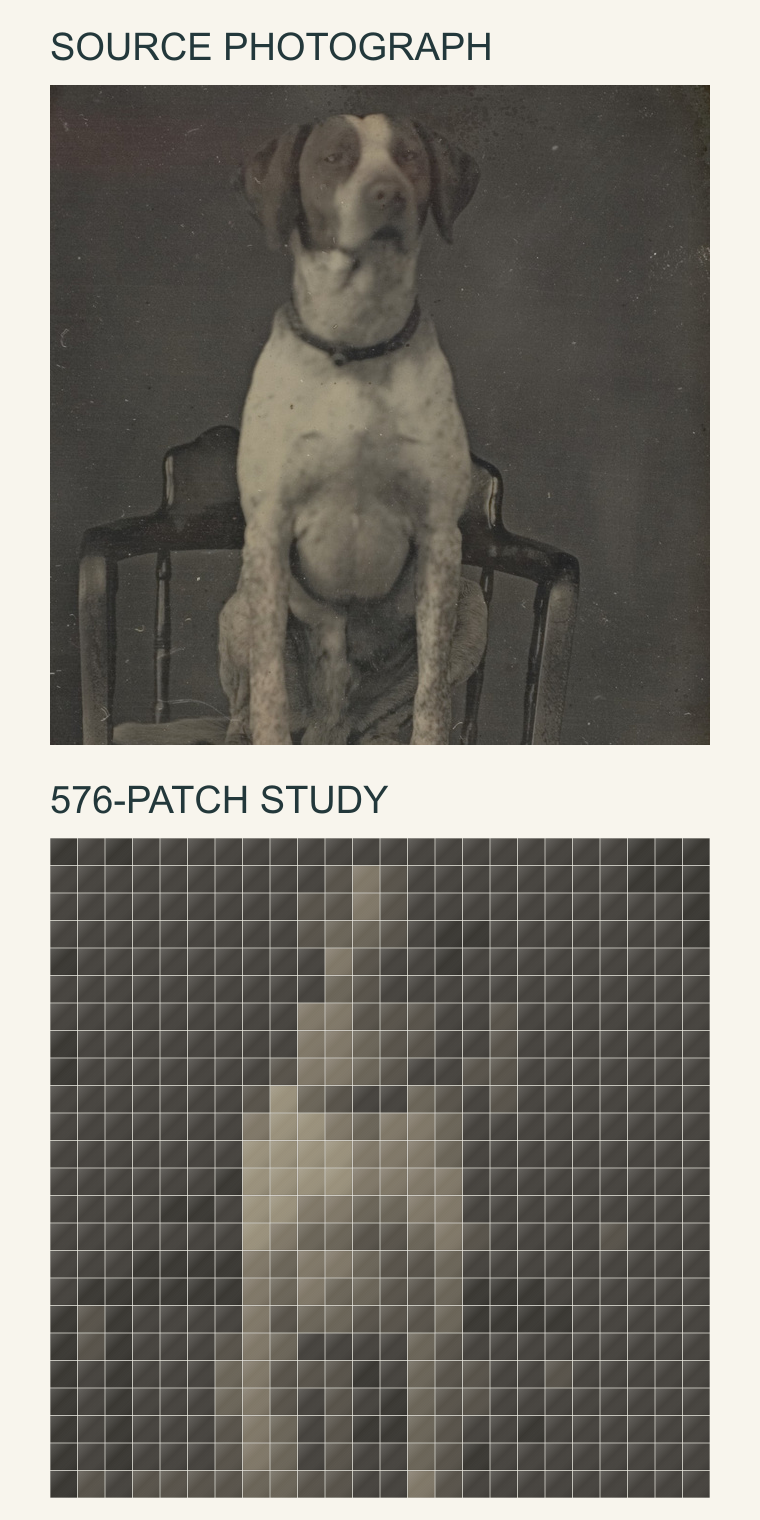
Louis-Auguste Bisson made Dog in 1841-49. The source shows a light-coated dog with darker head areas, a hanging ear and an open mouth. Its cast shadow makes another dark shape beside the foreleg.
In the mosaic, the head still turns right. A dark ear area contrasts with the broad light coat, and lighter muzzle areas sit between dark head and mouth regions. Those relationships give us a starting point for the animal's head and upper body.
The tiny eye highlight and separate teeth do not remain clearly readable. We would keep the preview for its head direction and coat contrast, then look for another source if the eye or open-mouth expression were essential.
The cast shadow also survives as a large dark area. It belongs to the photograph's setting, but competes for attention with the dark parts of the dog. Before accepting a source for your own portrait, check whether a shadow or piece of furniture becomes as strong as the pet's features.
Anson's dog loses the face before it loses the upright shape
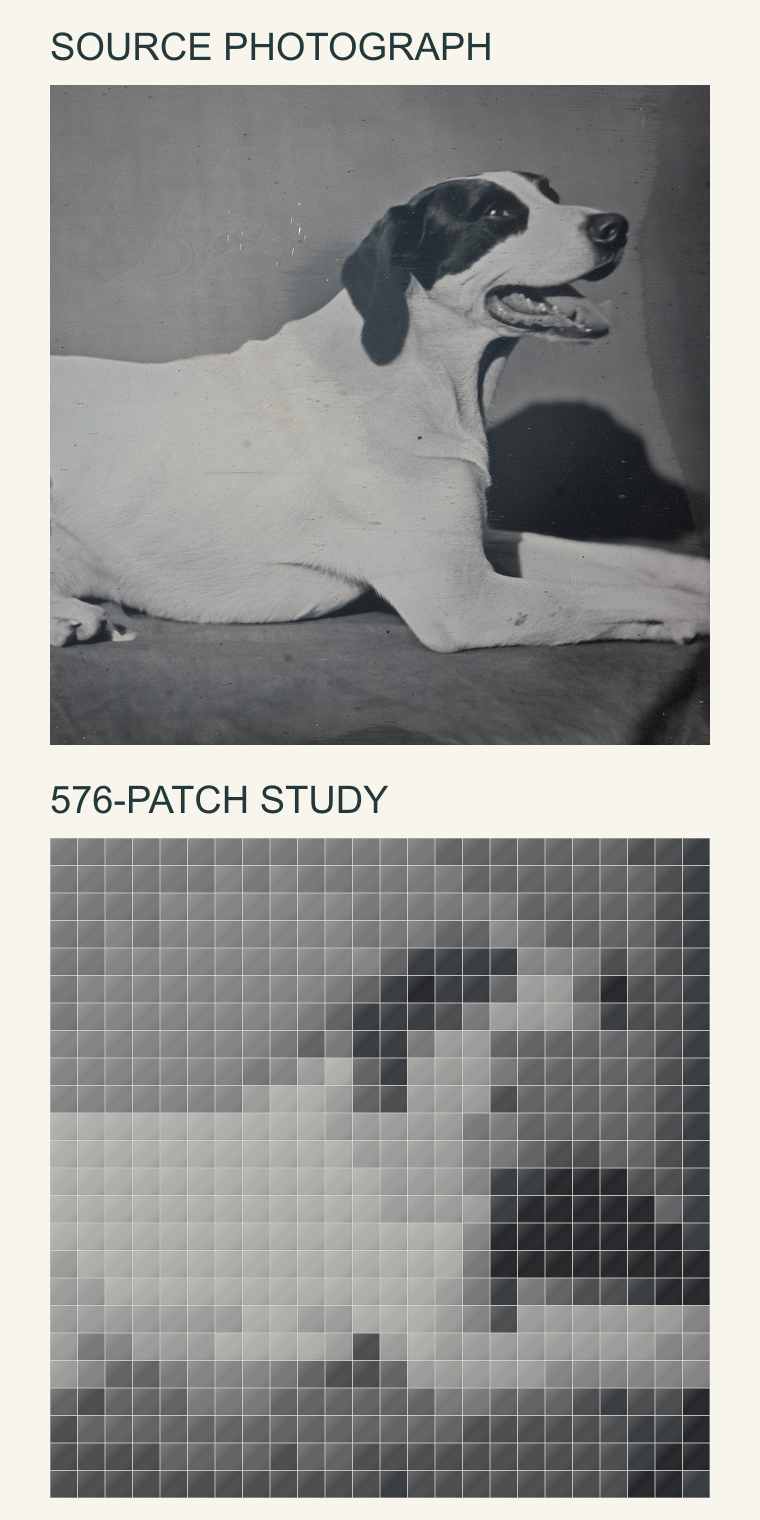
Rufus Anson's Dog Posing for Portrait in Photographer's Studio Chair, made around 1855, shows an upright dog with a pale face stripe, darker ears and a collar. The photographic input is already softer than Bisson's; that difference existed before conversion.
The mosaic keeps a narrow pale area near the top and broader light areas down the chest and legs. The eyes and nose do not read clearly as separate features. The ears, chair and background also blend into the larger dark surroundings.
We would reject this preview for a face-led portrait. Its pale upright shape alone does not preserve enough of the expression we would want to keep. Increasing the number of colors or patches might change the result, but this comparison has not demonstrated a setting that recovers it.
The most common output color occupies 368 of 576 patches, or about 64%. That count covers regions across the image; it is not a measurement of how much background or dog is present. You still need to inspect where the colors meet. Six entries in the key do not promise six useful distinctions around the face.
Make a feature check before accepting the picture
Use the same questions for each candidate rather than choosing by the number of colors it produces.
| Check | Bisson preview | Anson preview |
|---|---|---|
| Head direction | Right-facing muzzle remains | Small pale head area remains |
| Eyes and expression | Fine eye and teeth detail lost | Eyes and nose unresolved |
| Coat and surroundings | Light coat, dark ear and strong cast shadow | Pale upright areas; dark ears and chair blend |
Put the source beside the preview and record three things: what remains, what is lost and whether the result meets your goal. For Bisson's dog, our record is "right-facing muzzle and light coat remain; fine eye detail and separate teeth are lost; keep for a broad head-and-coat study, reject for a detailed expression."
Then look at the preview alone. If you can only find an eye because you remember where it was, keep that uncertainty in the record. Your pet's distinctive feature may lead you to a different decision.
Try another photograph before treating more patches as the answer. Different lighting, a clearer muzzle boundary or less furniture may give you a stronger starting picture. These two studies do not isolate pose, coat color or sharpness; all of those differ between the sources.
Once you have a useful preview, compare the actual fabrics that will touch around the muzzle and ears. The grayscale value check explains how to photograph a fabric group and inspect neighboring values. A screen palette is a planning aid; the cloth still has to keep those boundaries visible.
Keep the source, chosen preview and your feature notes together. If preserving the photographic expression matters more than interpreting it as squares, the photo-quilt ideas guide also covers printed photo blocks. Choose the picture and method that keep the part of your pet you most want to remember.
Free patterns to try
Printable PDF patterns with cutting charts and diagrams, free to download.
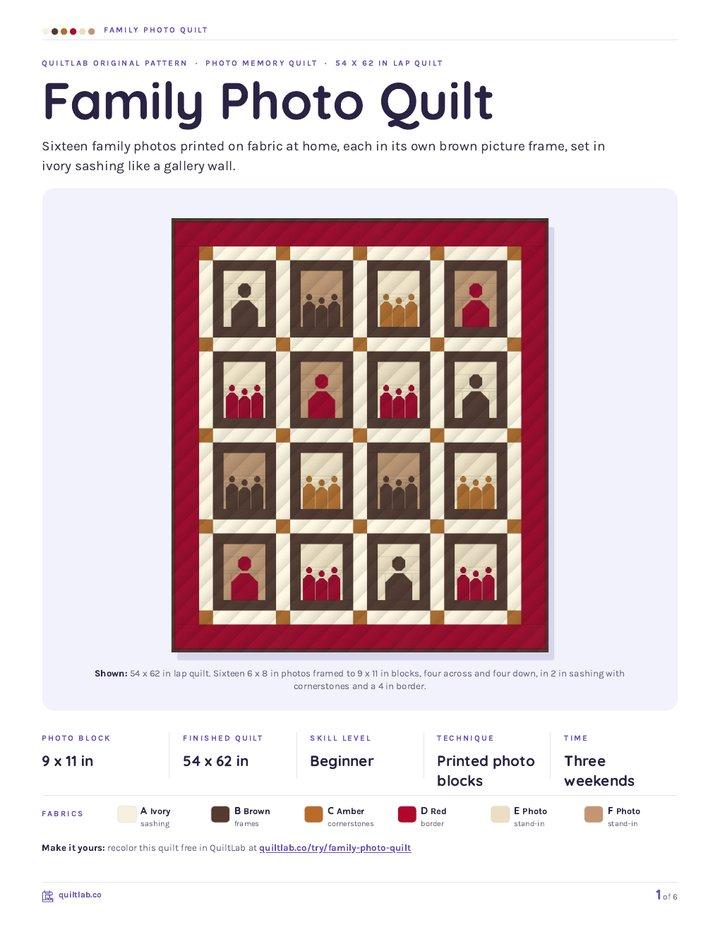
Family Photo Quilt
Quilt patternBeginner · 54 x 62 in lap quilt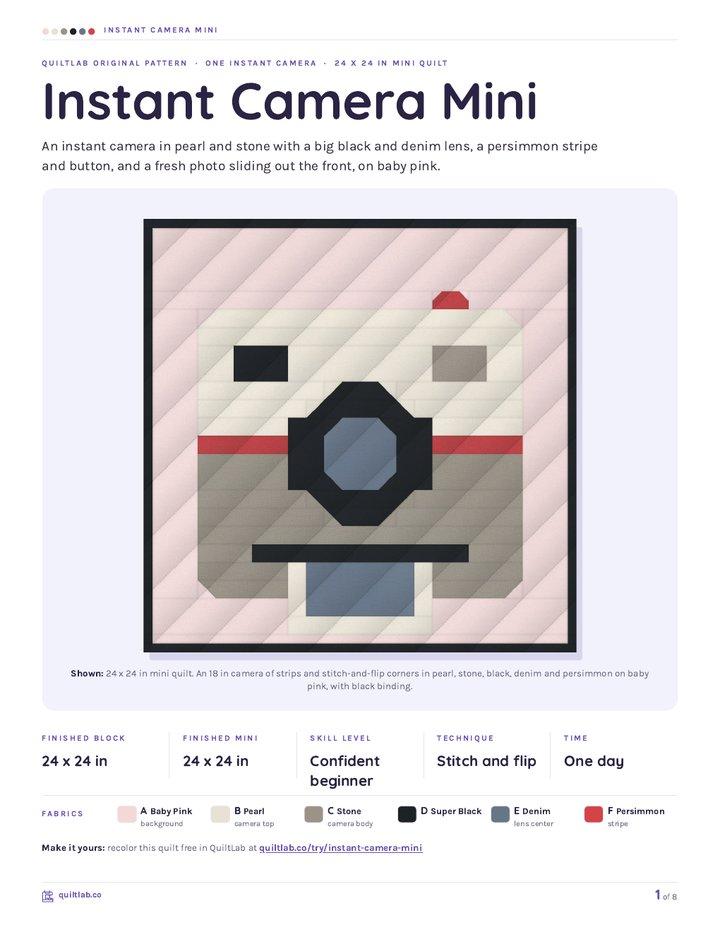
Instant Camera Mini
Quilt patternBeginner · 24 x 24 in mini quilt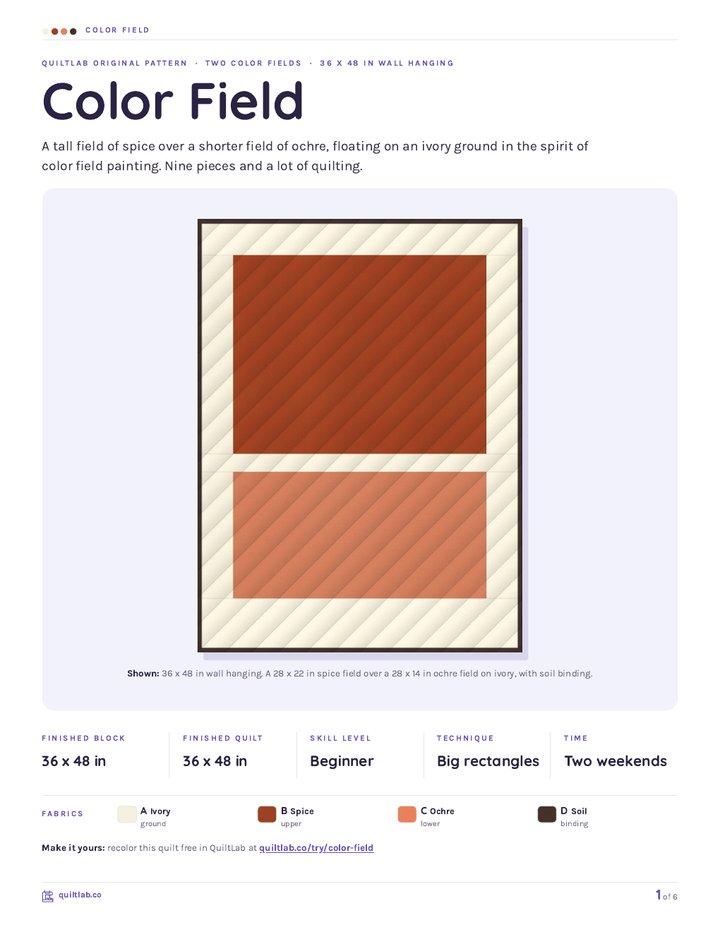
Color Field
Quilt patternBeginner · 36 x 48 in wall quilt
Plan your next quilt
Lay out blocks and try colors in QuiltLab's grid editor before you cut.
Free forever, no card needed.
Explore photo quilt designGet quilting tips by email
QuiltLab updates, tips and quilting inspiration. Unsubscribe anytime.
Related posts
How to Change Photo Quilt Background Contrast
Compare two saved background edits at one fixed grid. Check shared colors, inspect a tree edge and keep the matching PDF guide before choosing cloth.
Photo Quilt Contrast: Keep Useful Detail
Compare three source-photo adjustments at one quilt grid. See where highlights disappear and check the applied image before choosing a mosaic.
Plan a Printed Photo Memory Quilt Layout
Give one photo room to lead, add separate captions and compare two measured drawings using provider-listed panel sizes.